
Your impact screen colour and your projector are one decision, not two
Grey screens absorb around 40% more ambient light, which is why they look so much better in a garage. They also swallow your projector's output — so choosing grey and then buying a mid-brightness projector gives you a worse picture than white would have.
By Marcus Bell · Simulator & Indoor Golf Writer
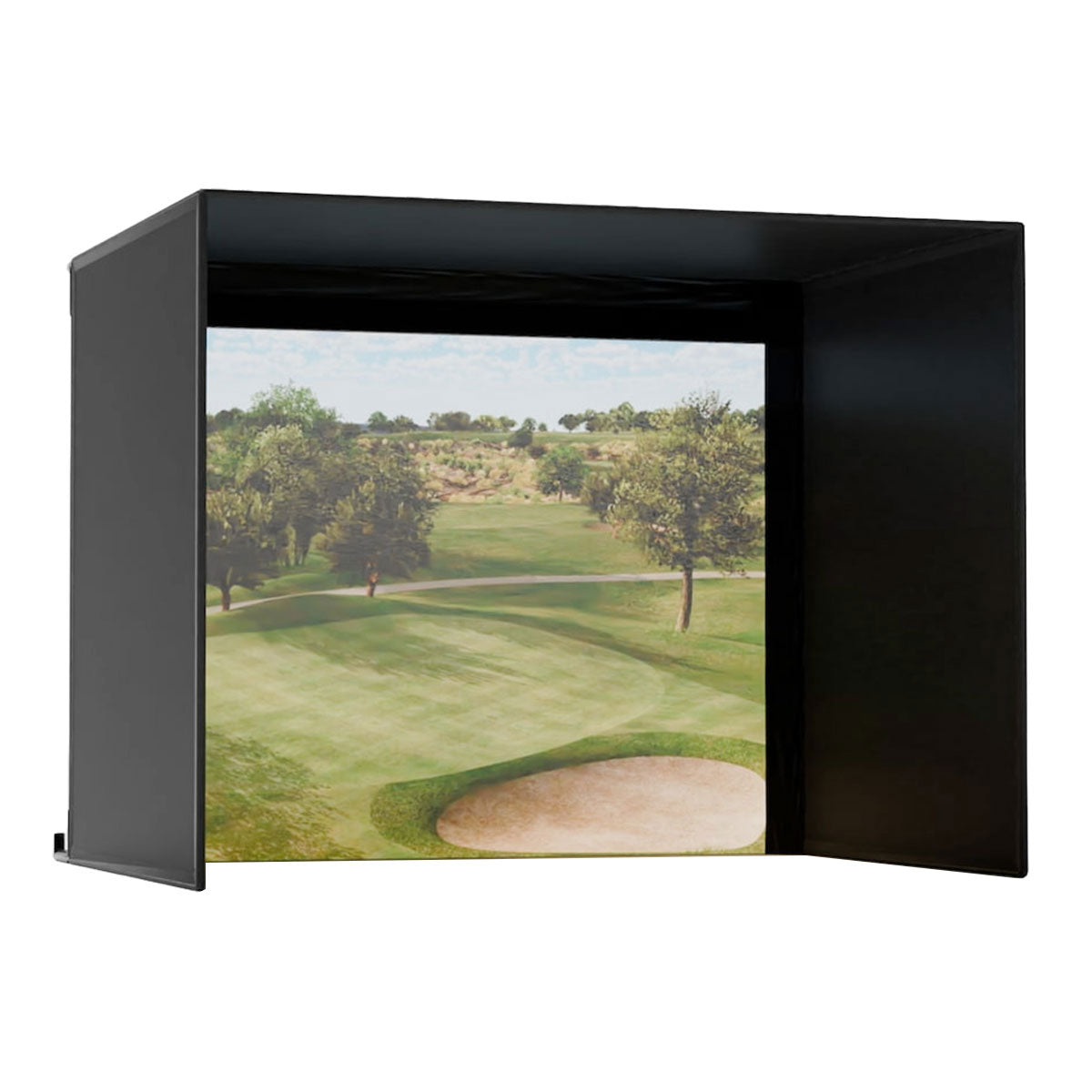
Carl's Place
Carl's Place Pro Enclosure Kit
ifrothgolf earns a commission on purchases made through these links, at no extra cost to you. It never changes what I recommend. Full disclosure.
Most sim builds pick a projector on lumens, then pick a screen on whatever the retailer offers, and treat them as separate purchases. They aren't. Screen colour and projector brightness are a single coupled decision, and getting the pairing wrong is the most common reason a build with good components produces a mediocre picture. The short version: grey needs light, white needs darkness, and choosing one without the other is how people end up disappointed by a projector that was never the problem.
What a grey screen actually does
A white screen reflects everything that hits it. In a properly dark room that's ideal — every lumen your projector produces comes back at you. The trouble is it can't distinguish between light from the projector and light from the window, the strip light or the open garage door, so all of it bounces back and the black areas of the image turn grey. That's what washout is: not a dim picture, but a picture with no contrast.
A grey screen absorbs rather than reflects, and independent comparisons put that at roughly 40% more ambient light absorbed than white. Because it's swallowing the stray light, blacks stay black and colours look richer — testing by MyGolfSpy found a grey screen produced visibly sharper, more vibrant colour than white under identical lighting. In a garage, a basement with a window, or any room that doubles as something else, grey is transformative.
The catch, which is the whole article
A screen absorbing ambient light cannot tell the difference between ambient light and your projector's light either. It absorbs both. So grey costs you brightness, and the rule of thumb across the industry is that a grey screen wants roughly 4,000 lumens or more to feed it properly. Below that you've bought better contrast and paid for it in a dim, lifeless image — which is worse than the washout you were trying to fix.
This is where builds go wrong. Someone reads that grey is better, orders grey, then pairs it with a well-reviewed 3,000-lumen projector and can't work out why the picture looks flat. The projector is fine. The pairing isn't. In a fully dark room, that same 3,000-lumen unit on a white screen will out-perform grey comfortably.
So pick in this order
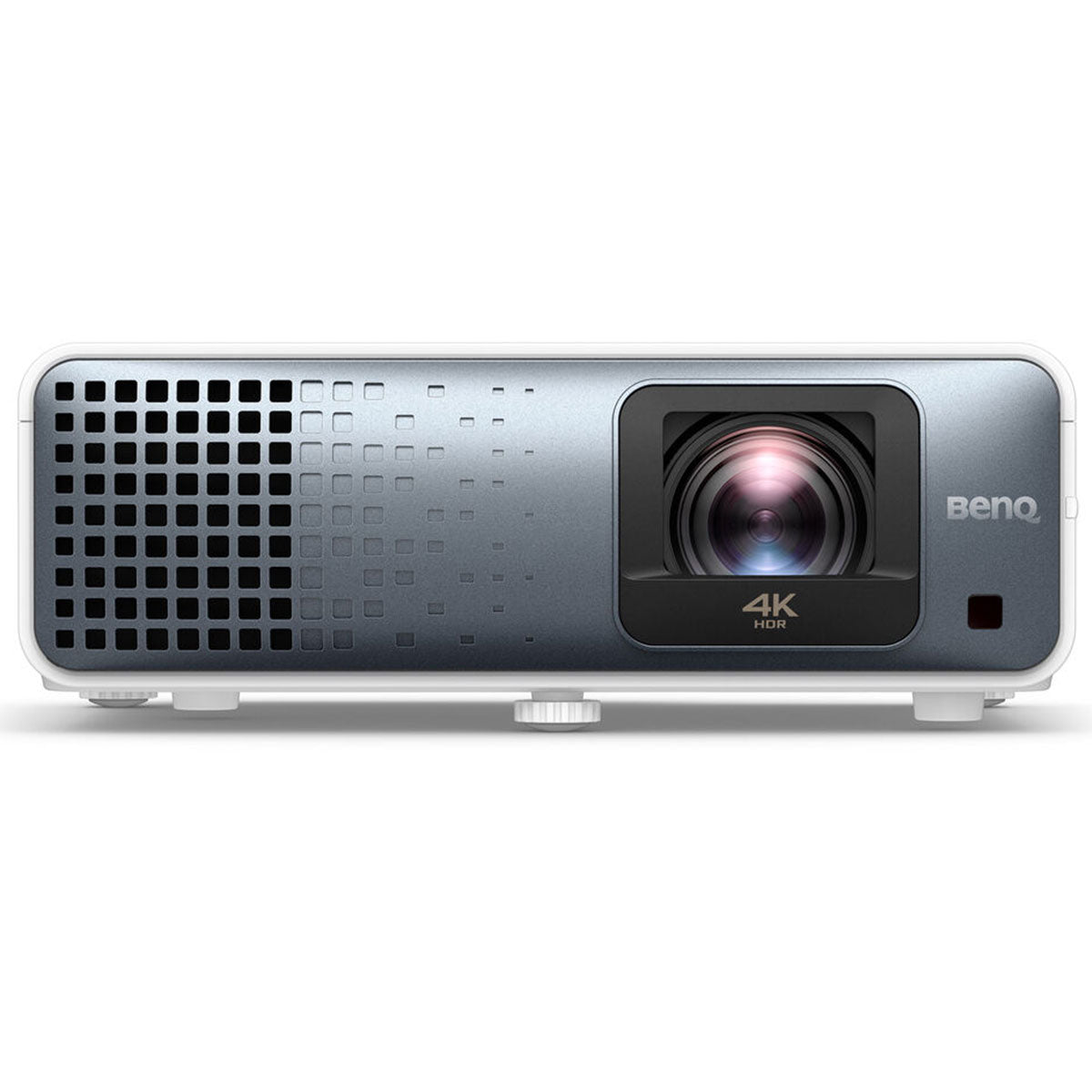
Start with the room, honestly. Not how dark it could be with effort — how dark it will actually be on a Tuesday in January when you've got twenty minutes. If you can genuinely black it out, or the enclosure is deep enough to shade the screen, choose white and buy your projector on the usual criteria. Something like the BenQ TK710STi at 3,200 lumens is more than enough, and you'll get a bright, punchy image without top-tier spend.
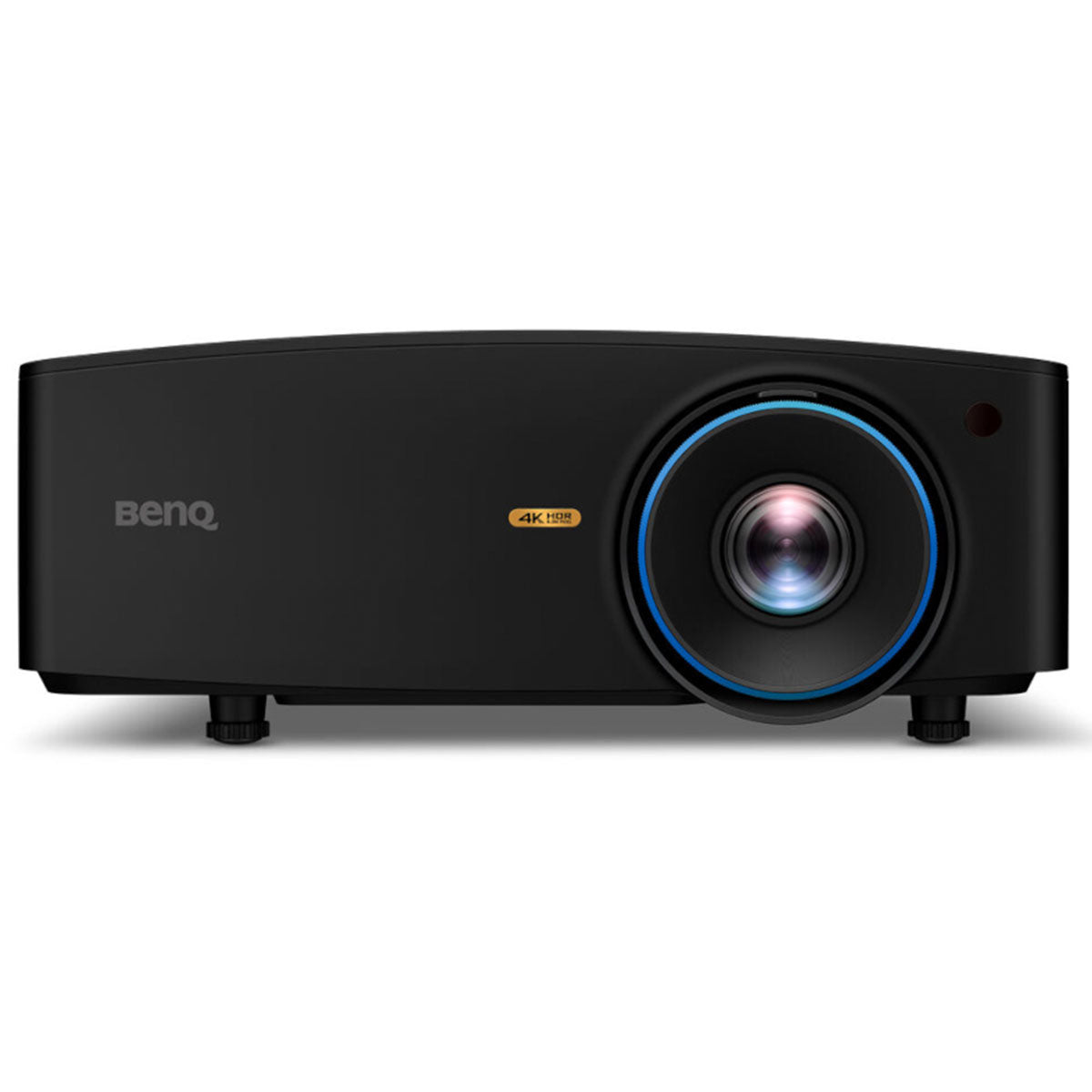
If the room has a window, rooflights, or lighting you can't fully kill — which is most garages — choose grey, then budget for the brightness it demands. That's the point at which a 5,100-lumen unit like the LK936ST stops being extravagant and starts being the specification. It's a lot of money, and it's the honest cost of the grey route. Anyone selling you grey without mentioning the lumen requirement has sold you half a system.
The third option people forget
There's a cheaper move than either: fix the light. Blackout blinds on one window, or swapping a bright overhead for directional lighting behind the hitting position, can move a room from 'ambient' to 'controlled' for a fraction of what the brightness upgrade costs — and then white plus a mid-range projector gives you the best picture of all three routes. Light control is the least glamorous line on a sim budget and reliably the best value.
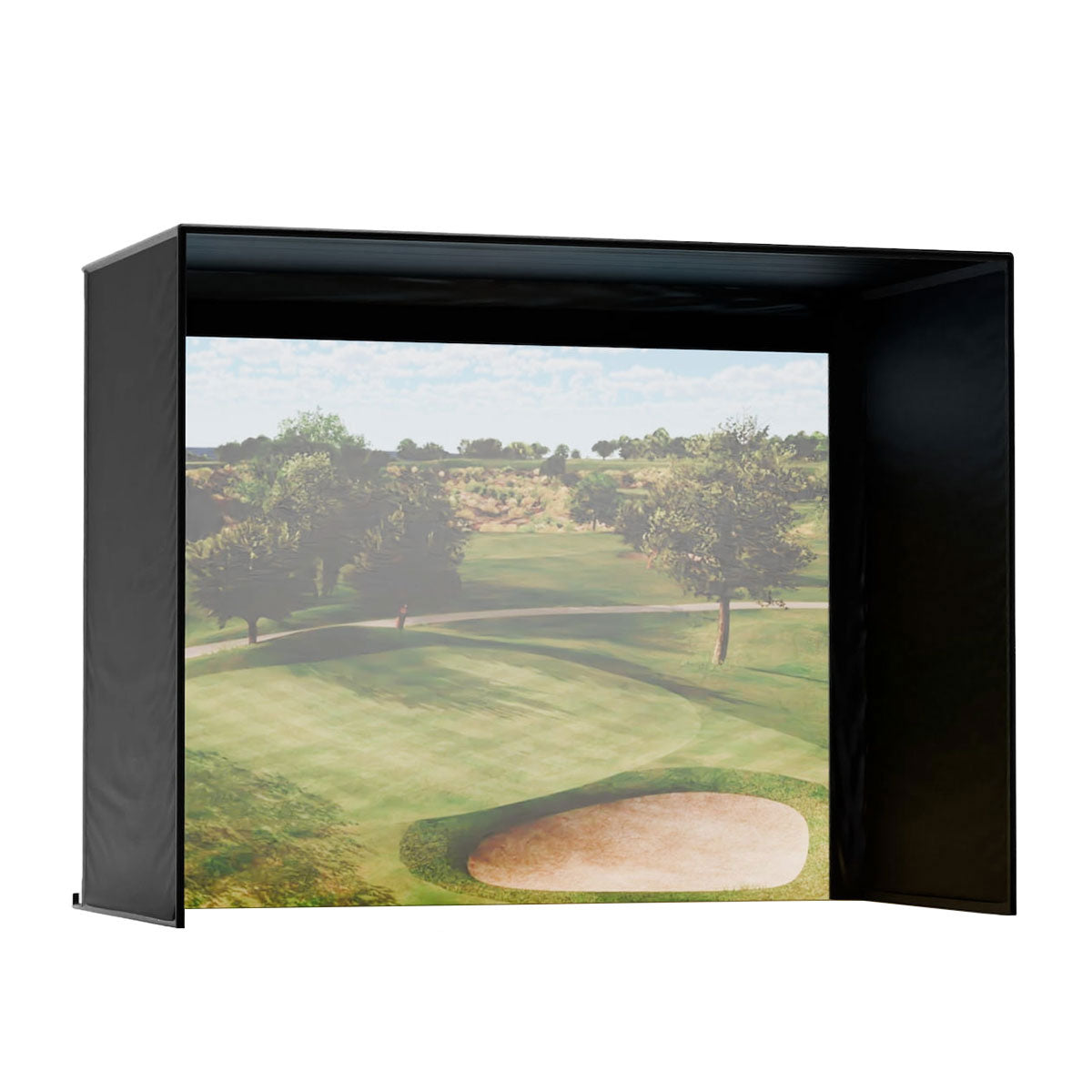
Whichever way you go, the Carl's Place Pro kit offers both screen colours in the same enclosure, which is the sensible way to buy: you're choosing the surface to suit your room rather than accepting whatever came in the box. The DIY version gives you the identical screen technology if you'd rather build the frame yourself.
The one-line rule
White in the dark, grey in the light — and if you choose grey, buy the lumens to feed it. Get that pairing right with mid-range components and your picture will beat a badly-paired premium build every time. Our complete home sim guide covers the rest of the parts in the order that matters, and the sim build planner will cost the whole room against your actual dimensions.
Products mentioned in this article
Carl's Place
Carl's Place Pro Enclosure Kit
Offers both screen colours — pick on your room's light, not your taste.
ifrothgolf earns a commission on purchases made through these links, at no extra cost to you. It never changes what I recommend. Full disclosure.
Frequently asked
- Should I get a grey or white golf simulator impact screen?
- Grey if your room has ambient light you cannot control — a garage, a basement with a window, a multipurpose space. White if you can genuinely darken the room, because it reflects every lumen back at you and will look brighter and punchier than grey under the same projector.
- Do grey impact screens need a brighter projector?
- Yes. A grey screen absorbs ambient light and your projector's light alike, so the general guidance is around 4,000 lumens or more to feed it properly. Pairing grey with a 3,000-lumen projector typically produces a flat, dim picture that is worse than white would have been.
- Why does my golf simulator picture look washed out?
- Usually ambient light hitting a white screen, which reflects it back along with the projected image and lifts the blacks to grey. The fix is either better light control in the room or a grey screen paired with a brighter projector — not, in most cases, a different projector alone.
- How many lumens do I need for a golf simulator?
- It depends entirely on the screen. Around 3,000 lumens is comfortable on a white screen in a controlled dark room. Behind a grey screen you want roughly 4,000 or more. Quoting a lumen figure without naming the screen colour is meaningless.
- What is the cheapest way to improve a simulator picture?
- Controlling the room's light. Blackout blinds on a window or moving a bright overhead to directional lighting behind the hitting position costs a fraction of a brighter projector or a screen swap, and it lets you use a white screen with a mid-range projector — which produces the best image of all the options.
Read next
Versus
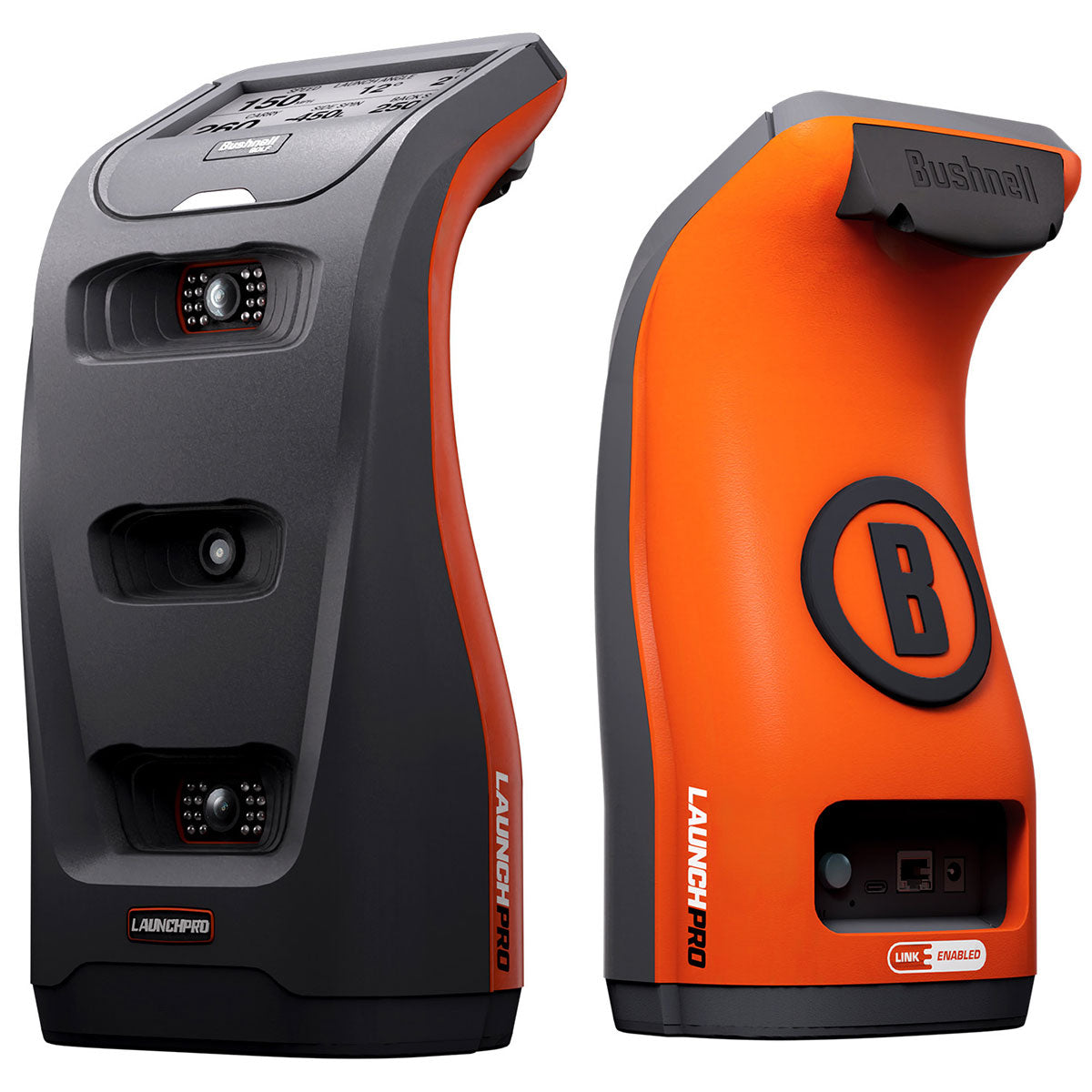
Launch Pro vs SkyTrak ST MAX: the subscription decides it
Two of the most-recommended home-sim units, about $1,000 apart on the sticker. Run the software costs for three years and the gap gets much wider — in one specific direction.
Explained
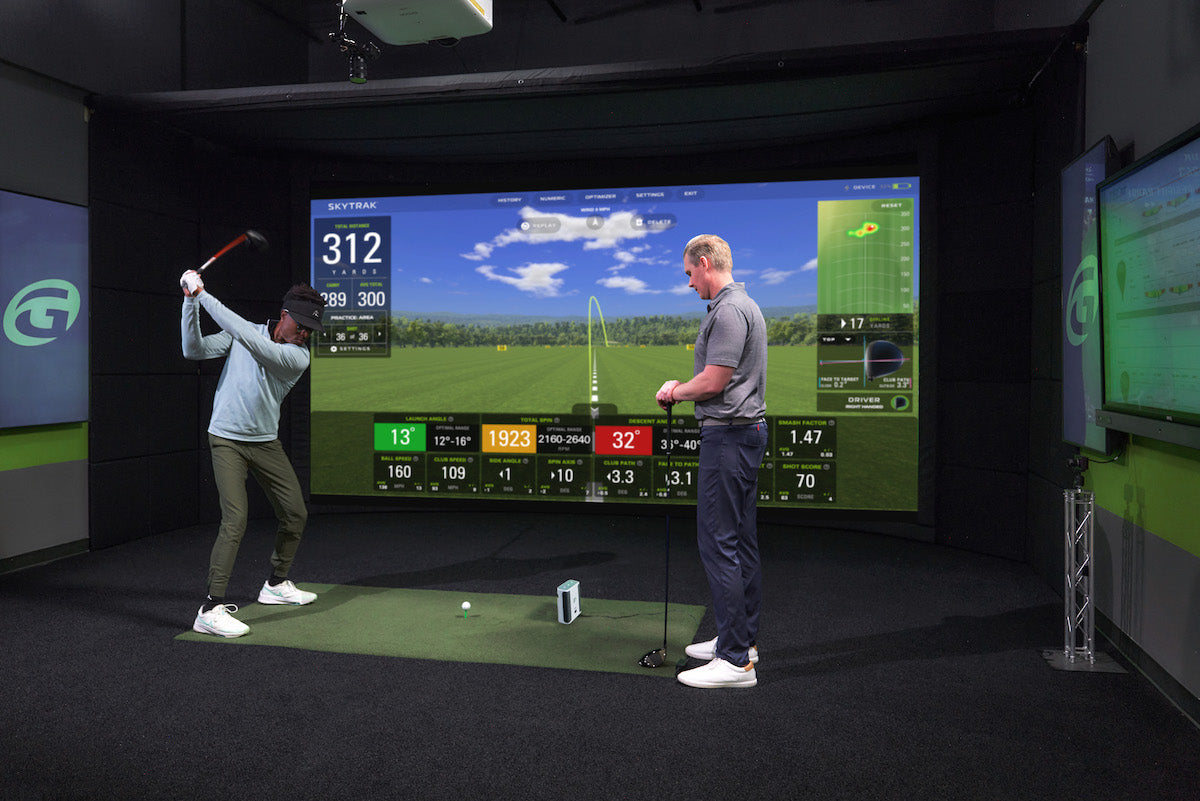
The four home golf simulators: what each budget threshold actually unlocks
Spend twice as much and you don't get twice the simulator — you cross into a different kind of room. Here's what genuinely changes at each tier, and the exact point where more money stops buying you more golf.
Opinion
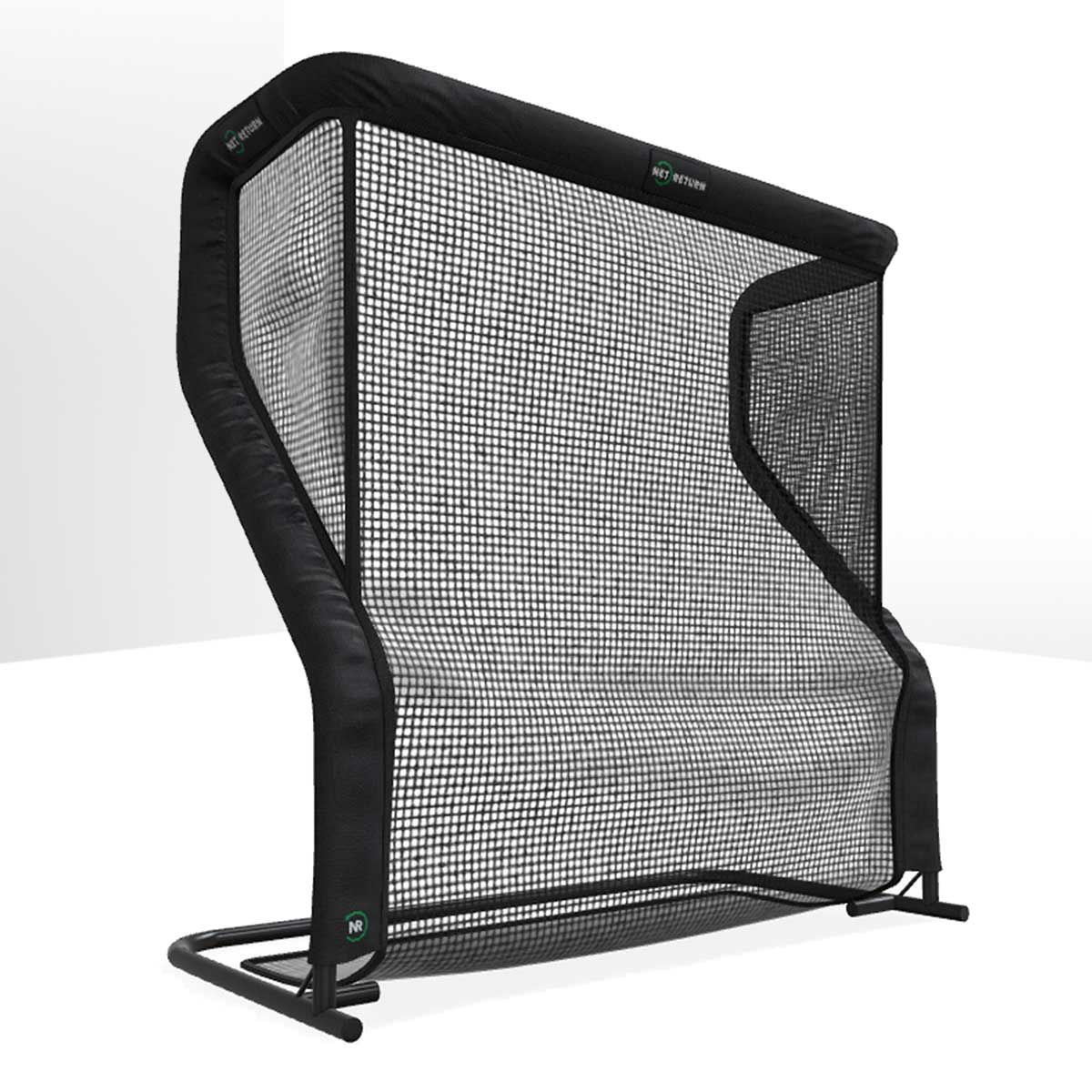
Your garage practice doesn't die in February because you lost motivation
It dies because of a small, stupid, entirely fixable thing: bending down. Twenty minutes of home practice contains about four minutes of golf and sixteen of picking balls up — and that ratio, not your willpower, is what kills the habit.