
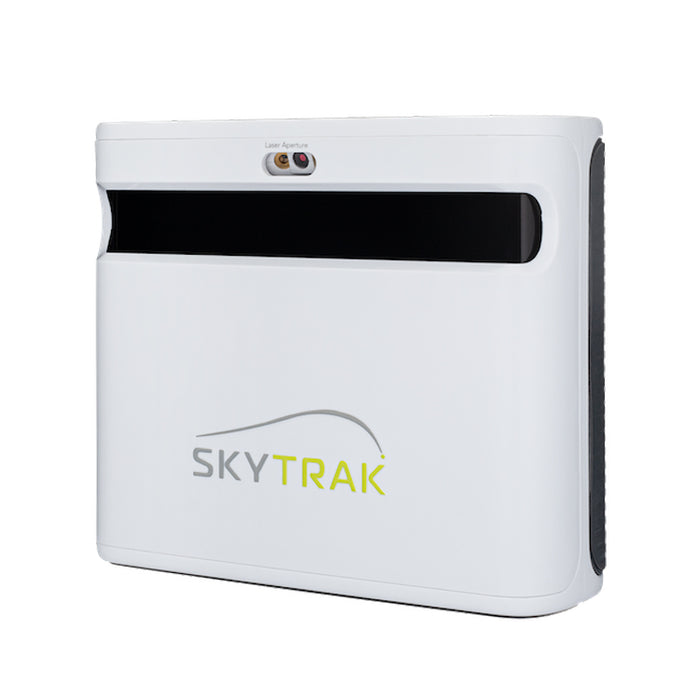
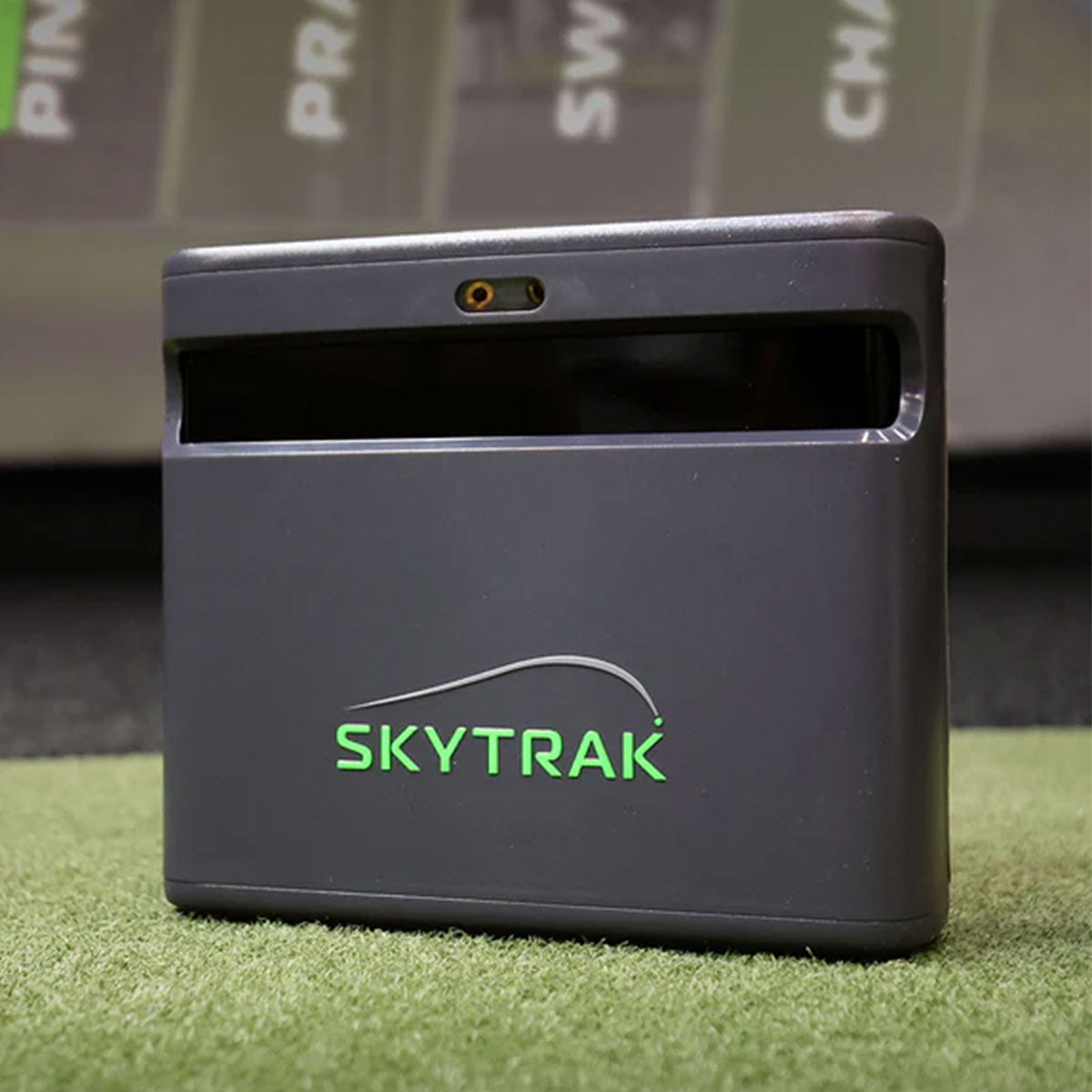
SkyTrak has spent a decade as the answer to "what launch monitor should I put in my garage?", and the ST MAX is the version that stops feeling like a compromise. It reads 15 performance metrics, adds GOLFTEC-powered speed training — structured overspeed work with real measurement behind it, rather than a number you squint at — and gains dual USB connectivity, which sounds dull until you've spent an evening fighting a single flaky cable mid-round. Software is where SkyTrak still wins: the 2026 membership tiers bundle Foresight and Trackman course play, and crucially you can run those on a compatible Mac or iPad rather than building a gaming PC, which knocks a four-figure hidden cost out of the project. The honest framing: the cheaper SkyTrak+ shares most of the core hardware and gives up the speed training and the extra port, so if you're building a pure course-play sim rather than a practice room, the saving is real and worth taking.
The Complete Home Golf Simulator Setup
Every part of a home sim, explained and priced — from a garage bay to a dream room.
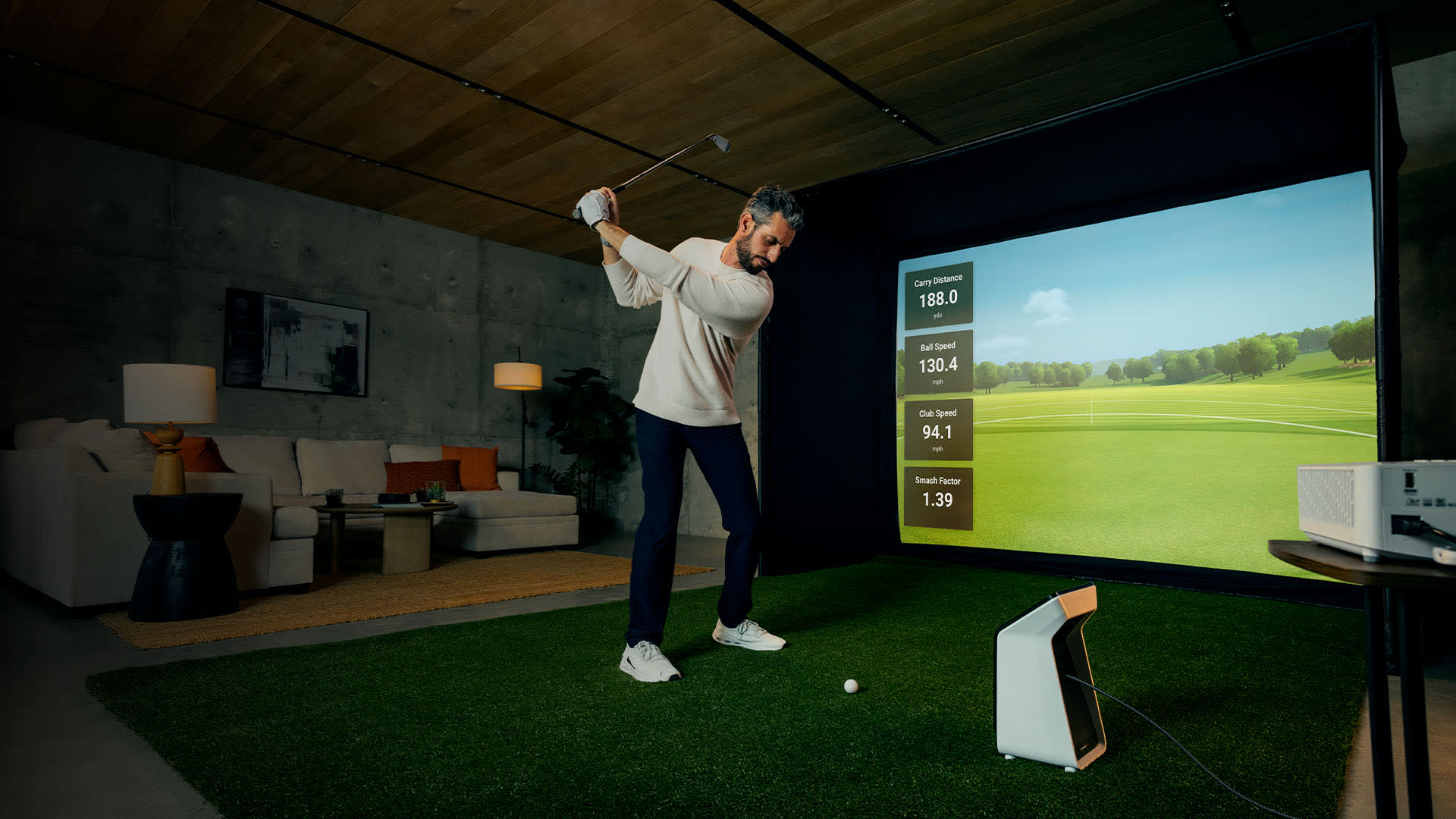
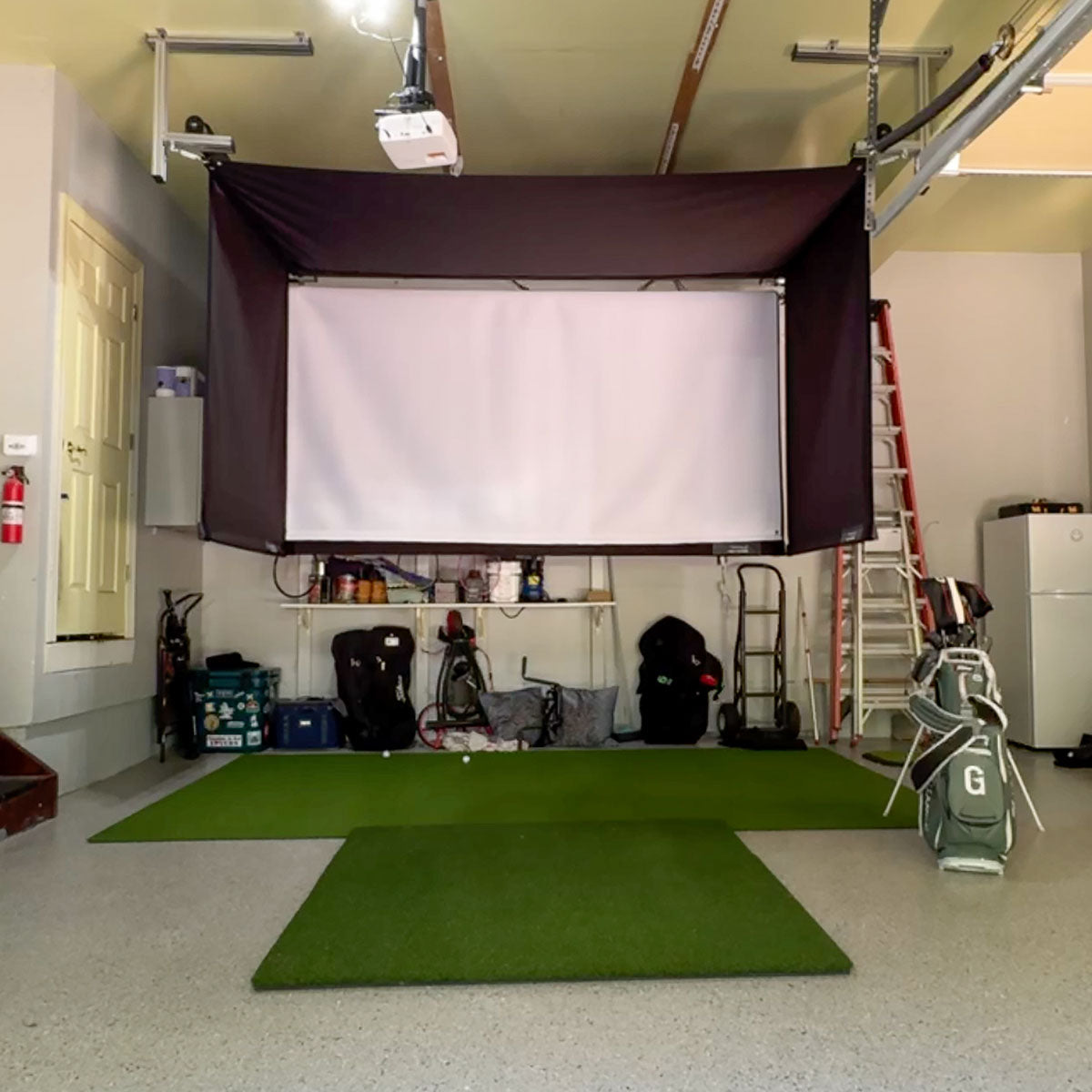
A home golf simulator is really six decisions, not one purchase: a launch monitor (the brain that reads your ball and club), simulator software (the courses), something to hit into (a net or a framed enclosure and screen), a projector (the picture), a hitting mat (what you feel on every swing), and the floor. Get the order and the matching right and you build a room you'll use every dark evening; get them wrong and you overspend on the parts that don't matter and starve the ones that do. The pairing that catches people out is the launch monitor and the software — our compatibility matrix shows which combinations actually work, and what each one costs before you can play. This is our full cut of the gear that's genuinely worth it, across every budget.
Start with the room, not the wallet — it caps everything. The single most common and expensive mistake is buying a radar launch monitor for a shallow space: radar needs roughly sixteen feet of ball flight to read straight, while a camera (photometric) unit reads the strike itself and thrives in a tight garage. Measure your ceiling, depth and width first, then buy the technology your space can actually feed. Our free Sim Room Architect tool turns your exact dimensions and budget into a fitted, costed build in a minute, and it won't recommend a unit your room can't use.
Spend where you feel it. The launch monitor and the mat are the two parts you rely on every single session, so they earn the biggest share of the budget — a trustworthy unit like the SkyTrak ST MAX and a joint-friendly mat like the SIGPRO Softy or Fiberbuilt Player Preferred pay you back over years. The screen and projector are what make it cinematic, but a net-and-numbers bay improves your golf exactly as much as the projected version, so add the enclosure, a 4K short-throw projector and the turf once the essentials are sorted. Whatever tier you build, buy for the golf you'll actually play, not the photos. If the room is permanent and the budget is real, the premium launch monitors shelf covers the overhead-mounted tier that clears your floor entirely.
ifrothgolf earns a commission on purchases made through these links, at no extra cost to you. It never changes what I recommend. Full disclosure.
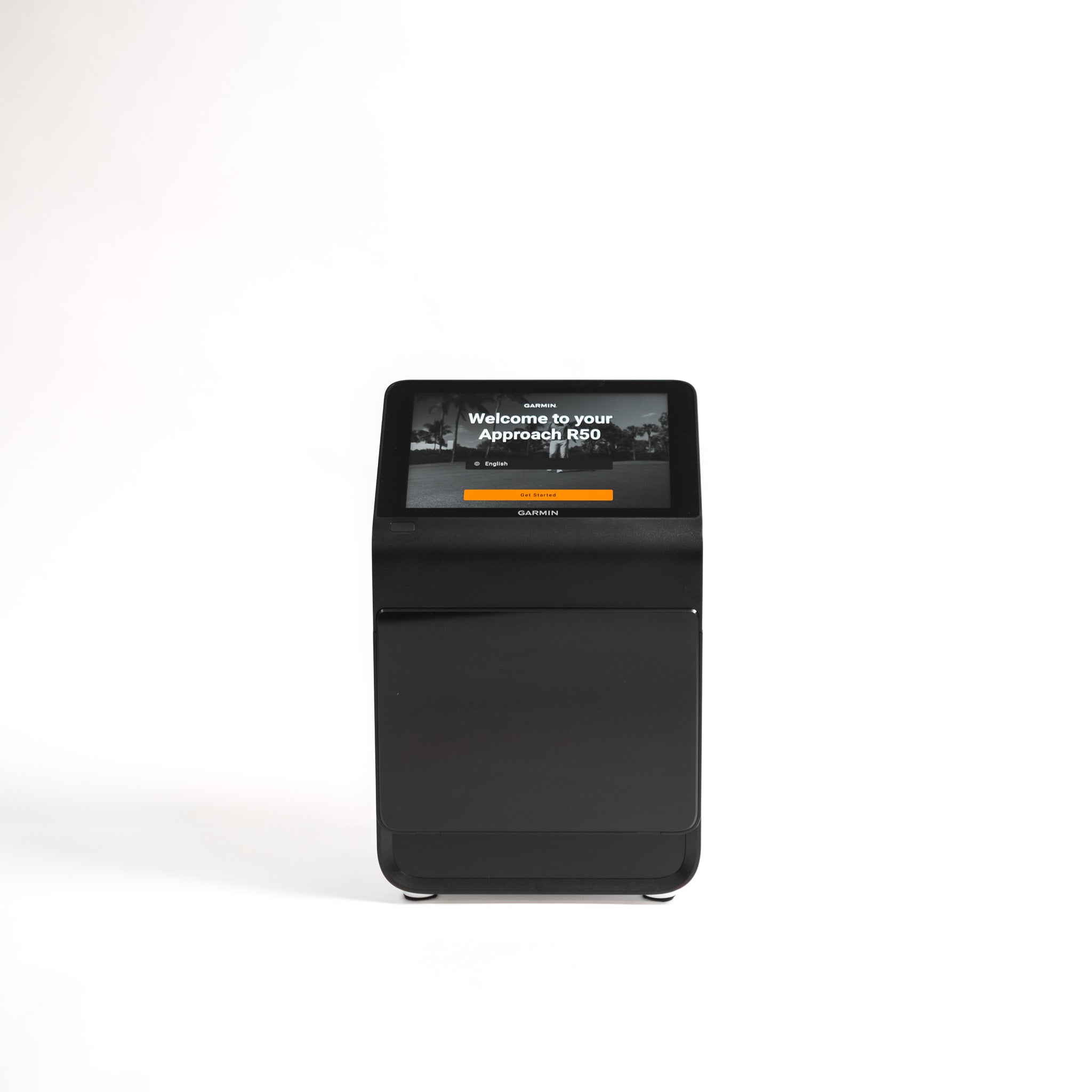
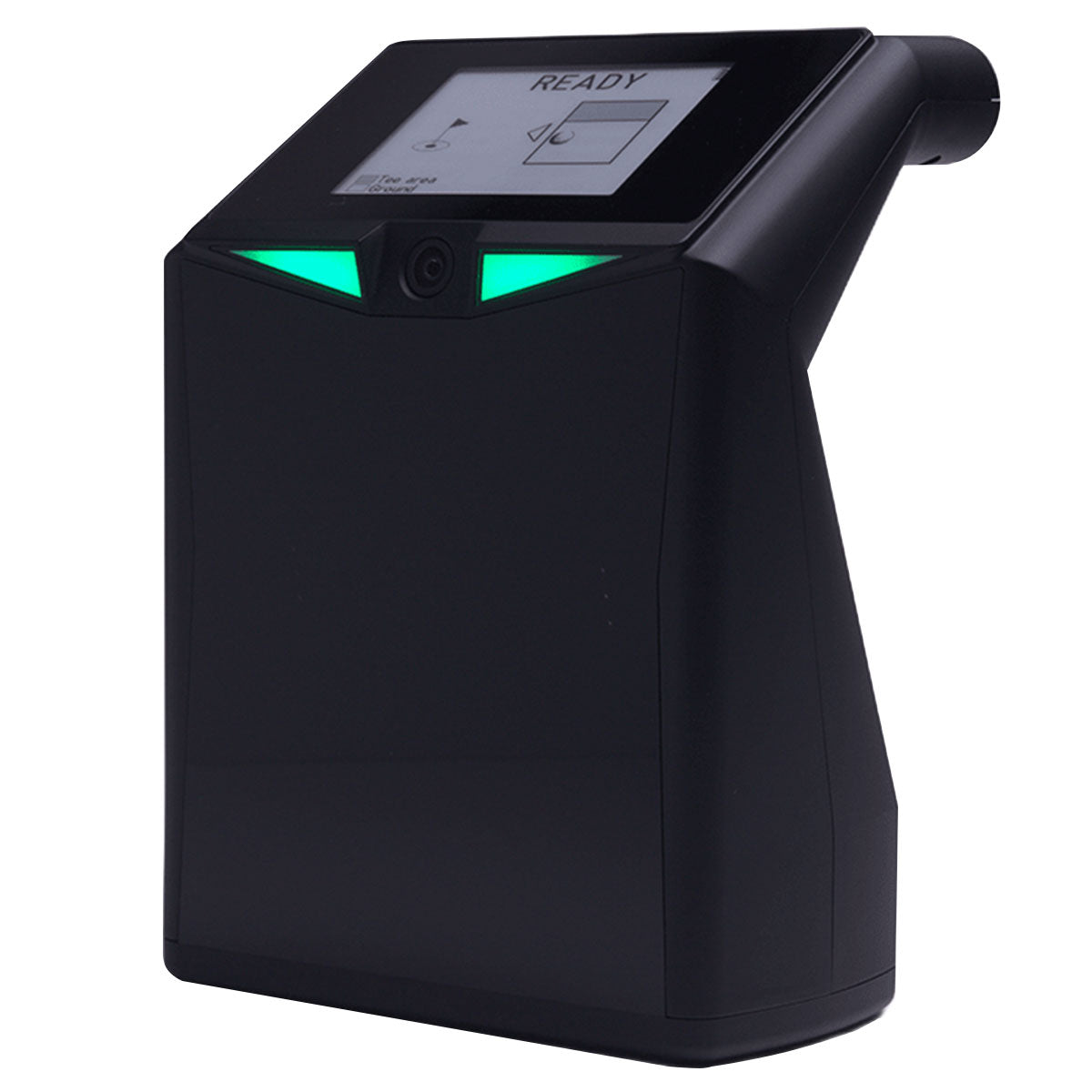
Garmin's premium photometric launch monitor and simulator. Three cameras read ball and club data, and a 10in colour touchscreen is built straight into the unit, so it runs Home Tee Hero virtual rounds and shows your numbers without any external laptop, tablet or phone. It works indoors with a net or screen and outdoors on the range, and packs into an included carry case.
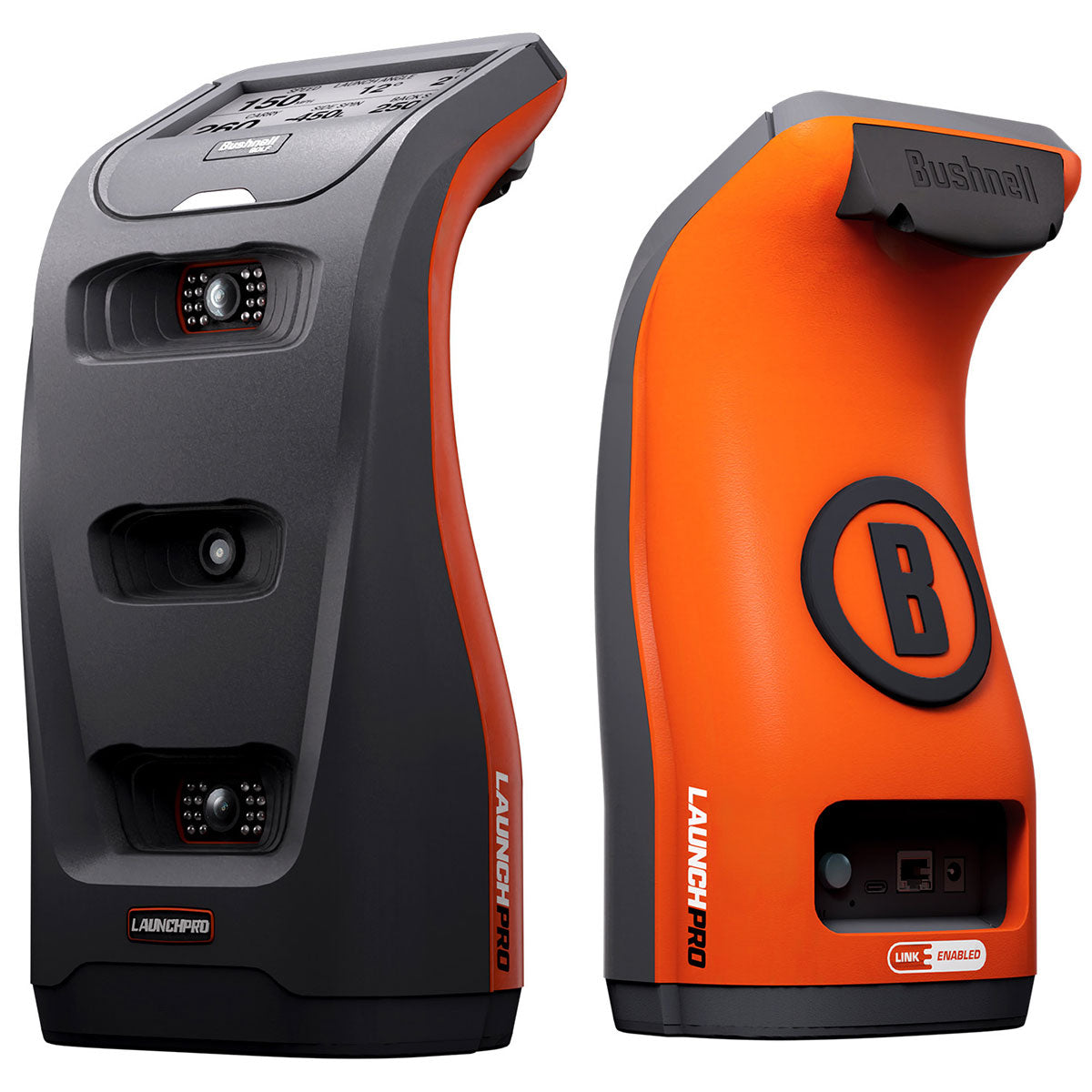
The Launch Pro is the machine that reset expectations. Foresight Sports' camera technology — the same measurement lineage tour players and club fitters trust — in a box priced within reach of a serious amateur, working indoors or outdoors and feeding FSX Play for simulation. It reads the ball directly rather than inferring flight from the club, which is why the numbers hold up when a $500 radar unit starts guessing. The Circle B edition is a cosmetic refresh of a proven product, not a new platform, and that's a point in its favour. The catch is the subscription ladder: the base unit gives you ball data, and full club data plus the simulation features arrive as paid tiers. Budget for the tier you actually want from day one and the maths still works out — you're getting a meaningful share of GCQuad accuracy for a fraction of GCQuad money. Skip it if you only ever practise outdoors, where a cheaper radar unit will do.
A photometric launch monitor that now adds dual Doppler radar, so for the first time the SkyTrak line gives you real club data (head speed, path, face angle, smash) alongside its long-trusted ball flight numbers. It sits in the gap between cheap toys and the 10k-plus Foresight and Trackman units, aimed squarely at the golfer building a room or garage bay.
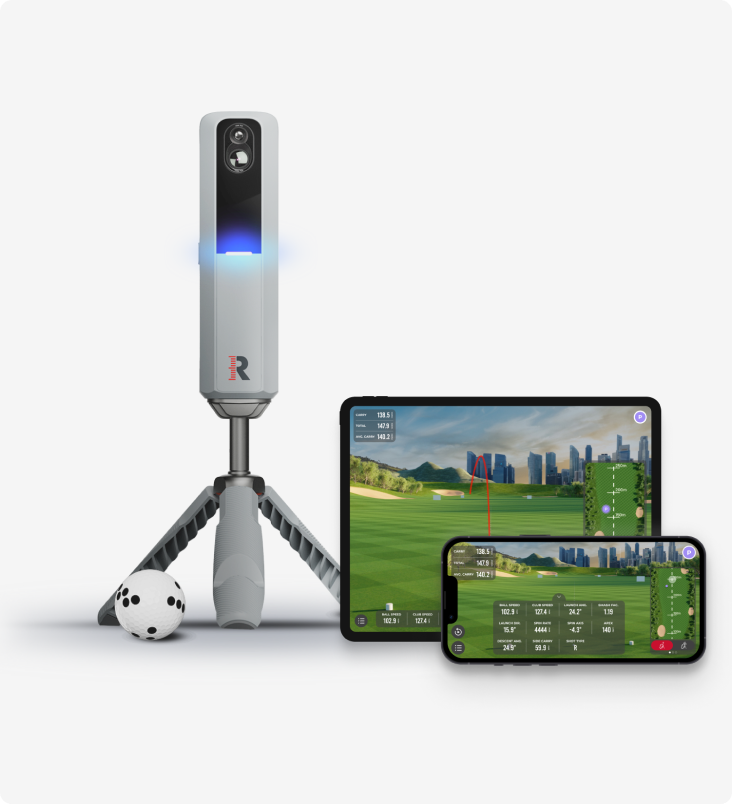
A portable camera-plus-radar launch monitor from Rapsodo that doubles as a home sim, aimed at golfers who want proper ball data without remortgaging the house for a Trackman or GCQuad.
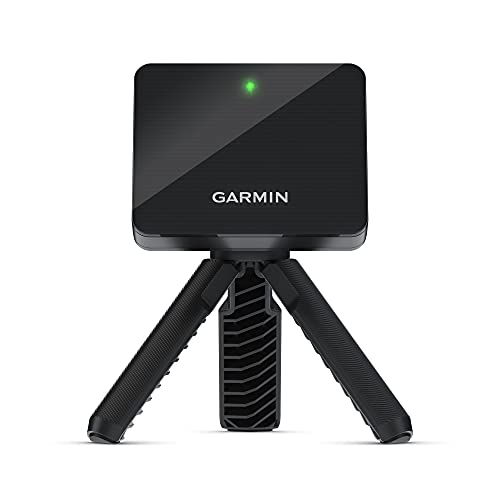
The Garmin Approach R10 is a pocket-sized radar launch monitor aimed at the golfer who wants real data, range practice, and a basic home sim setup without remortgaging the house.
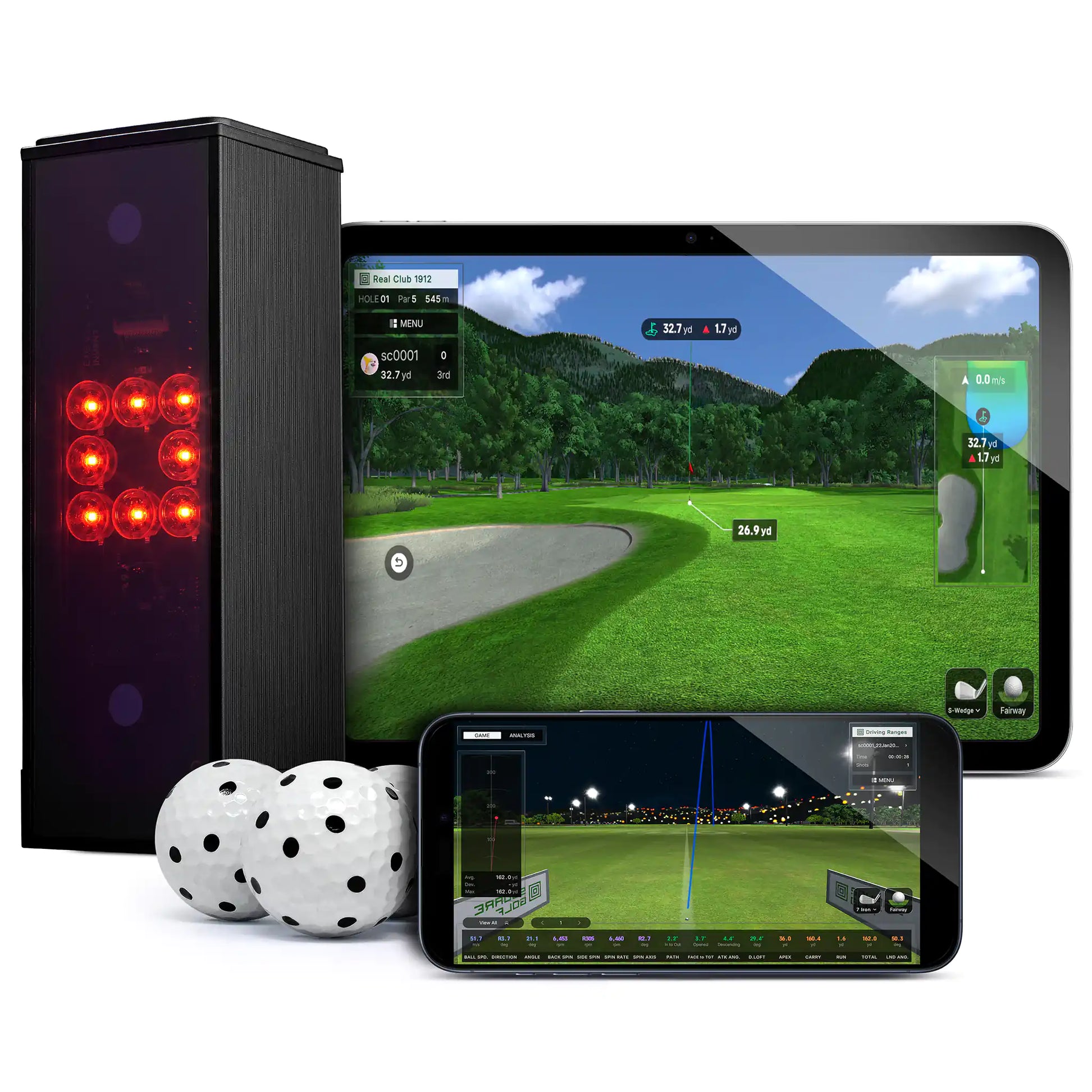
A compact camera-based launch monitor and simulator for indoor use, sold direct in the UK through Square Golf's own site.
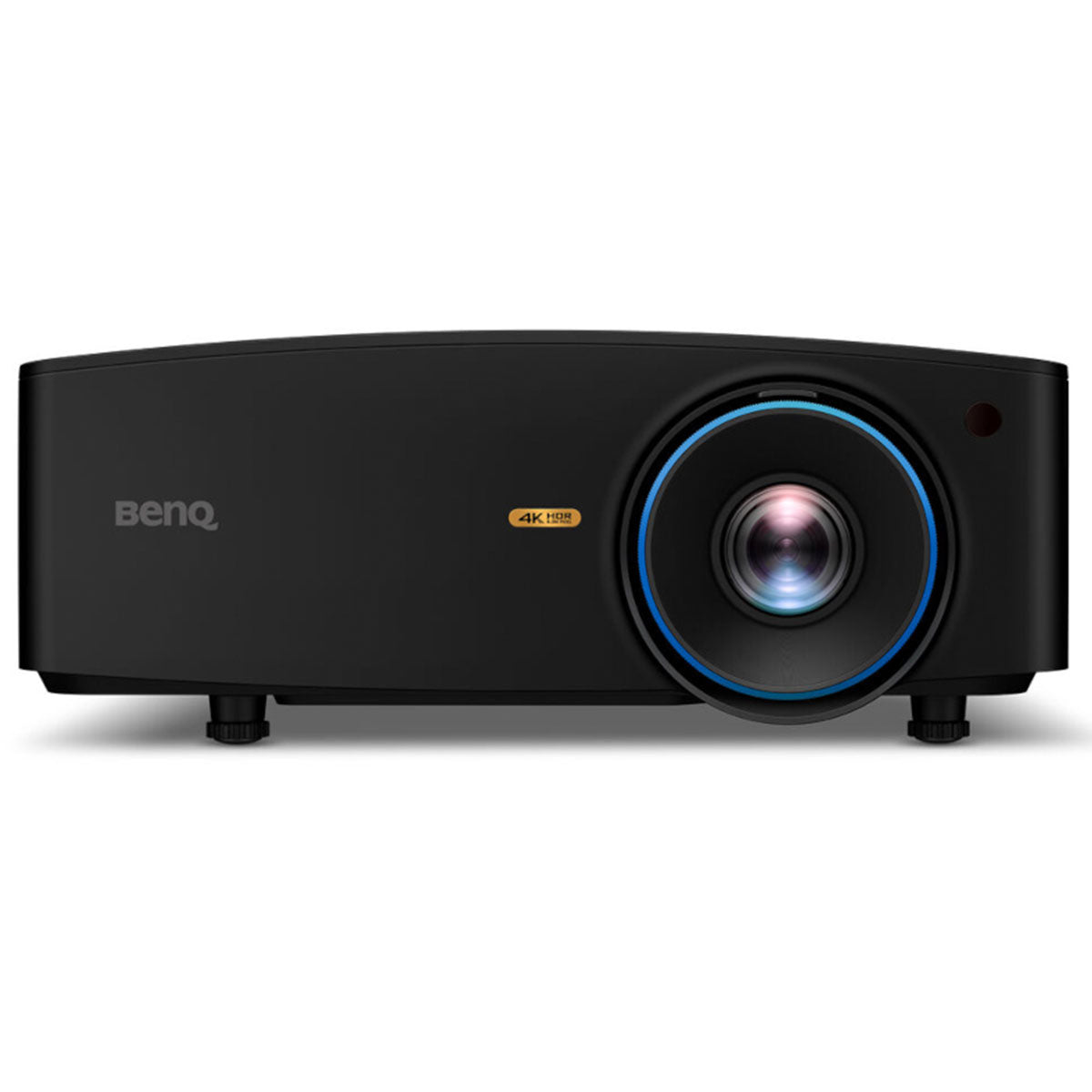
This is the top of the projector tree for a dedicated sim room, and it's the one BenQ tuned specifically for golf rather than adapting from a home-cinema unit. You get 4K UHD, a bright 4,000-lumen laser engine that holds a punchy image even with some room light, and golf-specific picture modes plus fast corner-fit keystone that make the install less of a fight. It's a premium spend and it isn't sold on Amazon — the golf specialists carry it — so it's the pick for a dream build where the picture is part of the point, not a starter room.
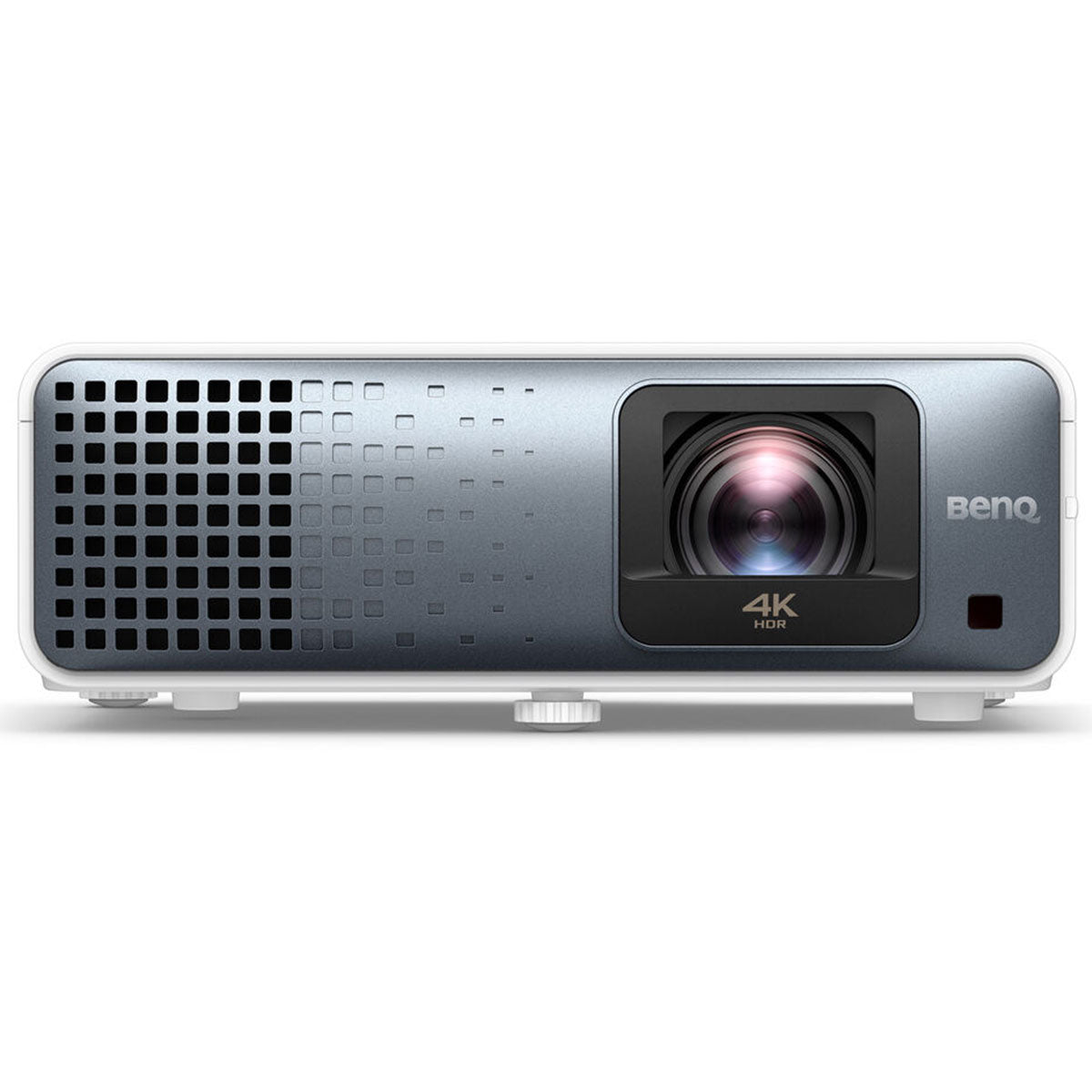
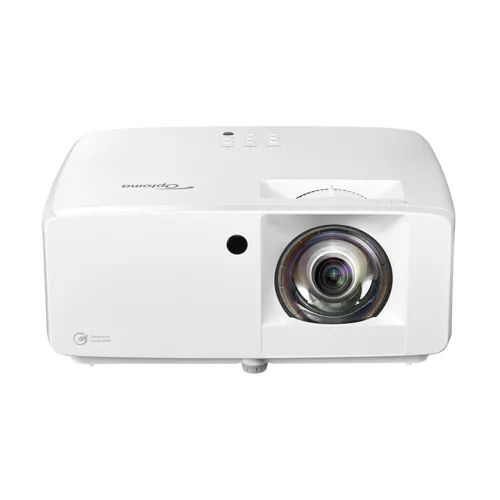
Projector shopping for a golf sim goes wrong in a predictable way: people buy on lumens and resolution, hang it, and discover the throw distance means it's mounted where the ball flies. Short throw is the spec that matters first, and the TK710STi is built for exactly this job — a big, sharp image from close range, so the unit sits behind the hitting zone rather than in it. Beyond that the numbers are well judged for a home bay: 4K UHD at 3,200 ANSI lumens, which holds up in a garage that isn't pitch dark, and a laser light source instead of a lamp, so there's no bulb to replace at 2,000 hours and no gradual dimming to explain away. Input lag runs to single-digit milliseconds in the high-refresh 1080p modes, which matters more for console gaming in the same room than for golf. It sits sensibly between the cheaper Optoma units and BenQ's own flagship — for most rooms, this is the one.
There is a specific problem this solves, and if you don't have it you shouldn't buy it. Most sim projectors assume a controlled, dim room; brightness ratings that look generous on paper wash out badly in a garage with a window, a converted room with rooflights, or any space where the picture has to compete with daylight. At 5,100 ANSI lumens the LK936ST is built for exactly that, and it's the difference between a course that looks like a course and one that looks like a projection. The rest of the specification is what you'd expect at the top of the category: 4K UHD at 3840x2160 — four times 1080p, which matters because premium sim software like E6 Connect and TGC 2019 actually outputs at that resolution — HDR10 with BenQ's auto colour rendition, short throw so it mounts behind the hitting zone rather than in it, and a laser light source with no lamp to replace. It's a serious spend and for most builds it's more projector than the room needs: the TK710STi covers a normally-lit bay for less than half. Buy the LK936ST when you've measured the light and know you have a brightness problem.
This is the projector I point people toward when the sim room isn't a blacked-out cave. The DuraCore laser puts out around 4,200 lumens, so it holds a punchy, watchable image with some daylight or overhead lighting in the room, and the laser engine means no lamp to replace for the life of the build. It projects a large image from close range like any good sim projector. It costs more than a lamp-based 1080p unit, so it's the pick when brightness — not just resolution — is what your room actually needs.
An enclosure is where a net-and-numbers bay becomes a proper simulator, and the SIG10 is the popular mid-sized answer. It pairs a sturdy, buildable frame with the SIGPRO Premium Screen — the one that beat the most popular impact screen in MyGolfSpy's head-to-head on durability, bounce-back and noise — and it's sized so the projected image fills the whole screen rather than leaving white bars top and bottom. At roughly 10'10" wide it suits a dedicated room more than a tight garage bay, so check your width against it first, then let it turn the projector and launch monitor you already chose into a real course.
Carl's Place is the name that keeps coming up in every home-sim build thread, and the DIY kit is why. You get the two things that are genuinely hard to source well — a premium impact screen and a durable nylon enclosure to kill stray shots and stop light spilling around the picture — plus the steel corner fittings, and you supply the pipe. The frame is 1-inch EMT, the zinc-coated steel electrical conduit sold in 10-foot lengths at any big hardware store; Carl's sends a cut sheet with the exact lengths and quantities, or you add their Pipe Framing Kit and skip the cutting. It has to be EMT: Carl's says rigid and PVC pipe aren't compatible with the fittings. That split is the value: the screen is the component that decides whether your projected image looks like a golf course or a bedsheet, and it's the one you can't fudge, while the frame is just accurate cutting and a free Saturday. It's designed for a borderless floor-to-turf image, which is the detail that makes a home bay feel immersive rather than like a projector pointed at a wall. Measure the room before you order — ceiling height and the throw distance of your projector decide the screen size, and getting that order wrong is the expensive mistake in this category.
The Pro is what the DIY kit becomes when you want the room to look finished and the frame to carry hardware. Same reputation, same screen quality, with the BlackStop light-blocking enclosure, foam inserts to stop stray shots bouncing off the frame and a darker, sleeker finish, and the frame steps up from the DIY kit's 1-inch conduit to 2-inch EMT — strong enough, Carl's says, to mount a projector or an overhead launch monitor on. One thing to budget for before you order: the pipes are sold separately — the kit gives you the fittings that join them plus a diagram with the cut lengths, not the pipe itself, so either add Carl's Pipe Framing Kit or buy 2-inch EMT locally. For a room you want to look finished rather than assembled, the rest of it matters more than the spec sheet suggests. The decision inside the decision is the screen. Carl's offers a High-Contrast Gray for rooms with ambient light — it holds colour and contrast when you can't black the space out — and a Classic White for maximum brightness in a controlled, dark room. Getting that choice right does more for your picture than another thousand lumens of projector, and it's the question most people don't realise they're being asked. Measure your room and be honest about how dark it really goes at 8pm in January before you pick. If the budget won't stretch, the DIY kit gives you the identical screen technology and asks you to build the frame — the picture is the same, the Saturday isn't.
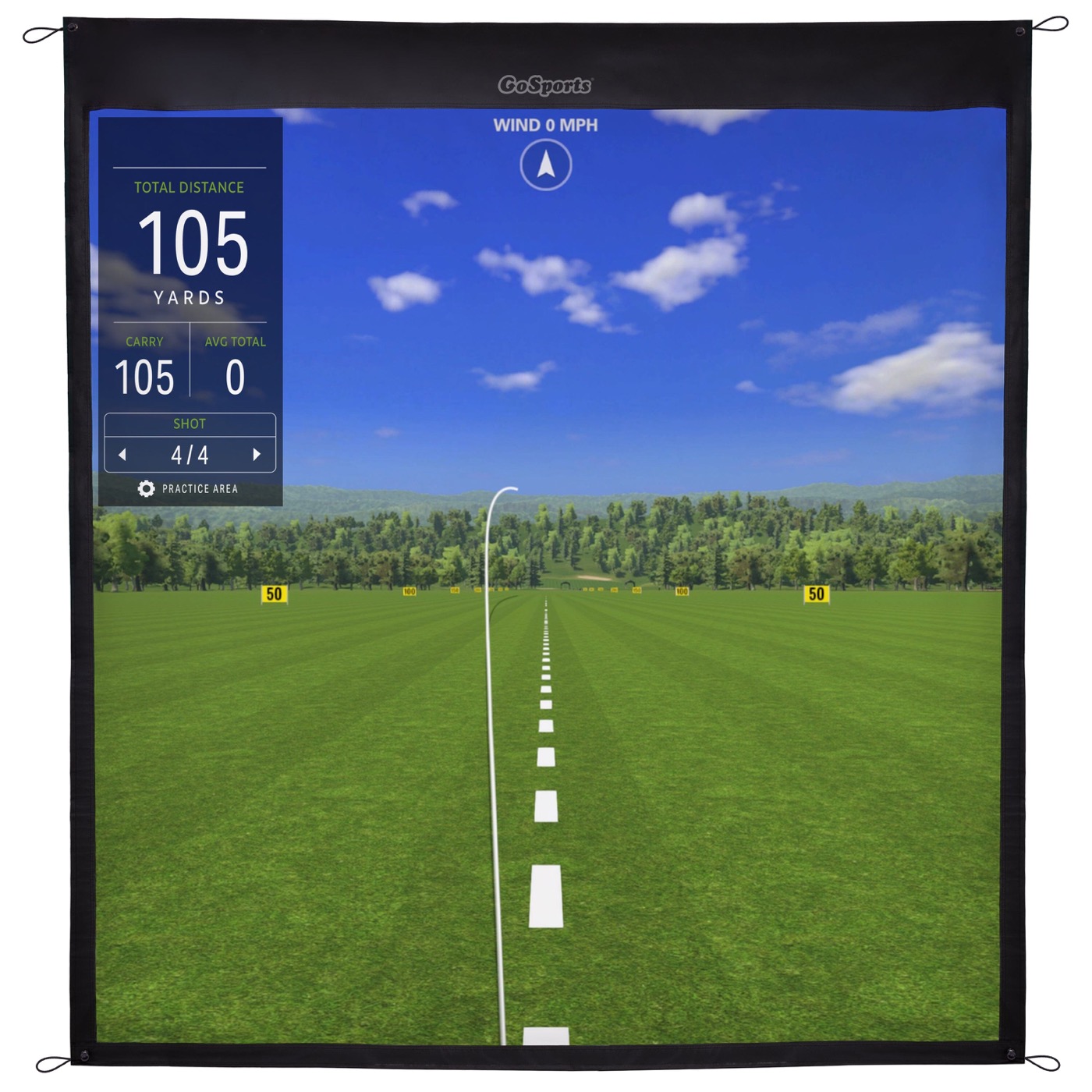
A tensioned polyester impact screen that doubles as your projection surface and your ball-stopper, aimed at anyone building a home or garage golf sim instead of paying club rates to hit into a TrackMan bay.
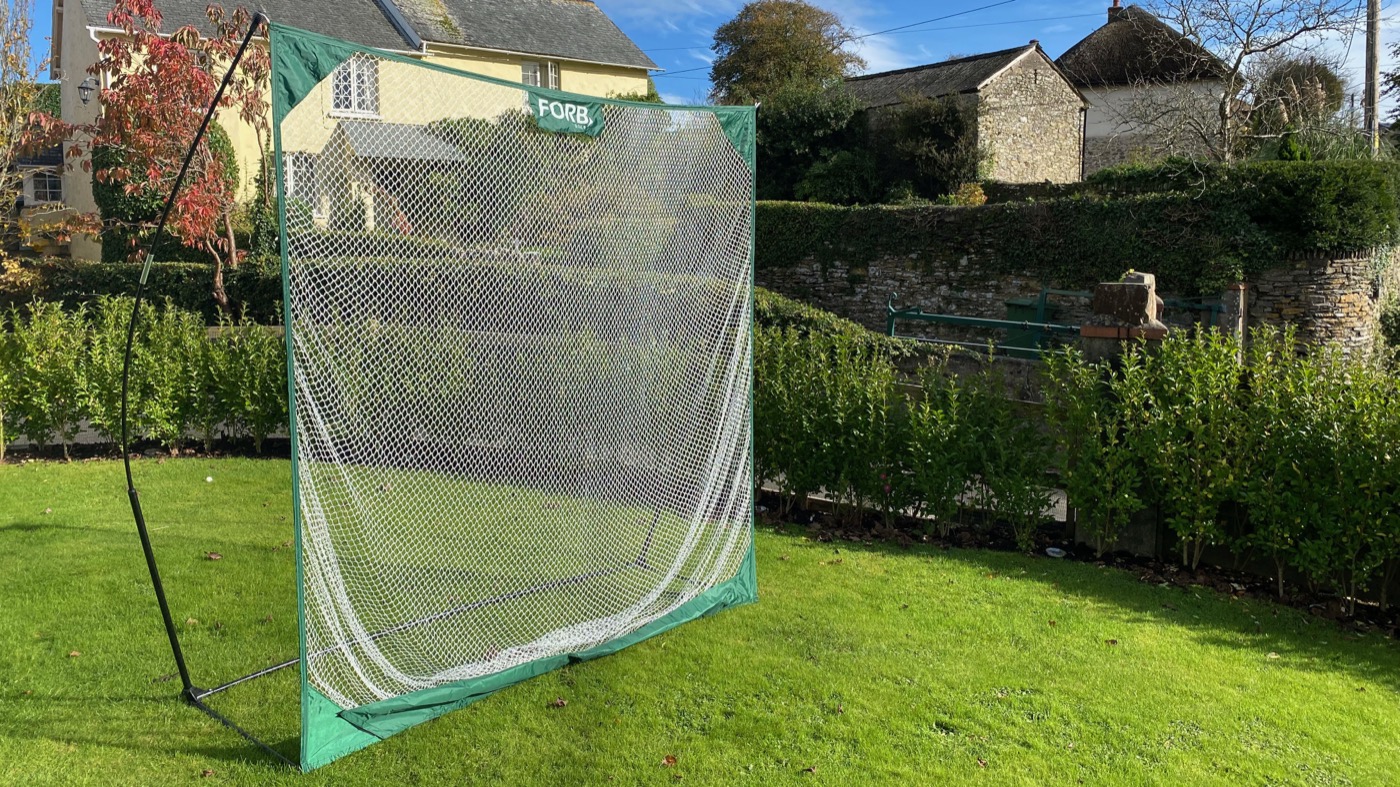
The FORB Pro Pop-Up net in the 10x7ft size, a simple flat-panel hitting net for back garden practice, aimed at anyone who wants to bash balls at home without a full cage.
When a home sim goes from occasional to daily, the mat is what your body notices, and the Player Preferred is the upgrade serious builders settle on. Its Pure Impact Turf gives a genuine grass-blade feel with honest feedback on where you struck it — a fat shot feels fat — rather than the trampoline bounce of a hard mat, and Fiberbuilt quotes a vibration-absorption layer that soaks up the vast majority of the shock a bare surface sends into your wrists and elbows. It's a real investment at studio-mat money, and it's built to last years of that use, which is the point: you buy it once instead of replacing a cheap mat every season.
The Softy earned its reputation on two things: it's kind to your joints and it lasts. A soft foam layer under a Teeline turf top absorbs the shock a bare mat on concrete sends into your wrists and elbows over a winter of daily reps, and it accepts a real wooden tee rather than the rubber stubs cheaper mats force on you. The clever part is the replaceable hitting strip — when the contact zone wears, you swap a strip for a fraction of the price of a whole new mat, which is why it works out cheaper over three years than the budget option you'd replace. It's a permanent-build purchase, not a casual one.
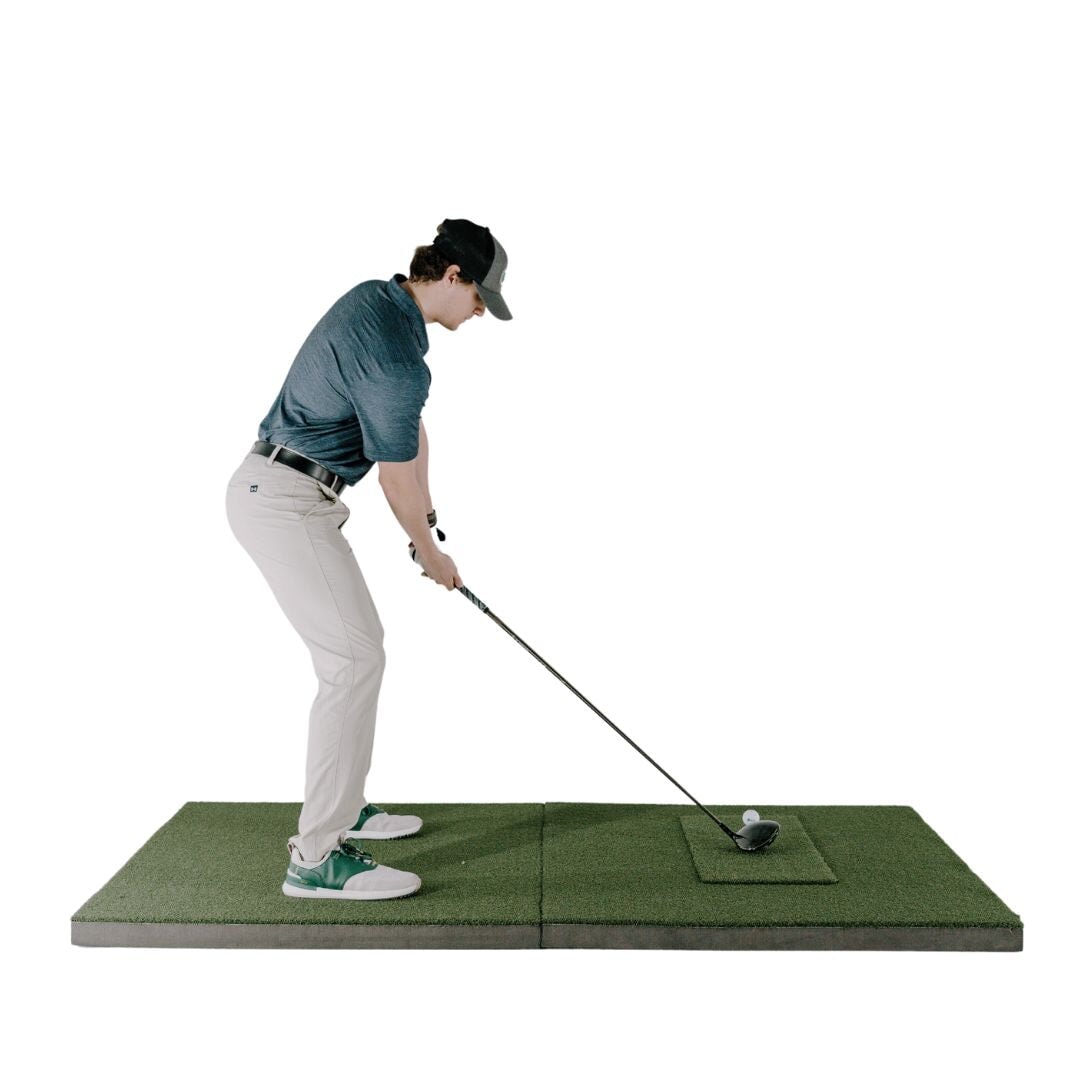
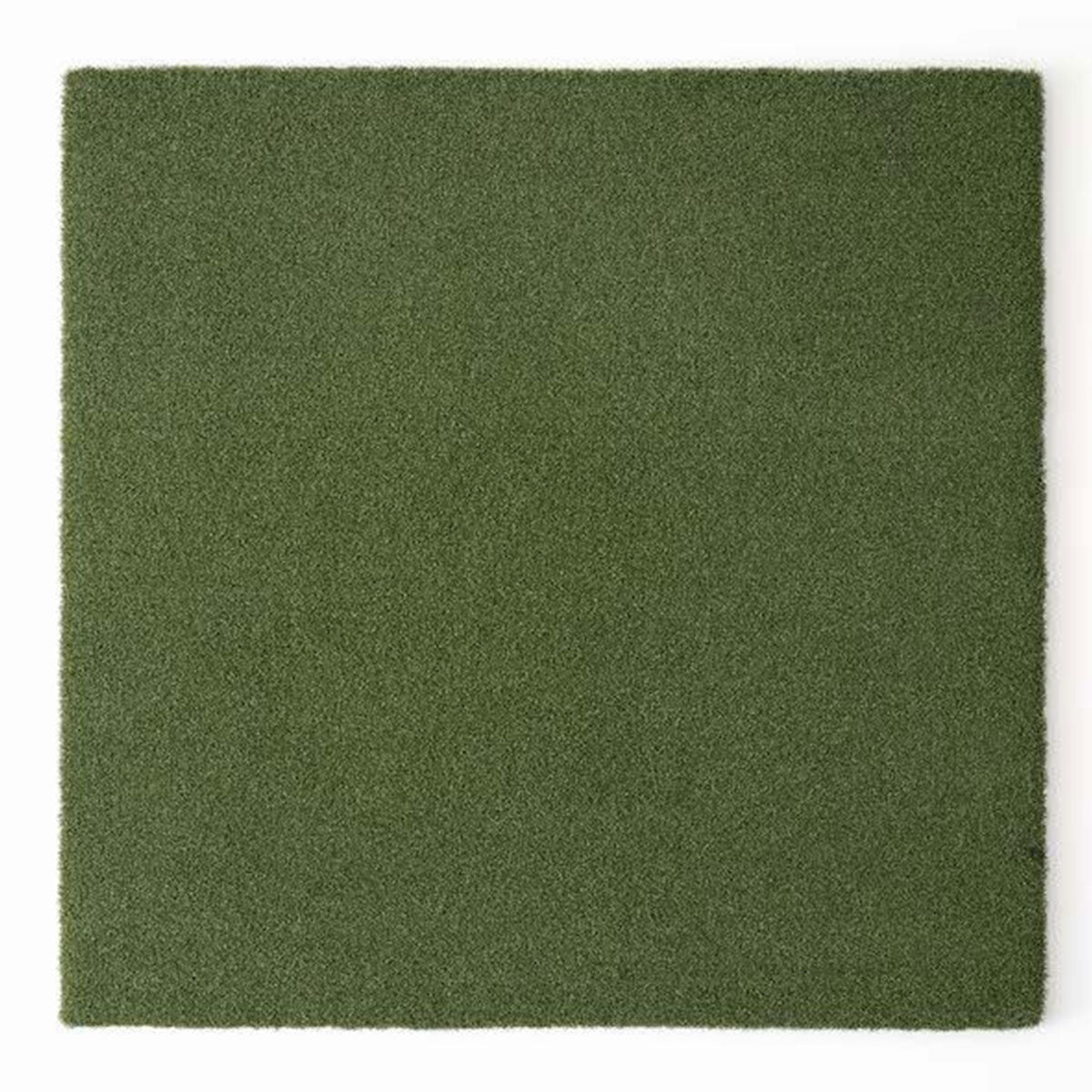
Hitting mats are the least glamorous line on a sim budget and the one people regret cheaping out on twice: once in the wrists, once when the thing curls at the edges after a winter. The size is the first thing to get right. A 5x5 footprint means your stance and the ball sit on one continuous surface, so your feet aren't an inch below the ball on a strip mat — a small geometry error that quietly rewrites your low point and undoes the data you bought a launch monitor to collect. This one is built around that: dense turf with enough give to take a genuinely descending strike without the jarring bounce cheap mats hand back, and enough weight to stay flat on a garage floor instead of creeping under load. It won't feel like a fairway, because nothing at this price does. It will let you hit a few hundred balls a week without your lead wrist filing a complaint, which is the actual job.
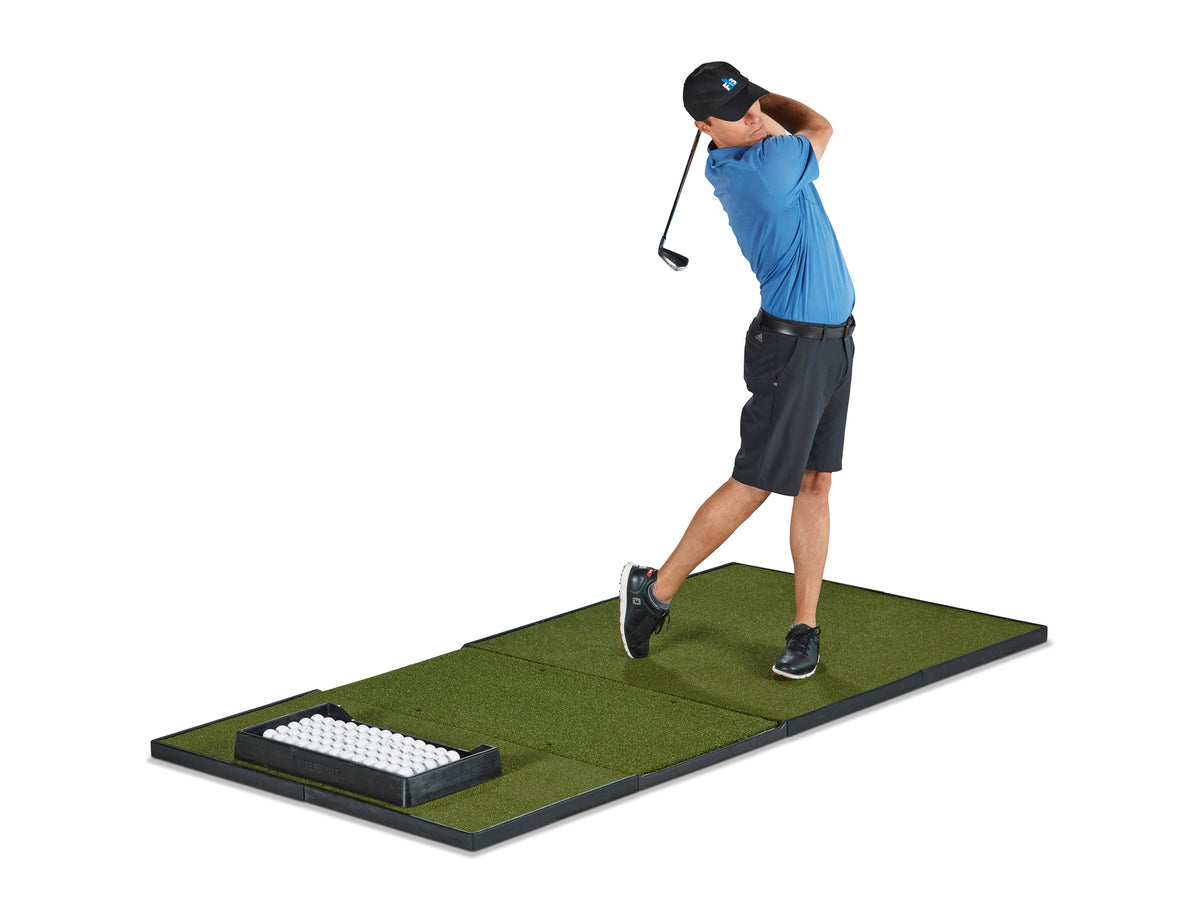
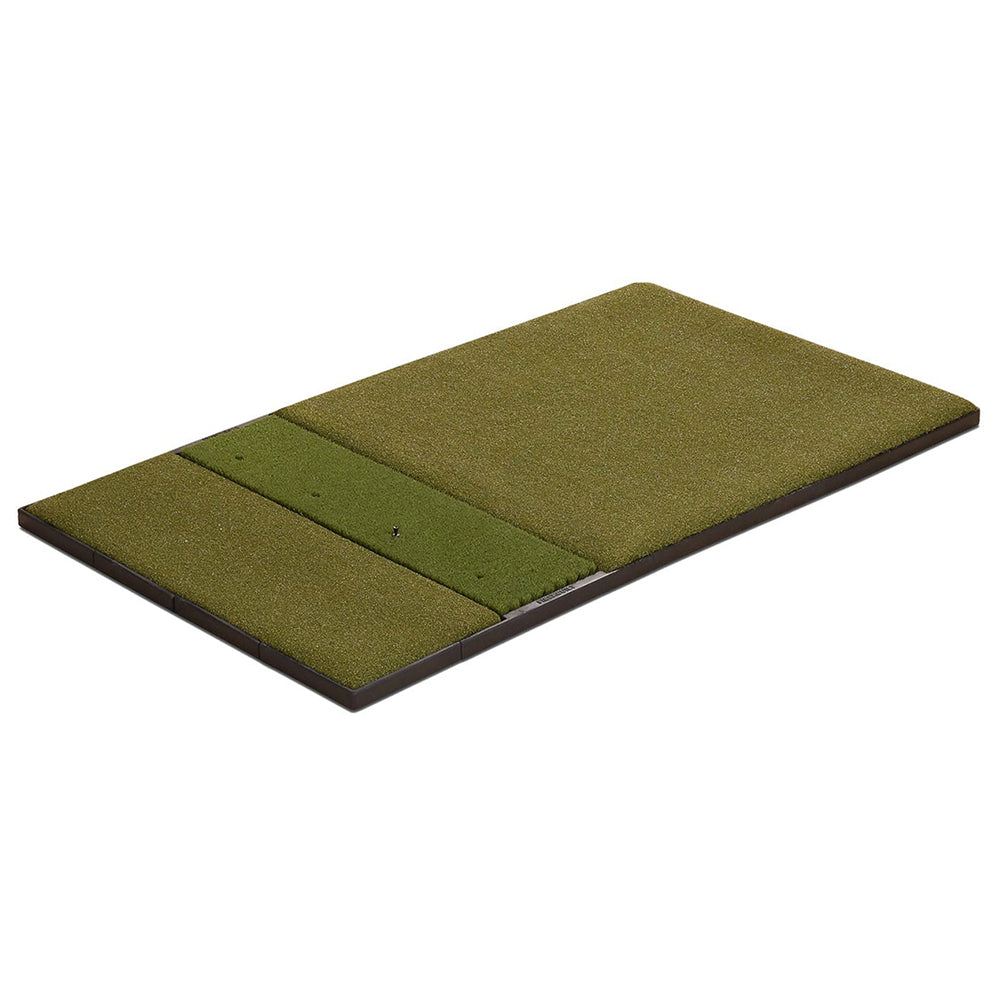
Fiberbuilt's grass technology is the reason its mats keep appearing in serious builds: the vertical blade construction lets a club enter the turf and take something resembling a divot instead of bouncing off a carpet, which is both kinder to your joints and more honest about your strike. The Studio Series packages that into a modular layout: in the entry single-hitting version, a stance mat, a one-foot Fiberbuilt Grass hitting section with four tee holes (the six-foot-deep mats have six), and a two-foot spacer panel sized to sit a launch monitor or a ball tray on. The hitting panel carries a 300,000-shot guarantee. Centre- and double-hitting layouts serve right- and left-handed players off one mat, but know the trade-offs before you pick one. The centre-hitting version has no spacer panel, so it suits a launch monitor that does not sit beside the ball, and on PlayBetter it is priced level with the single-hitting Player Preferred. The Player Preferred is a different surface, Pure Impact Turf over a vibration absorption layer, and comes in the same three layouts, so the Studio is the pick when the budget wants Fiberbuilt quality at the entry layout rather than the flagship's turf.
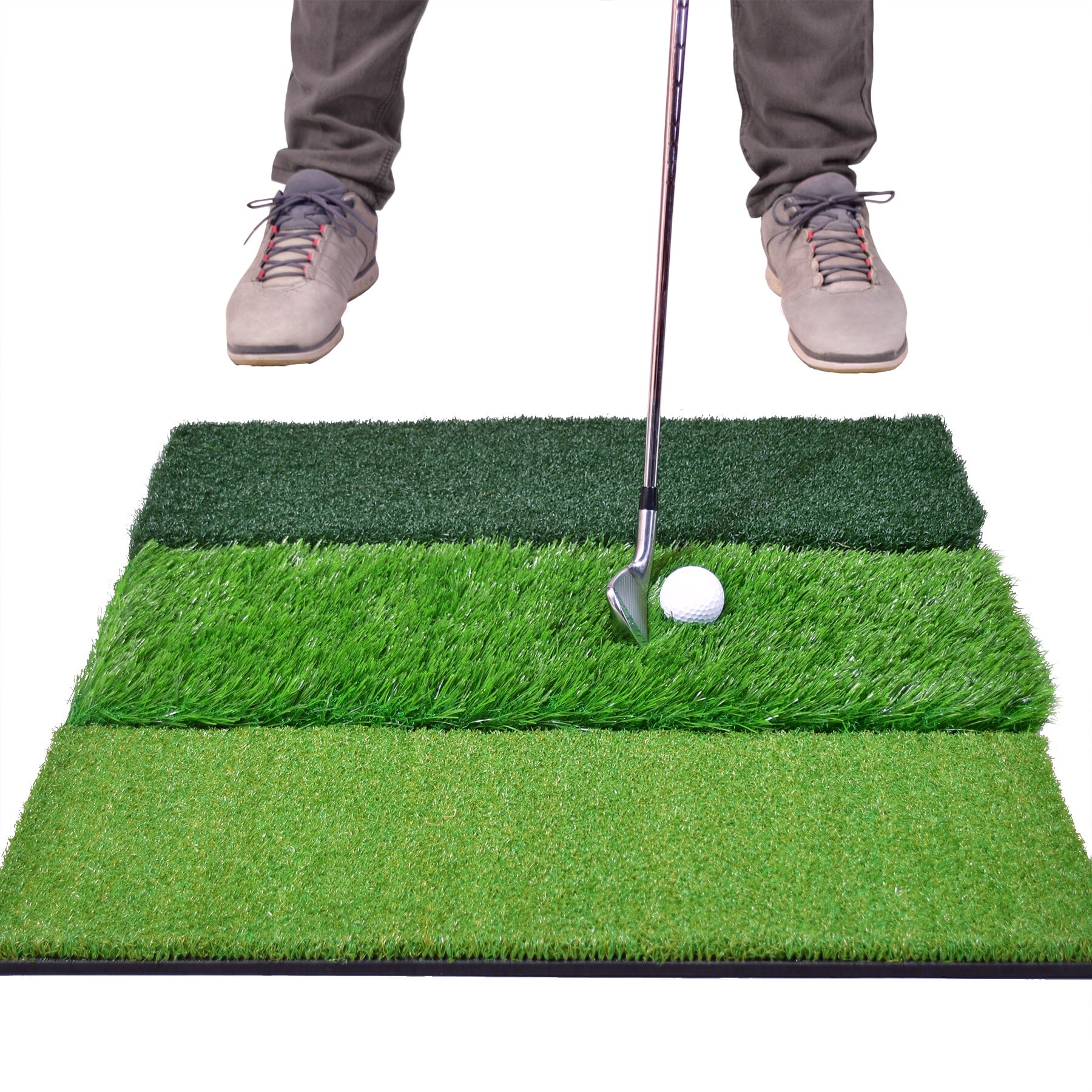
The FORB Tri-Turf is a small, foldable three-section practice mat (roughly 60cm x 40cm) with separate fairway, rough and fringe turf strips, aimed at golfers who want to rehearse different lies in the garage, garden or at the range without lugging a full mat about.
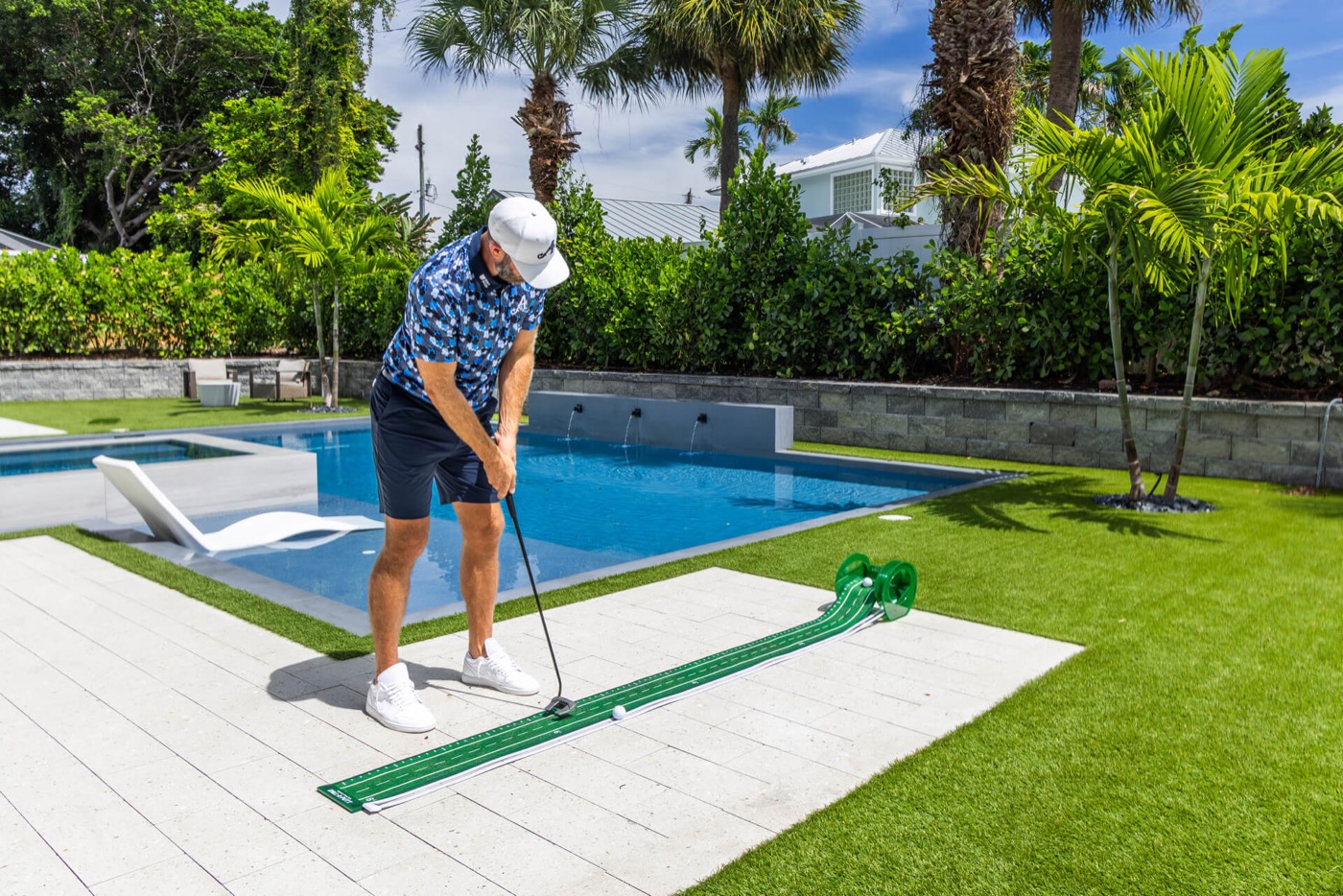
A premium roll-out putting mat with a wooden frame, two hole sizes, alignment "train track" lines and a gravity ball return, fronted by Dustin Johnson. Aimed at golfers who want to grind their short putts at home or in the office.
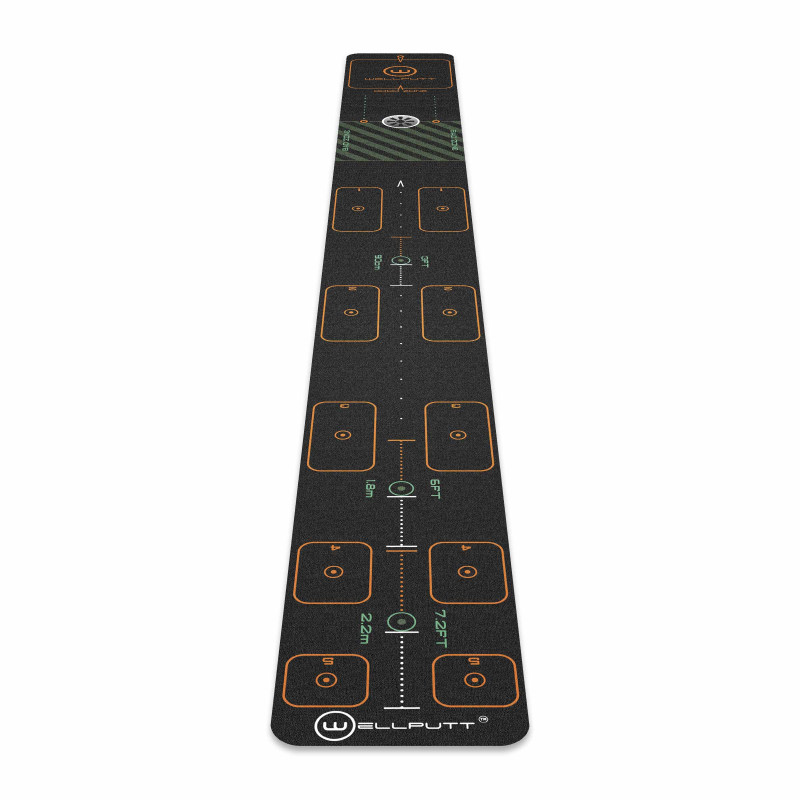
A 3m roll-up putting mat from WellPutt, the entry 10ft First model in their range. The surface is printed with alignment and stroke-length markers and pairs with a free app that walks you through drills built around setup, start line, pace and consistency. It is a structured practice system more than a novelty mat.
Frequently asked
- What do you need to build a home golf simulator?
- Six things: a launch monitor (the brain), simulator software (the courses), something to hit into (a net or a framed enclosure and screen), a projector for the picture, a quality hitting mat, and the floor. You can start with just a launch monitor, net and mat played off a tablet, then add the screen and projector later.
- How much does a home golf simulator cost?
- It splits into tiers: a practice bay (launch monitor, net, mat, on a tablet) runs roughly $650–$1,900; a starter sim that projects a real course is about $2,550–$5,100; a serious, fitting-grade room with 4K optics and an enclosure is around $6,350–$11,450; and a dream room with a turf floor and putting green starts near $15,250. Software subscriptions are a separate yearly cost.
- What's the most important part of a golf simulator?
- The launch monitor and the hitting mat. The launch monitor is the accuracy of everything you see, and the mat is what your body feels on every swing and what protects your joints. Spend the biggest share of the budget there; the screen and projector change how it feels, not how much you improve.
- Do I need a radar or a camera launch monitor?
- Your room decides. Radar units need roughly sixteen feet of ball flight to read accurately, so they suit deep rooms and going to the range. Camera (photometric) units read the ball at impact and work in tight spaces, so they're the right tool for most garages and spare rooms. Buying radar for a shallow room is the classic expensive mistake.
- Do I need a projector, or will a net do?
- A net with a launch monitor and a tablet is a complete practice bay and improves your golf just as much as a projected setup — it's the cheaper, sensible place to start. A projector and impact screen add the play-the-course experience, which is worth it for enjoyment and motivation, so add them once the launch monitor and mat are sorted.
Related reading
More on this from the desk
Versus
Launch Pro vs SkyTrak ST MAX: the subscription decides it
Two of the most-recommended home-sim units, about $1,000 apart on the sticker. Run the software costs for three years and the gap gets much wider — in one specific direction.
Explained
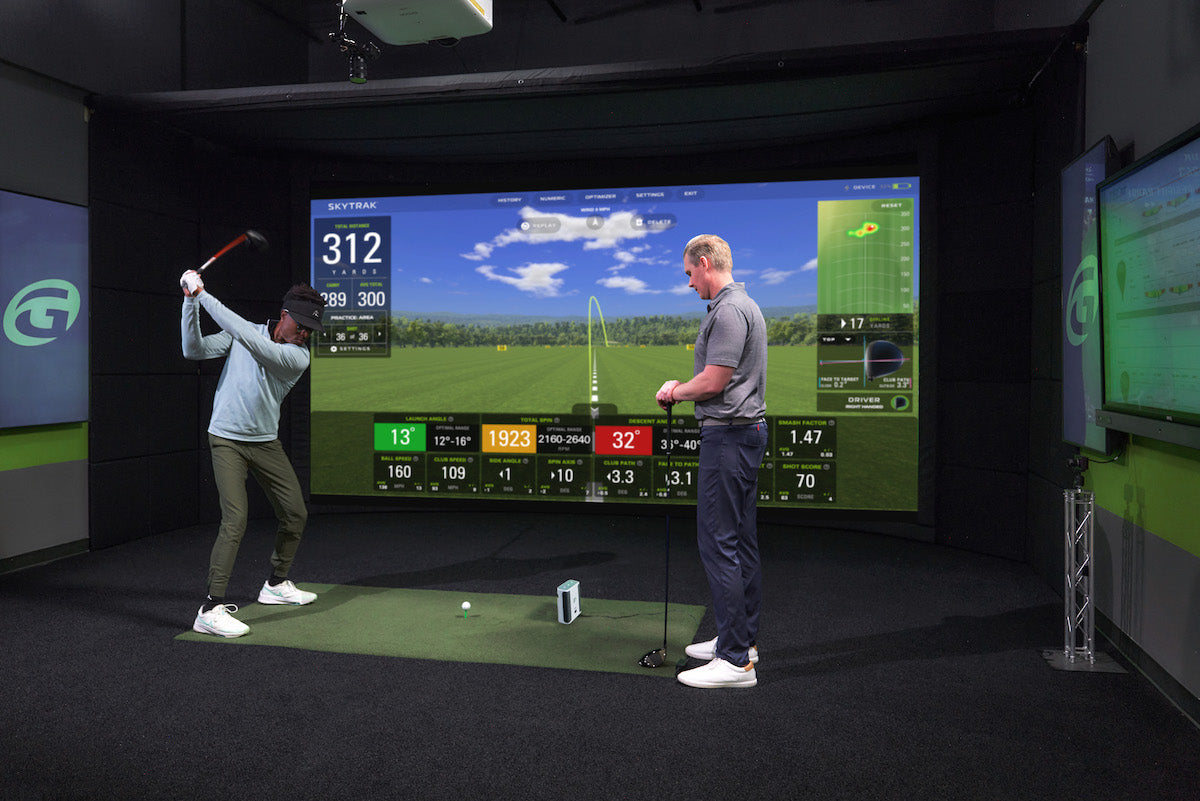
The four home golf simulators: what each budget threshold actually unlocks
Spend twice as much and you don't get twice the simulator — you cross into a different kind of room. Here's what genuinely changes at each tier, and the exact point where more money stops buying you more golf.
Opinion
Your garage practice doesn't die in February because you lost motivation
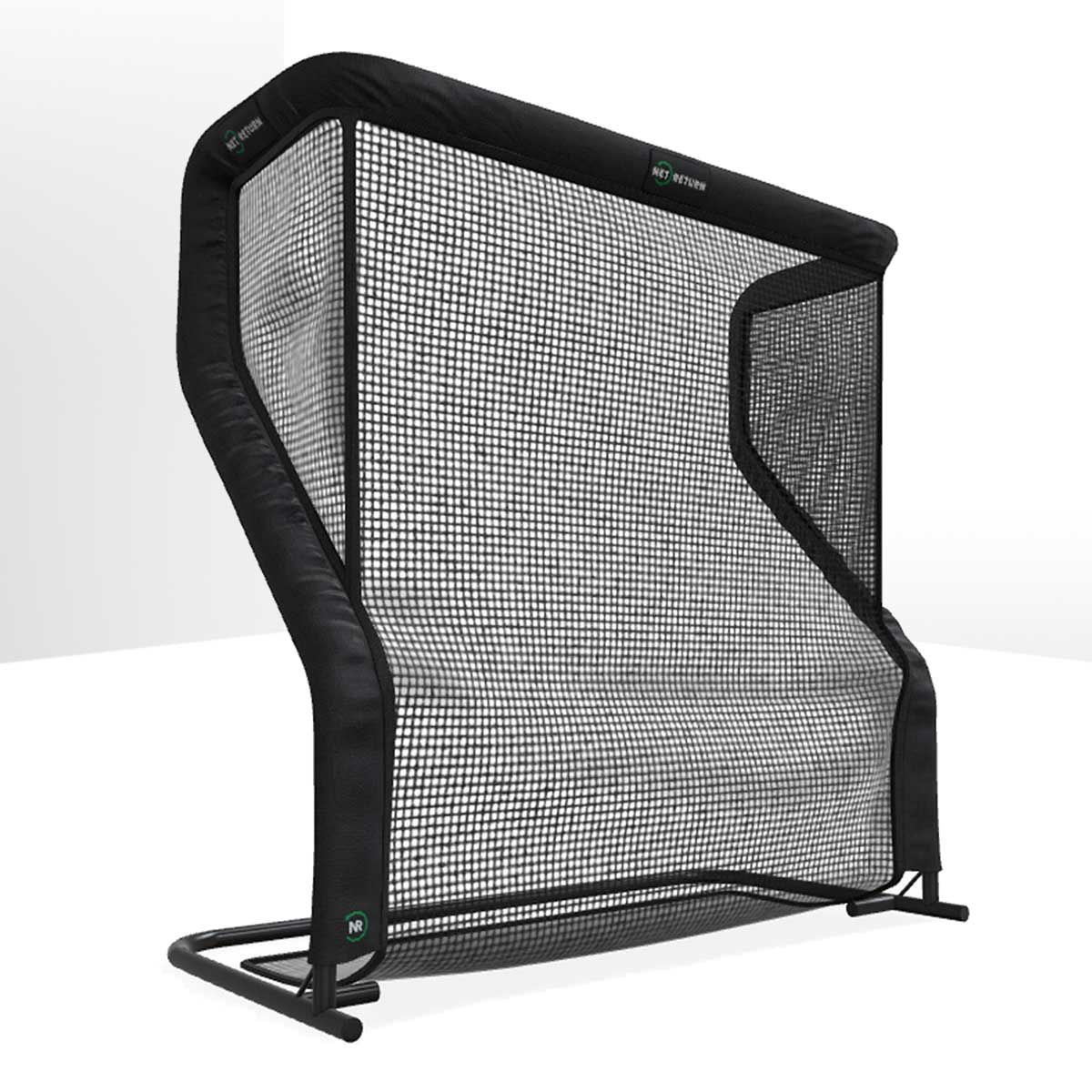
It dies because of a small, stupid, entirely fixable thing: bending down. Twenty minutes of home practice contains about four minutes of golf and sixteen of picking balls up — and that ratio, not your willpower, is what kills the habit.
Explained
Your impact screen colour and your projector are one decision, not two
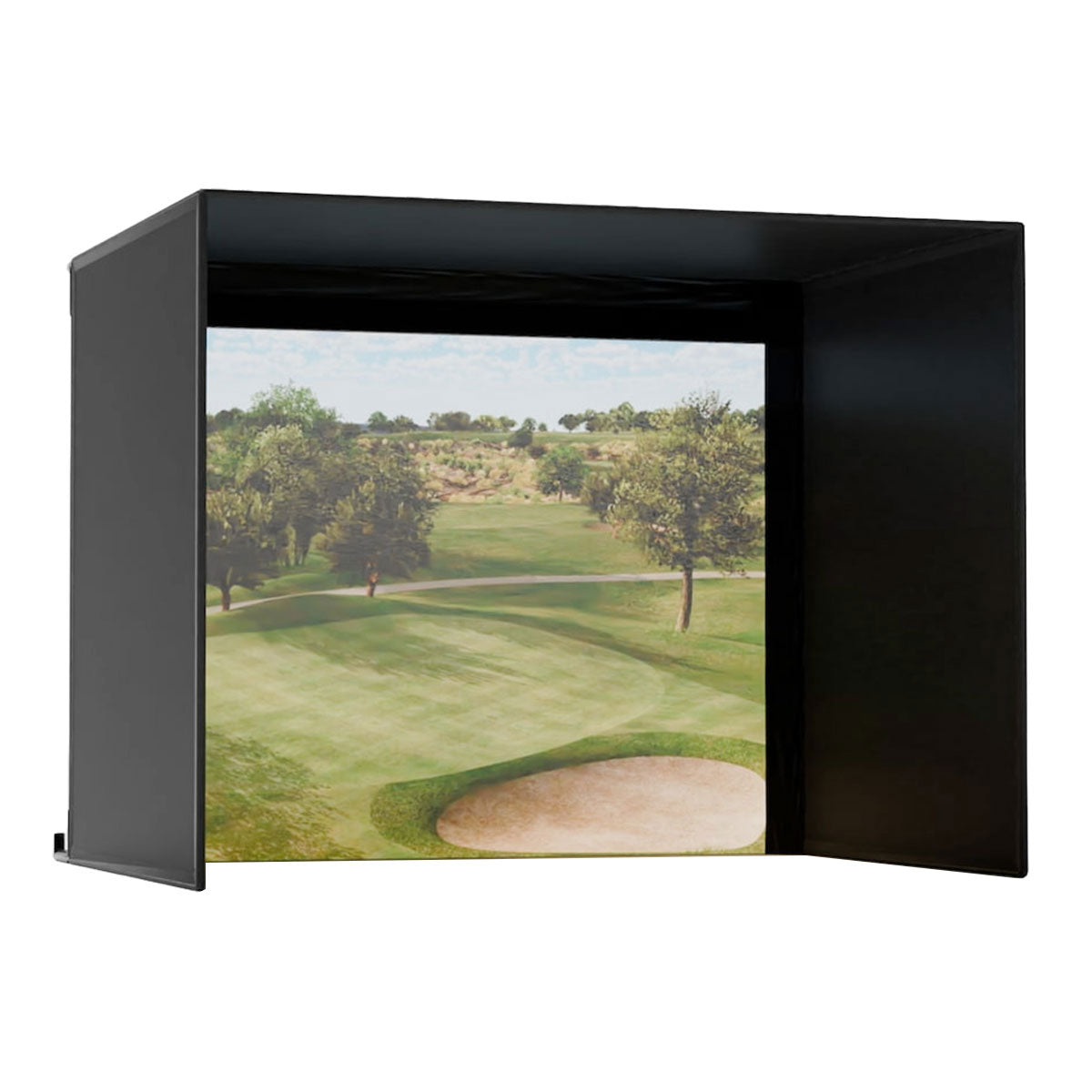
Grey screens absorb around 40% more ambient light, which is why they look so much better in a garage. They also swallow your projector's output — so choosing grey and then buying a mid-brightness projector gives you a worse picture than white would have.
Versus
Carl's Place DIY vs Pro enclosure: you build the frame either way, so the real question is your room's light
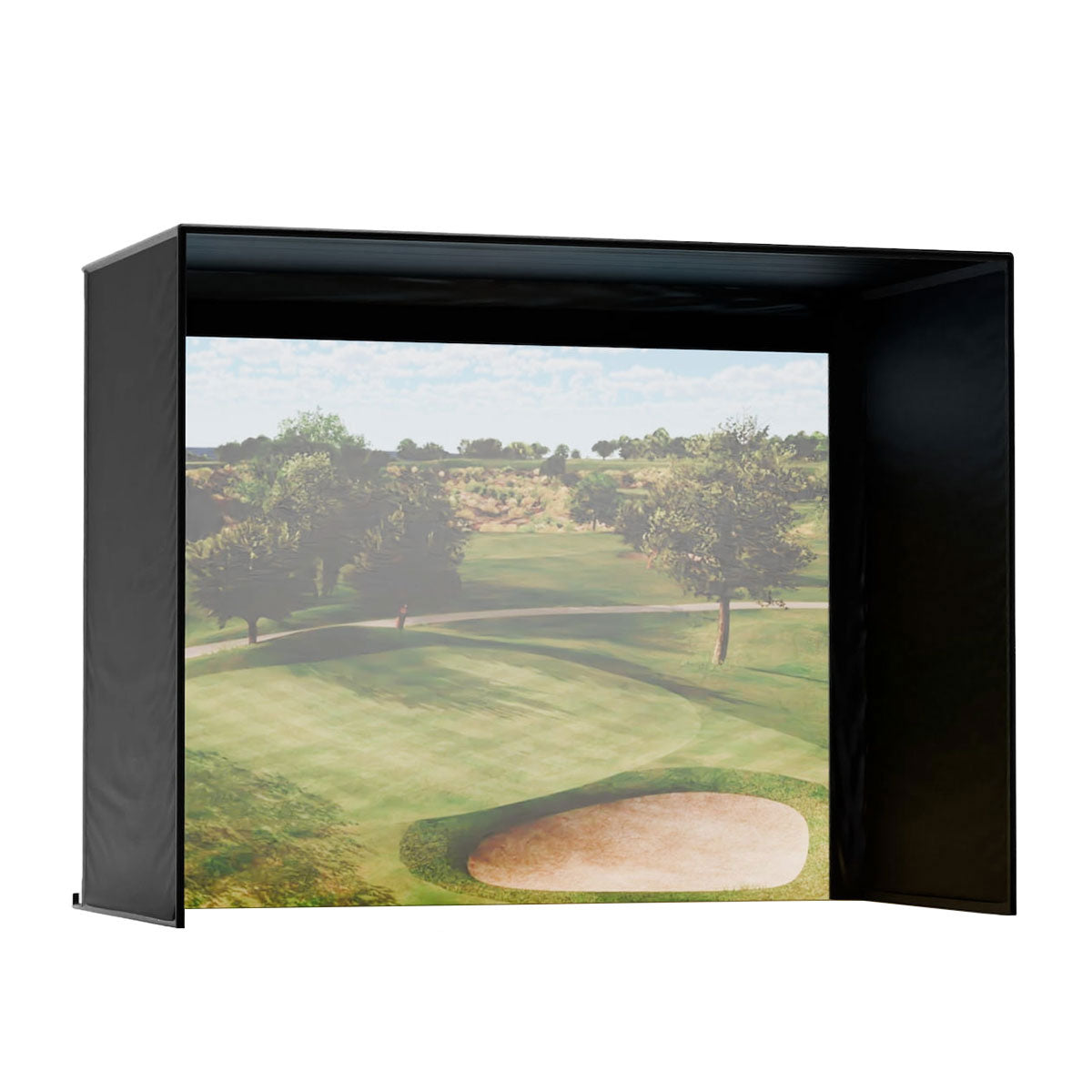
The $2,900 gap between the two Carl's Place kits does not buy you out of the frame: both need steel conduit, cut to Carl's sheet or bought as a pre-cut pipe kit. It buys a darker, light-blocking surround and a screen chosen for your room. Here's the honest test for which side of it you belong on.
Versus
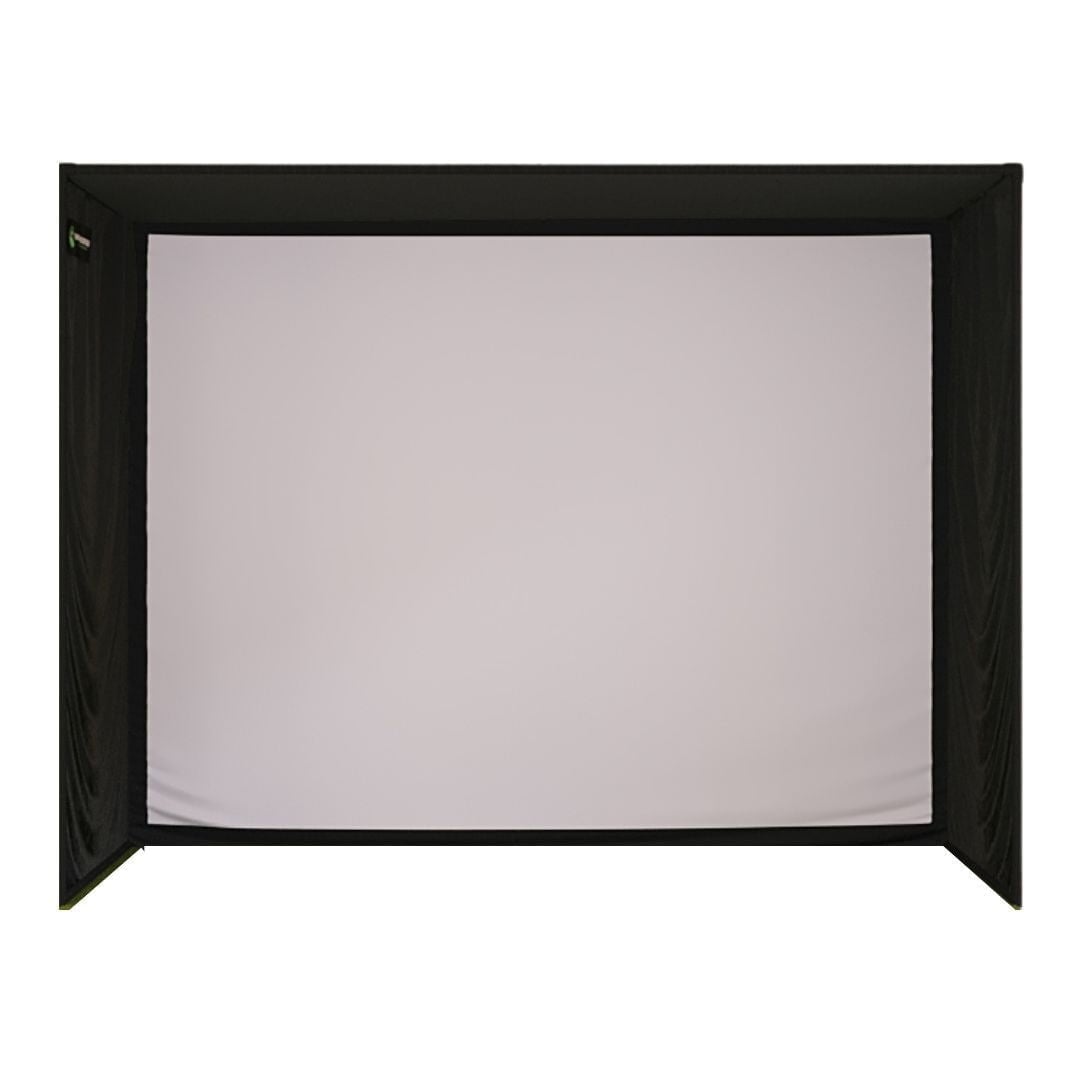
Most of an enclosure's price is the screen. Most buyers don't realise that, and it settles this argument
The SIG10 arrives at well under half the Carl's Place Pro's ask with a screen that has already beaten the category favourite in independent testing. The Pro is answering a different question, and it is a question about your walls.
Opinion
The home simulator wins the five-year sum against a club membership. Most of the saving is rounds you didn't play
Every simulator comparison in this category is a simulator against another simulator. The thing it is actually competing with is the renewal letter on your kitchen table, and the honest arithmetic has a twist in it.
Review
7.8/10SportScreen Vanish review: the sim enclosure that rolls into the ceiling and hands the garage back
A retractable screen, side baffles and all, that winches up into a ceiling housing and leaves the floor clear for a car. It is the first enclosure built for the reason most people never build a simulator — and it does not solve your ceiling height.
Versus
SportScreen Vanish vs Carl's Place Pro: the retractable one is cheaper, and the room's other job decides it
One rolls up into a ceiling housing so the garage goes back to being a garage. The other is a fixed, framed room you can order to the exact size of your wall. As we list them, the retractable is the cheaper of the two, and the pipes are not in the Carl's box.
Opinion
The sim room gets built in September: a made-to-order enclosure can take a calendar month
The room that gets used all winter is the one where the screen is hanging before the clocks change. The one ordered in December is a box in a hallway in February, and the reason is not money.
Review
7.7/10TruGolf LaunchBox review: 27 courses you own, and no annual bill
A portable camera unit at the price where the running cost usually decides the argument. This one ships with E6 CONNECT Home and 27 courses you keep, which changes the maths in a way the spec sheet does not.
Opinion
Home simulators are sold as practice and used as a cinema: spend on the projector or on club data, not half on each
Every brochure in this category promises a better swing. The rooms I hear about are four people, a speaker and a famous course on a Tuesday night in February. Both are good reasons to build one. They are not the same build.
Versus
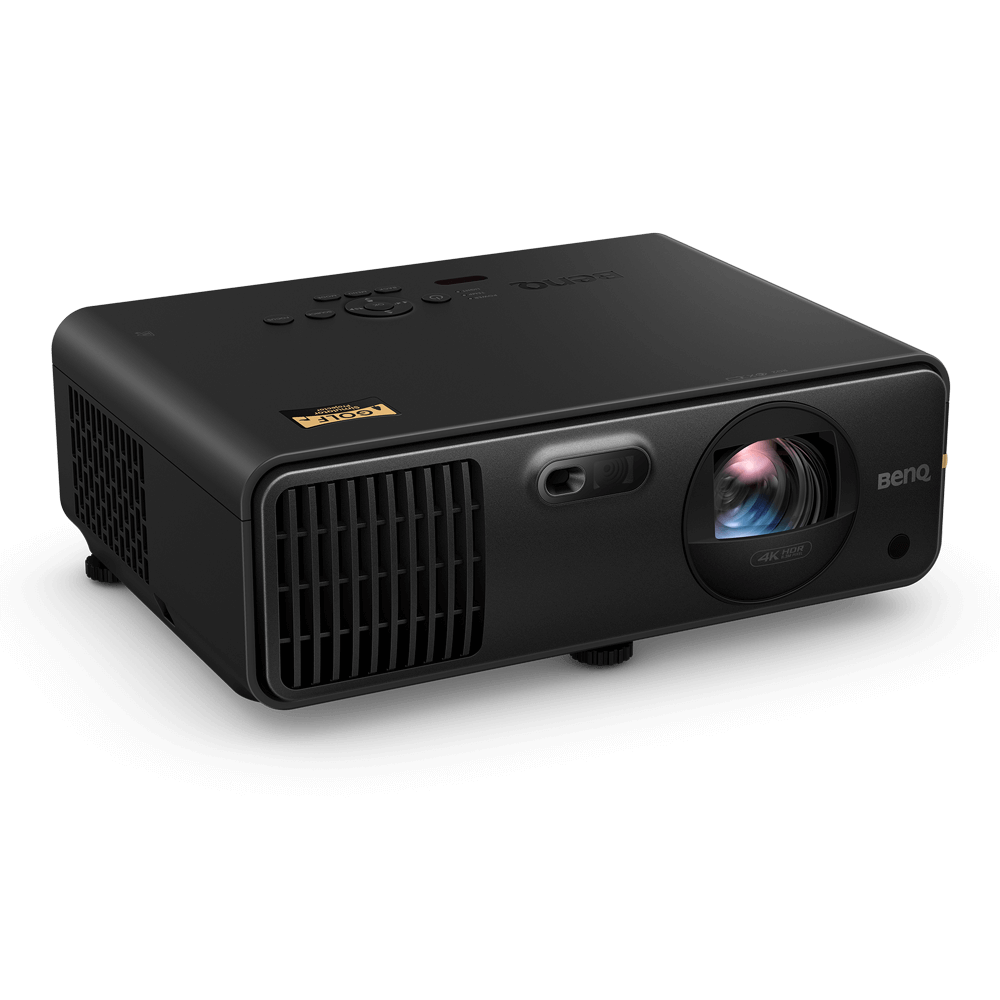
BenQ AK700ST vs LK936ST: the extra 1,100 lumens only pay where daylight reaches the screen
BenQ's two golf-sim lasers share a resolution, a light source and a golf picture mode. The dearer one buys brightness and lens shift. The cheaper one throws shorter and weighs half as much, and for most sim rooms that matters more.
Versus
TruGolf LaunchBox vs Full Swing KIT: one price includes the courses, the other includes the club data
Two portable launch monitors below the premium tier, sold on opposite promises. TruGolf bundles 27 courses you keep and no annual bill. Full Swing bundles all sixteen data points and a camera, then leaves the golf courses to you.
Review
8.3/10Carl's Place DIY Enclosure Kit review: the build is a conduit cut list, not carpentry, and the screen is where the money goes
The DIY in the name means buying 1-inch steel conduit and cutting it to a sheet Carl's Place sends you, or paying for the pre-cut pipe kit. The bigger decision is the screen, which moves the price more than the size does.