
TruGolf LaunchBox review: 27 courses you own, and no annual bill
A portable camera unit at the price where the running cost usually decides the argument. This one ships with E6 CONNECT Home and 27 courses you keep, which changes the maths in a way the spec sheet does not.
By Ben Marsden · Reviews Editor
The verdict
Very good
What's great
- Ships with E6 CONNECT Home and 27 owned courses and no annual subscription, in a bracket where the software is usually rented
- Camera-based with no marked balls and no clubface stickers, so the setup ritual between arriving and hitting is short
- Genuinely portable and built for outdoor use off grass, not just an indoor unit that technically survives daylight
Watch out
- Less club data than the premium tier, and the specification we hold does not detail exactly which club numbers you get — ask before you buy
- The course library stops at 27 unless you buy more, which is a small number next to the subscription libraries it is competing with
- Portable rather than permanently installed, so it does not give you the walk-in-and-hit bay that a ceiling-mounted unit does
Bottom line — The strongest ownership argument at this money: you buy it once, you keep the software, and there is no invoice in year two. Buy it if you want to own what you paid for and play outdoors as well as in. Buy the SkyTrak ST MAX if the budget is the constraint, or step up to a permanently mounted unit if a dedicated room with hundreds of courses is the actual goal.
TruGolf
TruGolf LaunchBox
ifrothgolf earns a commission on purchases made through these links, at no extra cost to you. It never changes what I recommend. Full disclosure.
There is a moment about fourteen months into owning a home simulator that nobody puts in the reviews. An email arrives. Your plan is renewing, and the tier you are on is not the tier that gives you the courses you have been playing all winter, and the number on the email is a decent fraction of what you paid for the hardware. Everybody who has owned one of these has had that email. Very few people budgeted for it.
The TruGolf LaunchBox at $3,000 is built to make that email not arrive. It ships with E6 CONNECT Home and 27 courses you own, with no annual subscription attached to them. That is the whole review, really. Everything else is working out whether the rest of the unit is good enough to make the commercial argument worth having.
The running cost is the argument, and it is almost never on the price tag
We keep arriving at this conclusion from different directions, which is usually a sign it is true. Price three years of software on a Bushnell Launch Pro against a SkyTrak ST MAX and a modest sticker gap turns into something several times larger, entirely because of which features are rented. The same pattern shows up in shot trackers and in the tier above. In this category the hardware is the visible cost and the software is the actual one.
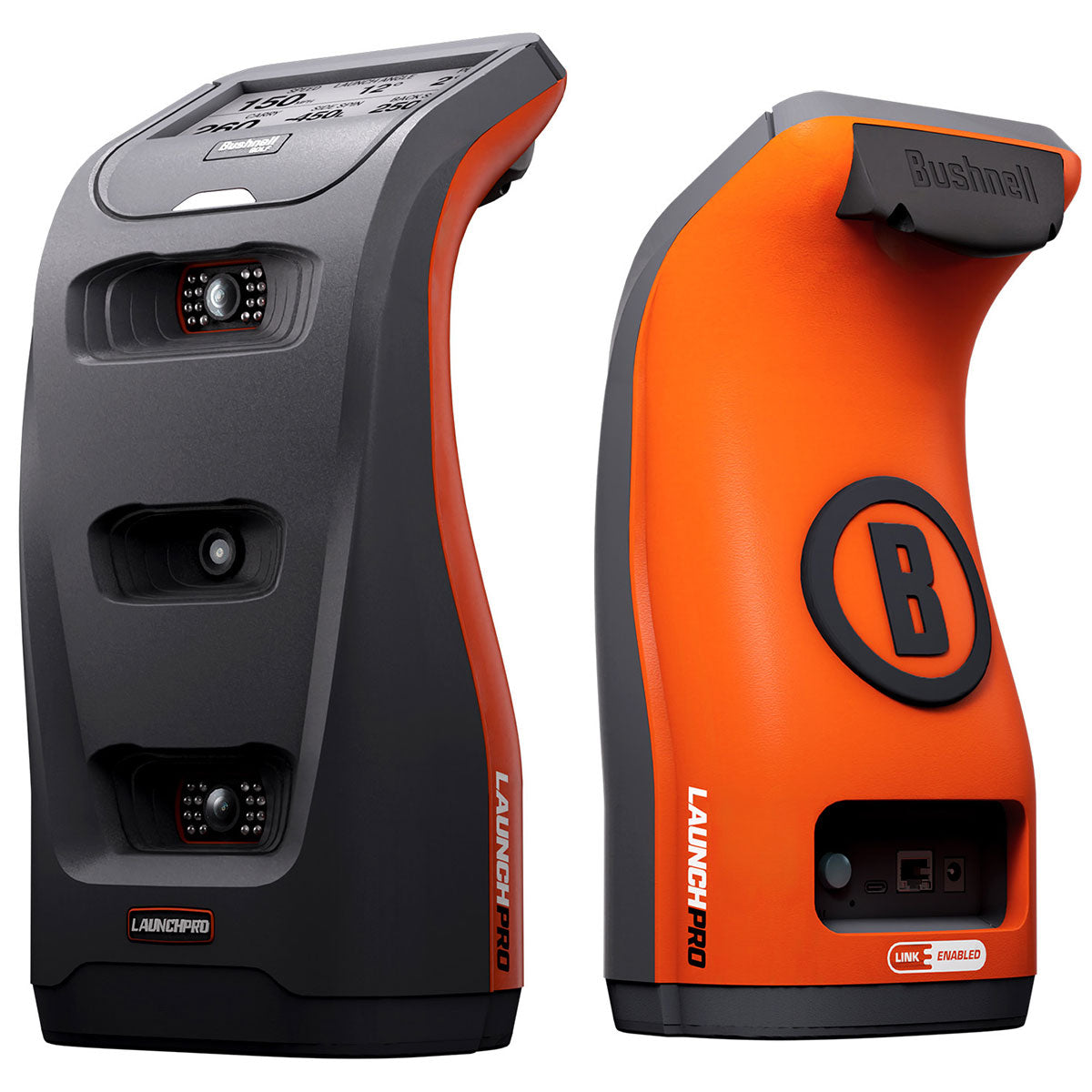
Which makes the LaunchBox's positioning pointed rather than accidental. At $3,000 it lands on almost exactly the same shelf price as the Launch Pro at around $3,000 — a unit whose club data needs both metallic clubface markers and an active plan, and whose route to the sim software most home builders want requires the top tier plus that software's own annual fee. Same money on day one. Very different money by the third winter. TruGolf has priced this thing directly at the gap.
I want to be careful about the size of the claim. Twenty-seven courses is not a library, it is a selection. A subscription library that runs to several hundred is a genuinely better product if what you want is variety, and anybody telling you that 27 owned courses beats 300 rented ones on merit is arguing about ownership rather than about golf. What the 27 gives you is certainty: it will still be 27 in four years, at no further cost, on a unit you have not had to keep paying to keep using.
What it is, physically
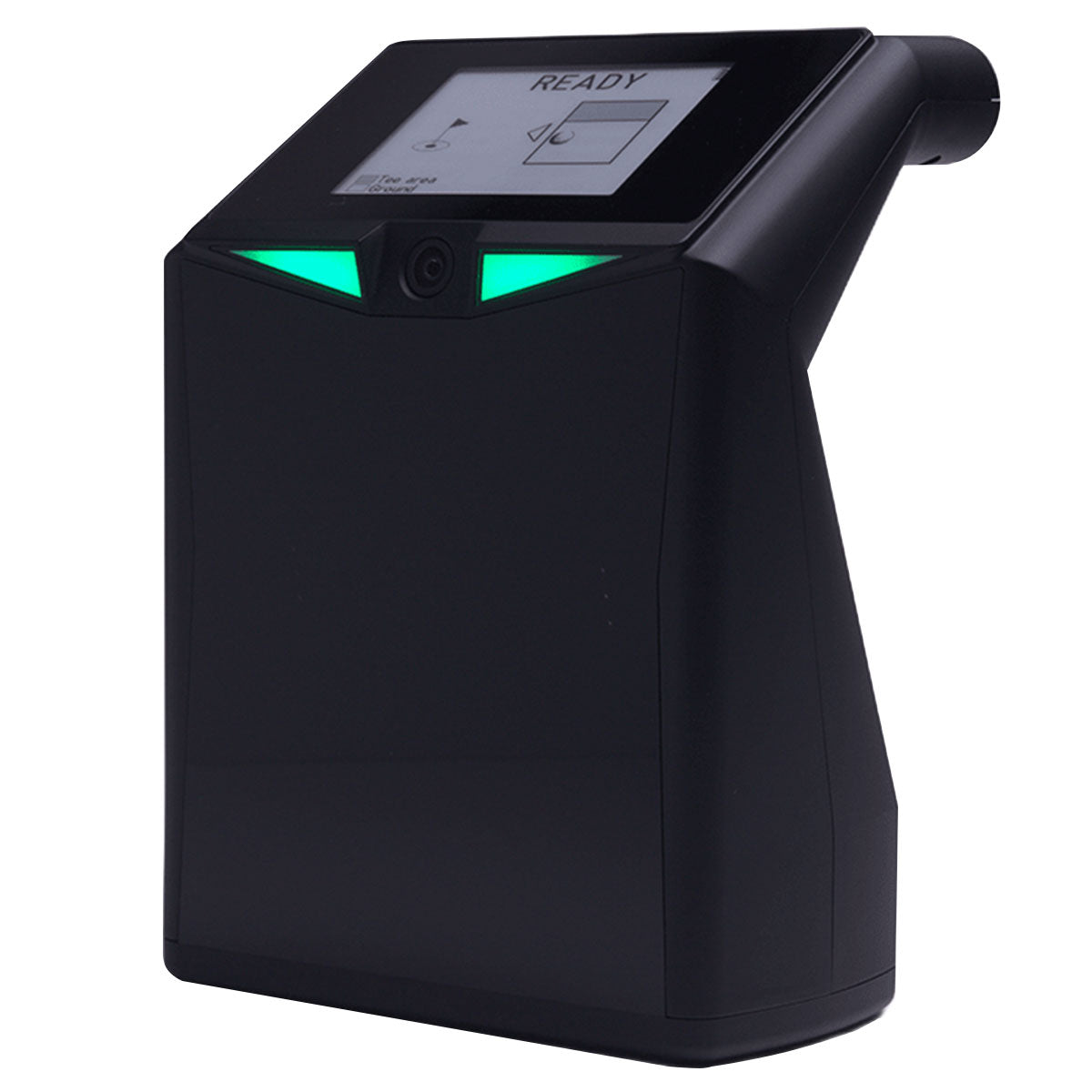
A camera-based unit that sits on the floor beside the ball rather than in the ceiling. No marked balls, no stickers on the clubface, which sounds trivial until you have spent a season peeling, losing and reapplying them. Set-up is short, and short set-up is the single strongest predictor of whether a simulator gets used on a wet Tuesday.
The portability is real rather than marketing. It is built for indoor or outdoor use, including off grass, which is where a lot of indoor-first units quietly stop working properly. That matters more than it sounds. A unit you can take to the range gives you real turf interaction and real ball flight to sanity-check the numbers against, and it turns a winter purchase into something that still earns its keep in July. If your golf is half range sessions and half hitting into a net in the garage, this is a better shape of product than a fixed one.
This is worth saying plainly for anyone who has read our other simulator coverage this week: this is not a room. The pieces we have run on the Foresight Falcon and the Trackman iO are about permanently mounted, five-figure hardware for a bay that never comes down. The LaunchBox is a tenth of that money and a different proposition entirely — a device you own rather than a fixture you install, and nothing in that comparison should be read as a criticism of either one.
Where it gives ground
Two places, and both are honest consequences of the price rather than design failures.
The first is club data. TruGolf's own positioning is that you get less of it than the premium tier reads, and our specification for the unit does not itemise exactly which club numbers are included. That is a question to put to the seller before you order, not something to infer from a bullet list, because the answer decides whether this is a practice tool or a play-golf-indoors tool for you. If you want dynamic loft, face angle and impact location to work on your strike, confirm what you are getting in writing. If you want to play Pebble in February and know roughly how far it went, this is not a problem you will ever meet.
The second is the course number. Twenty-seven is generous for an included library and small for a library. If the point of the room is to work through a bucket list of famous courses, you will be buying more, and at that point you are back in the transaction the no-subscription pitch was supposed to avoid. Go in knowing that.
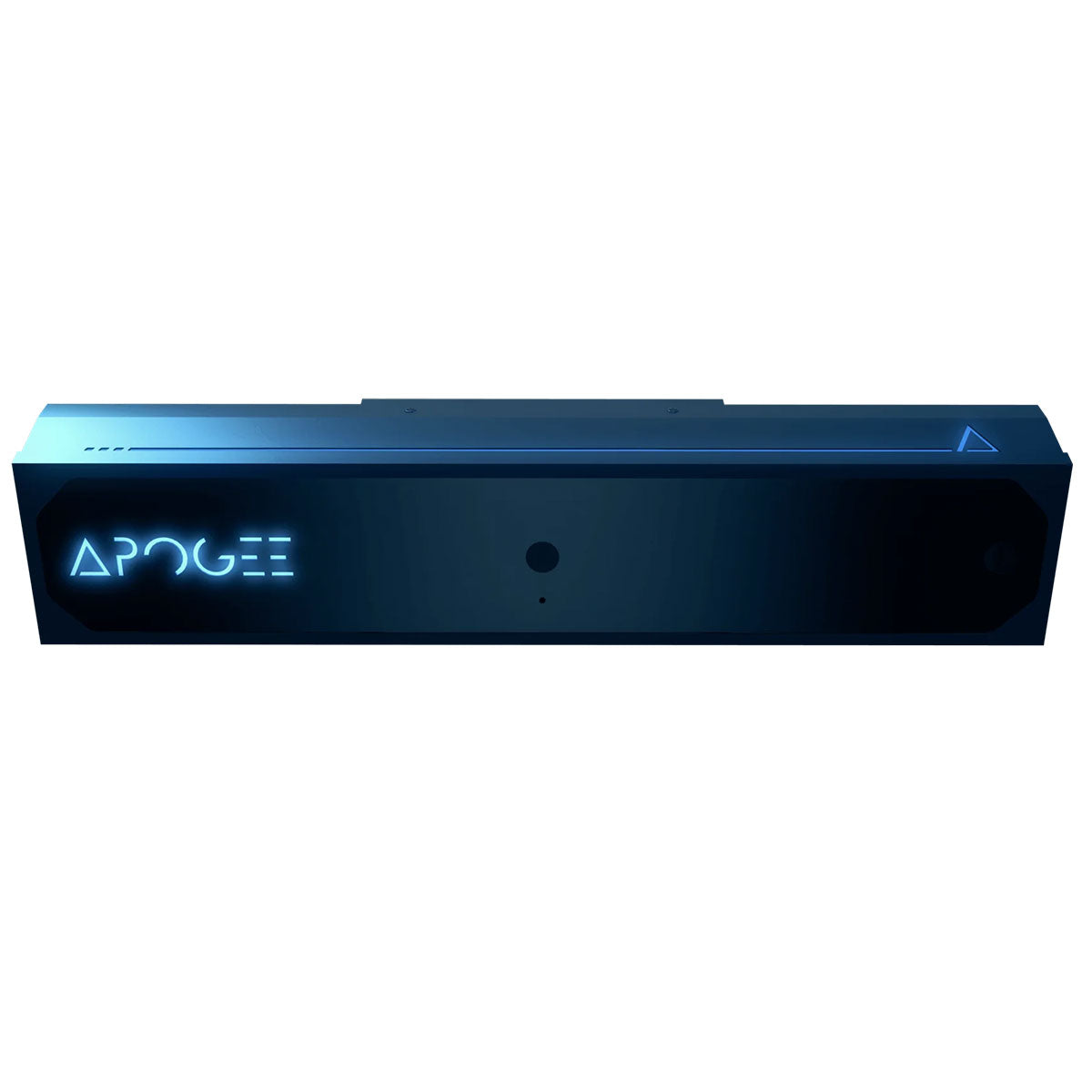
There is a third thing I would ask about rather than assume. TruGolf's overhead unit, the APOGEE, ships on E6 and — according to the retailers who install these for a living — cannot currently be driven by other simulator software, which we covered in our APOGEE review. The LaunchBox also ships on E6 CONNECT Home. Our specification says nothing about whether other software is supported, and I am not going to read one product's limitation onto another. But if GSPro is where you have already decided your winter is happening, ask the question explicitly before you spend anything.
Who should buy something else
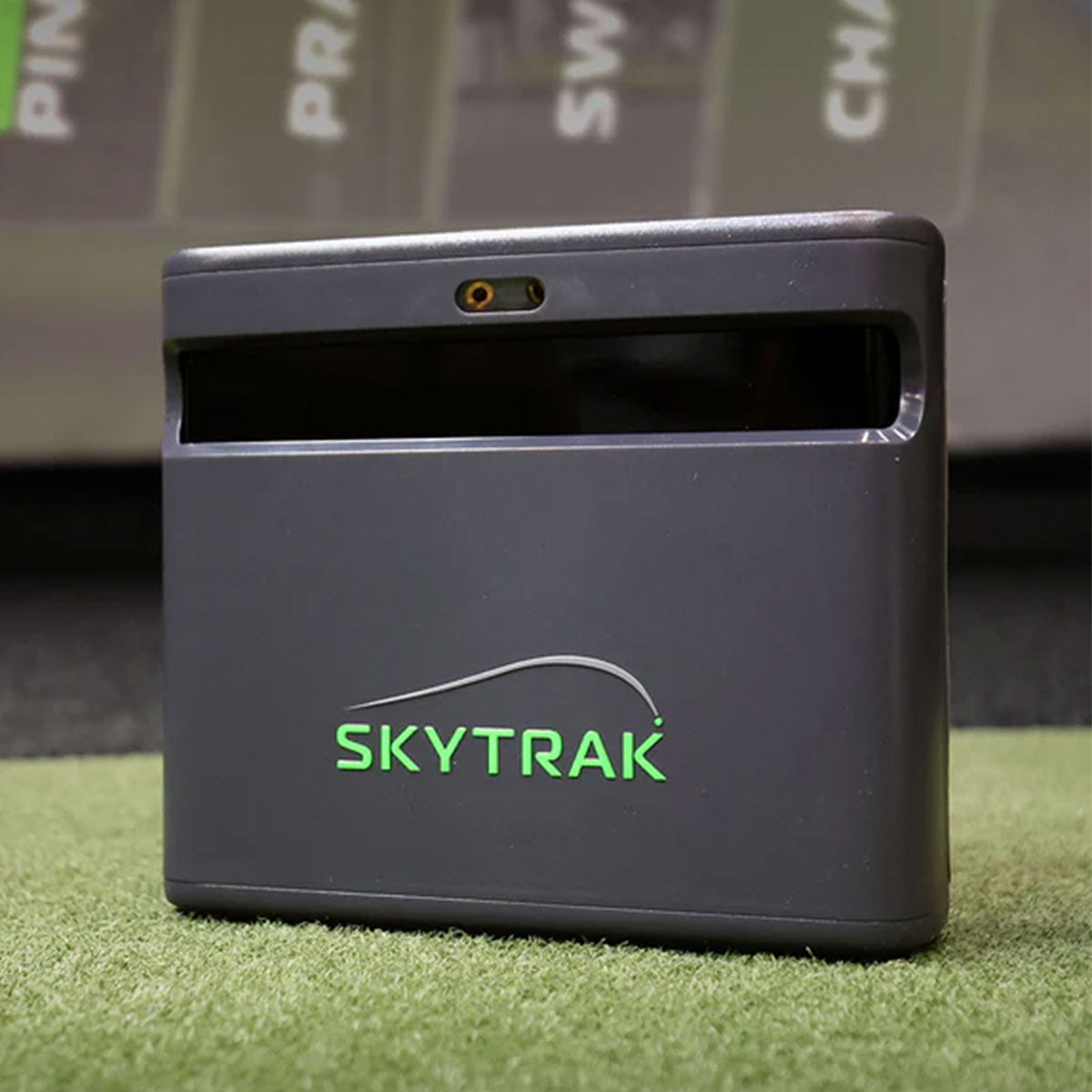
Buy down if the budget is the binding constraint. The SkyTrak ST MAX at around $2,000 is roughly a third less, includes club data with the hardware, needs no stickers, and pairs a camera with dual Doppler radar. Its memberships buy course play rather than unlocking the club numbers, which is a softer subscription than most in this bracket. It is the more sensible purchase for a first simulator where the screen, mat and enclosure still have to be bought out of the same pot.
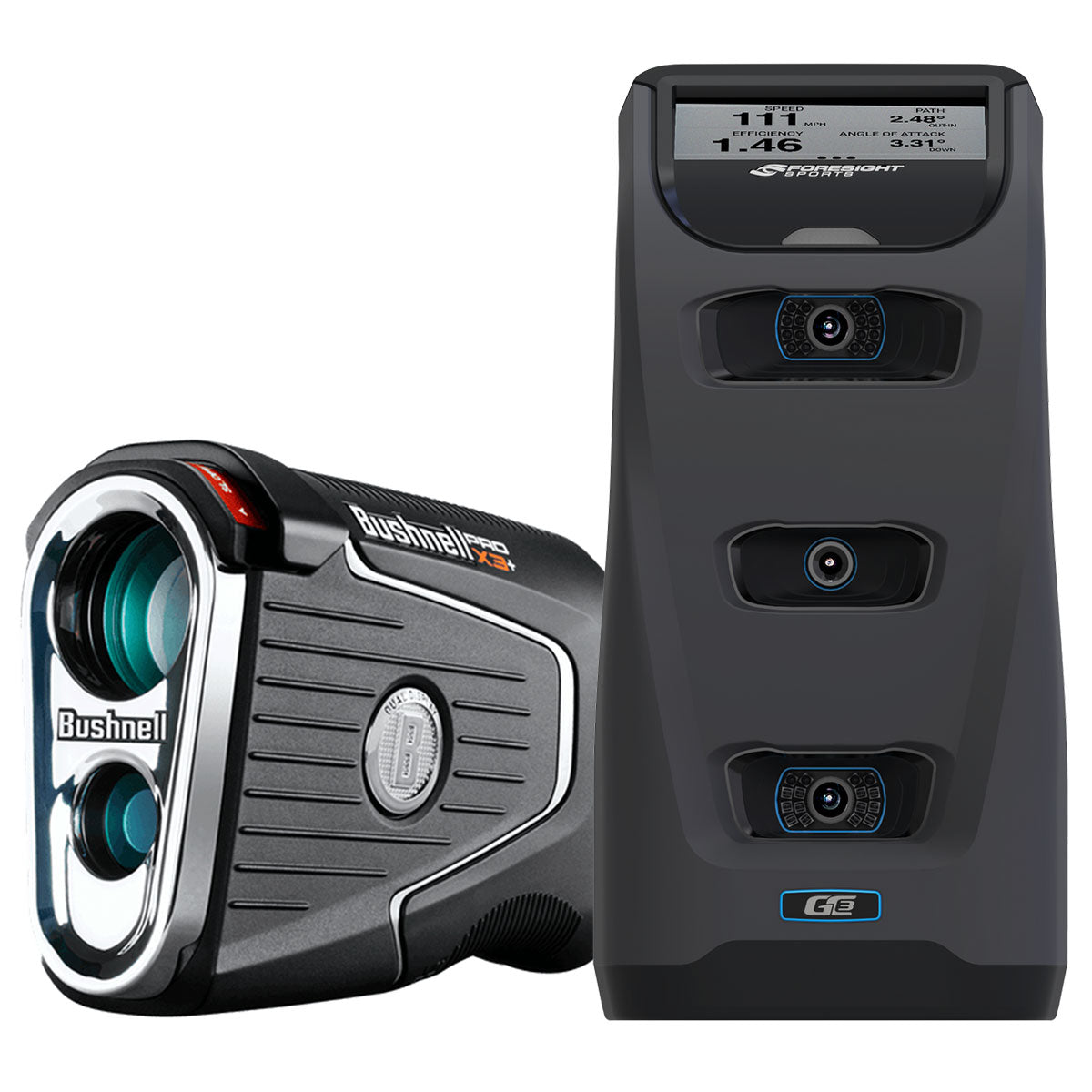
Buy up if the goal is actually a room. If you have a dedicated space, a ceiling you can drill and a plan to be hitting into that screen in five years, the honest answer is that a portable unit on the floor is the wrong shape for you no matter how good the commercial terms are. The Foresight GC3 with LINK, which lists at around $7,000 and was cut to about $4,000 in October 2026, gives you three cameras and club data on Foresight's free software tier, though its courses and GSPro need a paid Foresight+ membership. The TruGolf APOGEE at around $8,000 clears the floor entirely. Both cost more than double the LaunchBox at list price, and both are the right call for a permanent bay.
And skip it entirely if you are buying a launch monitor to fix your golf swing without any intention of playing on it. A unit whose strongest feature is an owned course library is a poor use of $3,000 for somebody who wants a coaching instrument. That money buys a lot of lessons.
Where I would put my own money
If I were buying one simulator to own outright, use indoors in January and carry to the range in June, and never think about again, this is the one I would buy at this price. The reason is not a spec. It is that I have watched too many people price a sim build on hardware, get a year in, and discover the thing they actually bought was a subscription with a box attached. The LaunchBox sells you a box. Twenty-seven courses is fewer than I would like and the club data question is a real one, but no invoice in year two is a feature the whole category has spent five years quietly charging for, and it is worth paying attention to when somebody puts it on the shelf instead.
Where to buy
7.7/10TruGolf
TruGolf LaunchBox
A portable camera unit that ships with 27 courses you own outright and no annual subscription.
ifrothgolf earns a commission on purchases made through these links, at no extra cost to you. It never changes what I recommend. Full disclosure.
Frequently asked
- Does the TruGolf LaunchBox need a subscription?
- No. It ships with E6 CONNECT Home and 27 courses that you own outright, with no annual subscription attached to them. That is its main commercial argument, because several rivals at the same shelf price gate club data, course play or third-party simulator software behind an annual plan.
- How many courses come with the TruGolf LaunchBox?
- Twenty-seven, and you own them rather than renting them. That is generous as an included library and small compared with the subscription libraries that run to several hundred courses. If you want more than 27 you will have to buy them, so factor that in if working through a bucket list is the point of the room.
- Can you use the TruGolf LaunchBox outdoors?
- Yes. It is built for indoor or outdoor use, including hitting off grass, which is unusual for a camera unit at this price and means it still has a job in summer. That also lets you sanity-check indoor numbers against real ball flight at the range.
- Does the TruGolf LaunchBox need marked balls or clubface stickers?
- No. It is camera-based and TruGolf's specification calls for no marked balls and no stickers on the clubface, so there is very little between switching it on and hitting.
Read next
Versus
Launch Pro vs SkyTrak ST MAX: the subscription decides it
Two of the most-recommended home-sim units, about $1,000 apart on the sticker. Run the software costs for three years and the gap gets much wider — in one specific direction.
Explained
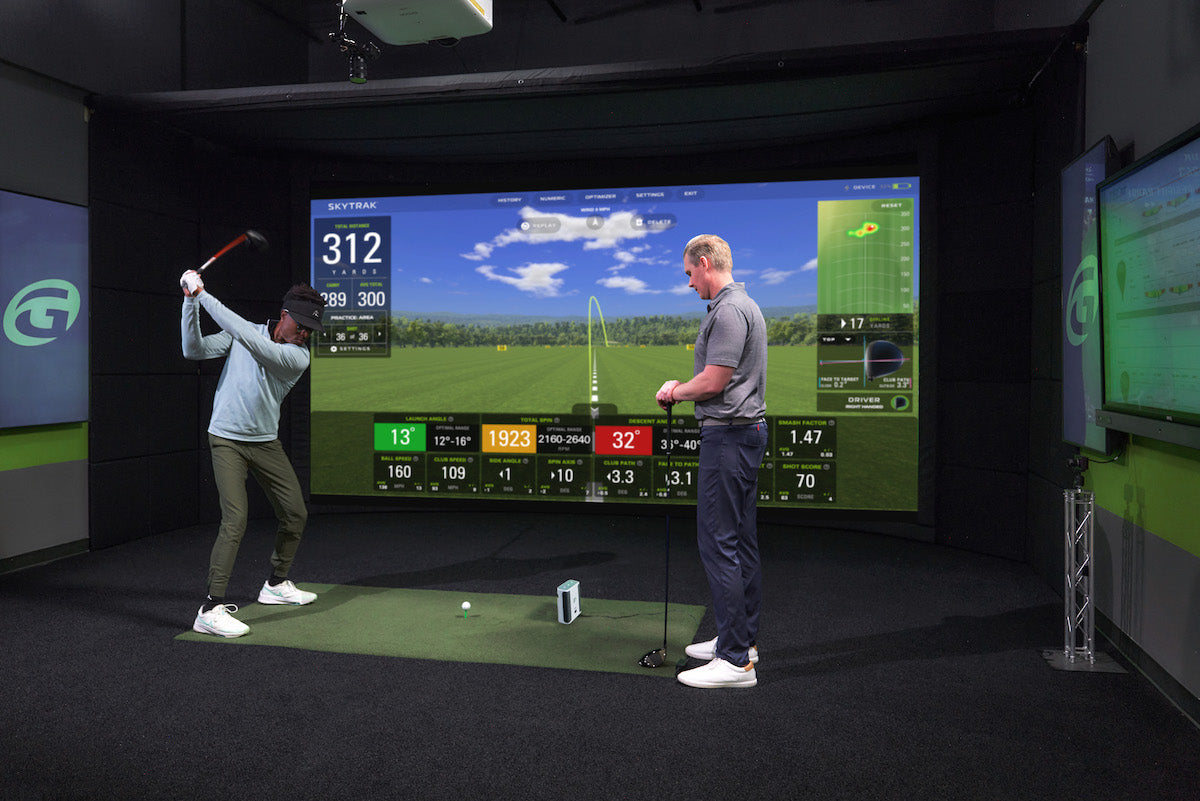
The four home golf simulators: what each budget threshold actually unlocks
Spend twice as much and you don't get twice the simulator — you cross into a different kind of room. Here's what genuinely changes at each tier, and the exact point where more money stops buying you more golf.
Opinion
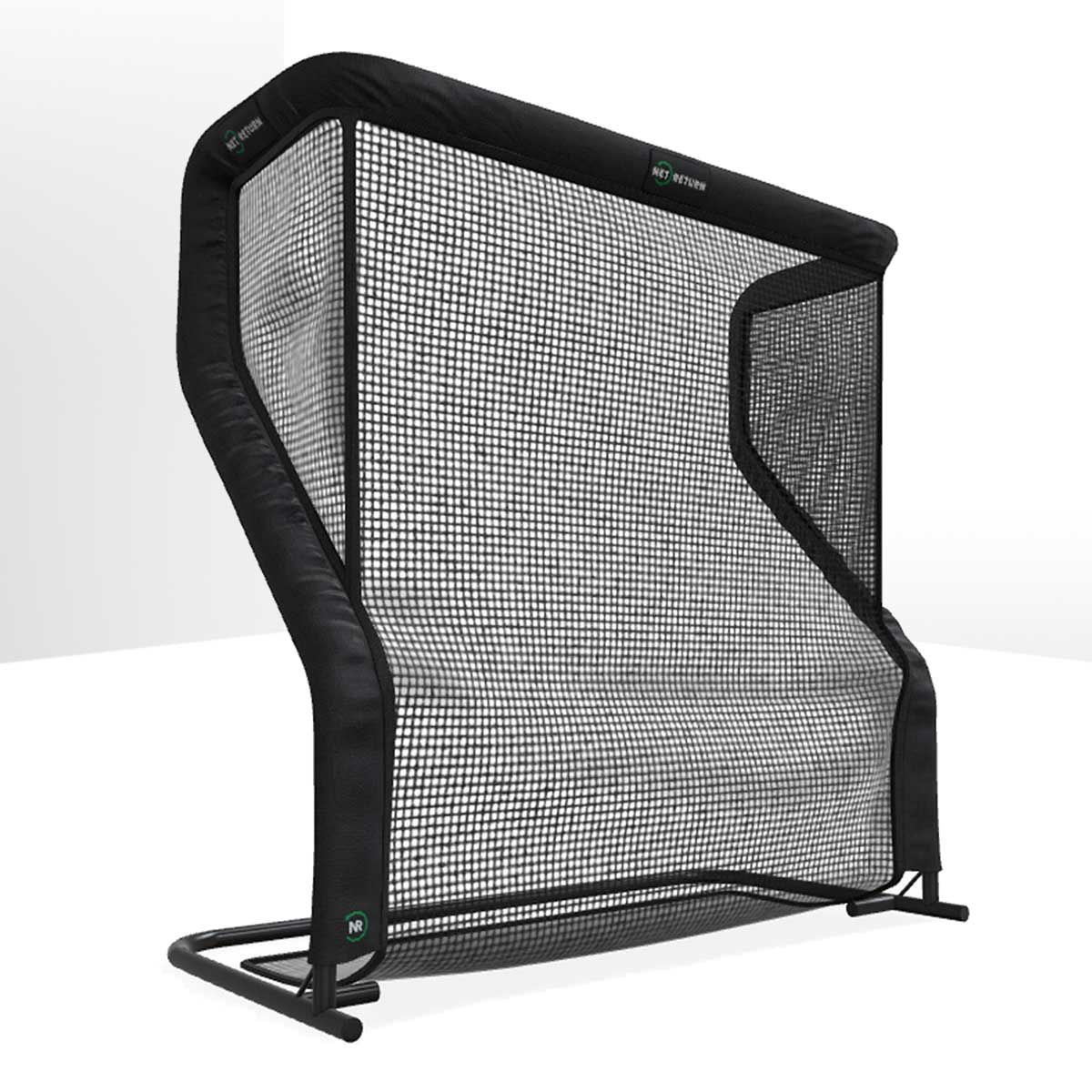
Your garage practice doesn't die in February because you lost motivation
It dies because of a small, stupid, entirely fixable thing: bending down. Twenty minutes of home practice contains about four minutes of golf and sixteen of picking balls up — and that ratio, not your willpower, is what kills the habit.