
BenQ AK700ST vs LK936ST: the extra 1,100 lumens only pay where daylight reaches the screen
BenQ's two golf-sim lasers share a resolution, a light source and a golf picture mode. The dearer one buys brightness and lens shift. The cheaper one throws shorter and weighs half as much, and for most sim rooms that matters more.
By Marcus Bell · Simulator & Indoor Golf Writer
BenQ
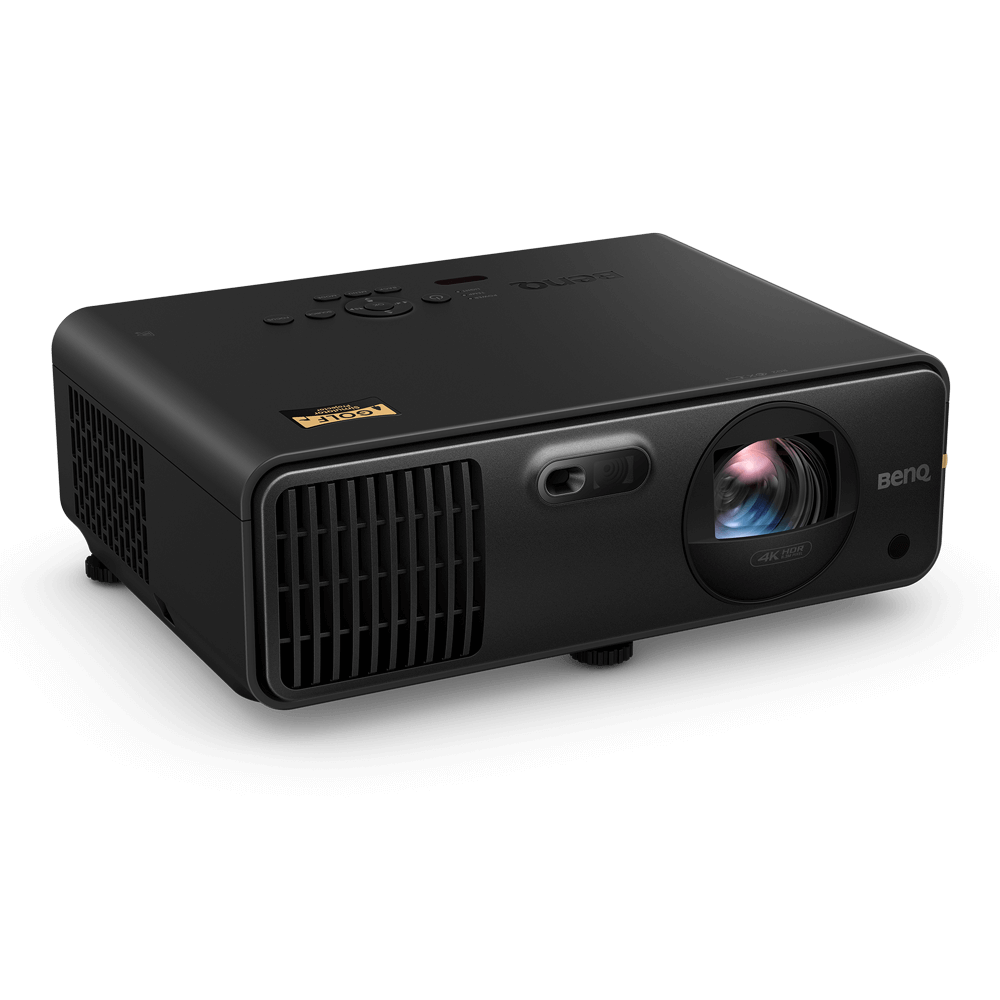
BenQ AK700ST 4K Laser Golf Simulator Projector
Pick for a dim or dark sim room: the shorter throw, half the weight, and a 4:3 fill mode for the screens most bays use.
BenQ
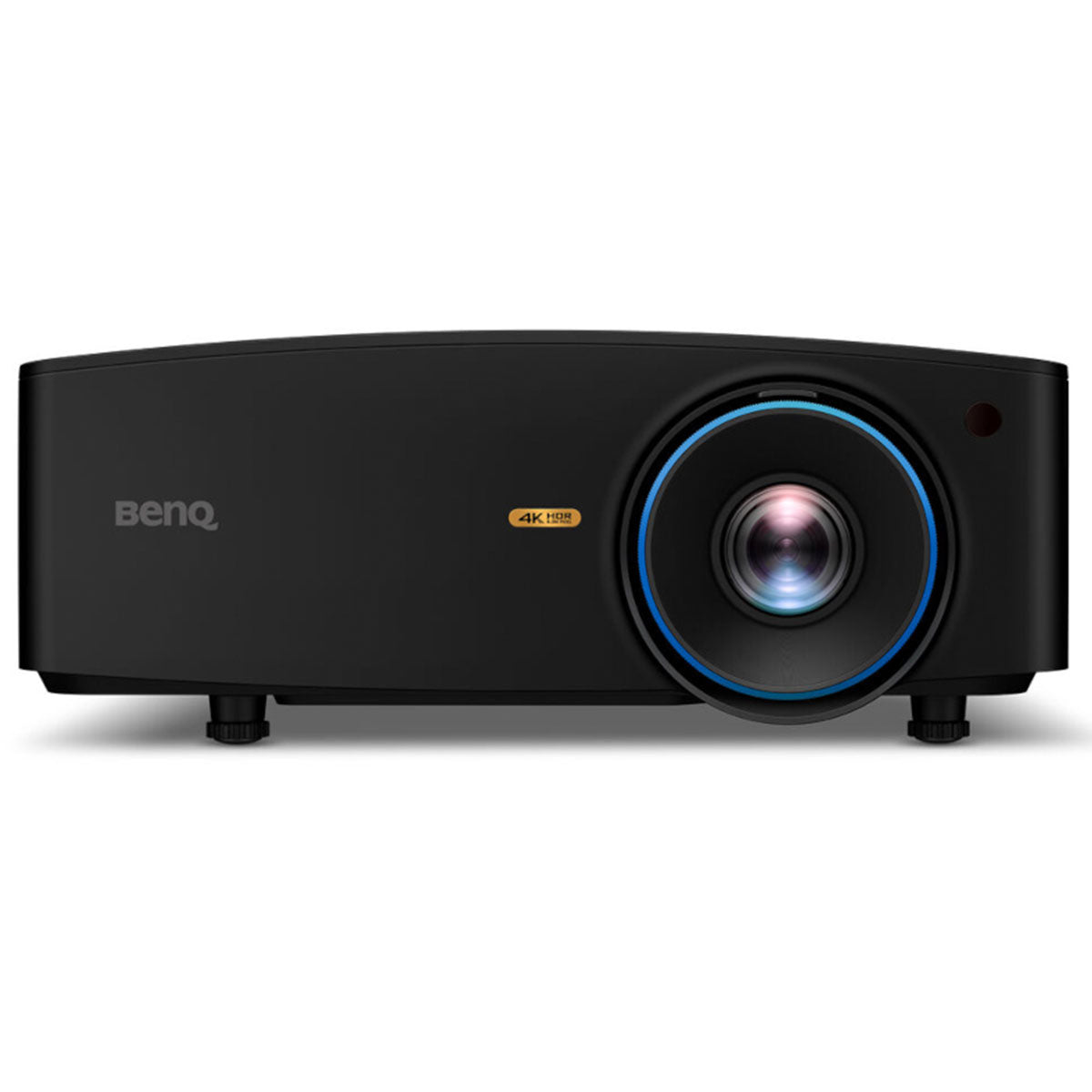
BenQ LK936ST
Pick only if daylight reaches the screen or you need lens shift to hang it off-centre.
ifrothgolf earns a commission on purchases made through these links, at no extra cost to you. It never changes what I recommend. Full disclosure.
Side by side
| Specification | BenQBenQ AK700ST 4K Laser Golf Simulator Projector | BenQBenQ LK936ST |
|---|---|---|
| Device type | projector (4K laser short-throw, golf-specific) | projector (4K short-throw laser) |
| Resolution | true 4K UHD (3840×2160) | true 4K UHD (3840x2160) with HDR10 and auto colour rendition |
| Brightness | 4,000 ANSI lumens | 5,100 ANSI lumens — built for rooms with ambient light |
| Light source | laser | laser, no lamp replacement |
| Throw | short throw for tight sim rooms | short throw — mounts behind the hitting zone |
Specs as published by each manufacturer. Rows in grey are where the two match.
Most step-up decisions in golf tech are a ladder: pay more, get more of everything. BenQ's two golf-simulator projectors are not a ladder. The cheaper BenQ AK700ST throws a shorter picture, weighs half as much, and is the one BenQ built for golf from the start. The dearer BenQ LK936ST is brighter, has proper lens shift, and needs a longer room to fill the same screen. Spend the extra on the wrong room and you get a projector that is worse at the thing your room needed.
The verdict first, then the working. For a sim room you can darken, or even mostly darken, buy the AK700ST. Buy the LK936ST only if daylight or overhead light you cannot switch off falls on the screen, or if the mounting position forces you to shift the image optically rather than tilt it digitally.
What they share, so you can ignore it
A lot of the spec sheet is the same, which narrows the decision usefully. BenQ lists both at 4K UHD, 3840 by 2160. Both are laser projectors rated at 20,000 hours, so neither has a lamp to replace and neither fades the way a bulb does. Both have a dedicated Golf picture mode, both quote a 3,000,000:1 contrast ratio, and both carry two HDMI 2.0b inputs and a 10W speaker. If resolution was going to be your tie-breaker, it cannot be. The two machines differ on four things: brightness, throw, lens shift, and size.
Brightness: 27 per cent more, and what that buys
The AK700ST is rated at 4,000 ANSI lumens and the LK936ST at 5,100. On paper that is 27 per cent more light. In practice it is about a third of a photographic stop: visible side by side, but not the difference between a washed-out image and a punchy one. In a room where you control the light, both are far brighter than the screen needs, and the extra lumens are headroom you will never see.
The LK936ST earns its premium in the other room: a garage with a window in the side wall, a converted space with rooflights, a bay where the lights have to stay on because the room is also used for something else. There, the picture is competing with ambient light rather than coexisting with it, and every extra lumen goes straight into contrast. If that is your room, the brightness case is real.
Screen size eats the advantage
Here is the part a lumen number hides. Projector brightness is spread across the whole image, so a bigger screen is a dimmer screen. Fill a 10-foot-wide 16:9 image with the AK700ST and you are putting roughly 71 lumens on every square foot. Fill a 12-foot-wide image with the LK936ST and the figure is about 63. The brighter projector on the bigger screen is the dimmer picture.
That is the real decision rule. The LK936ST buys you either a brighter image at the same size or a bigger image at the same brightness. It does not buy both. If the reason you are looking at it is a wide screen in a dark room, the AK700ST at that size will look at least as good, and the money is better spent elsewhere in the build. Screen colour and gain move the result as much as the projector does, which we went through in impact screen colour versus projector lumens.
Throw: the cheaper one fits the tighter room
Throw ratio is distance to the screen divided by image width, and in a sim it decides whether the projector can live above or behind you without throwing your shadow onto the ball. BenQ specifies 0.69 to 0.83 for the AK700ST, with a 1.2x zoom, and 0.81 to 0.89 for the LK936ST, with a 1.1x zoom.
Put that in feet. For a 10-foot-wide image the AK700ST needs between about 6.9 and 8.3 feet of lens-to-screen distance; the LK936ST needs about 8.1 to 8.9. For a 12-foot-wide image it is roughly 8.3 to 10 feet against 9.7 to 10.7. The AK700ST can always sit closer, and its wider zoom range gives you more choice about where the mount goes. In a short room, that alone can settle it.
One trap applies to both. Many impact screens are closer to 4:3 than 16:9. When a projector fills a 4:3 screen it uses the middle of its 16:9 frame, so the throw distance is set by the screen's height, not its width, and you need more distance than the width-based figure suggests. The AK700ST lists 4:3 and 1:1 screen-fill modes and Auto Screen Fit, which is BenQ's one-button routine for squaring the image to the screen edges. Run your numbers on height, or let our sim build planner do it.
Lens shift and keystone: the install question
This is where the LK936ST is genuinely the better engineered unit. It has optical lens shift of plus or minus 60 per cent vertically and plus or minus 23 per cent horizontally, so you can hang it off-centre and move the image physically without distorting it. The AK700ST lists no lens shift. It has a fixed offset and corrects position with digital keystone of up to 30 degrees in each axis, against 40 on the LK936ST.
Digital keystone works by reshaping the image electronically, which means the projector is no longer using its whole panel for the picture. In a sim where the mount is centred on the screen, you will barely need it. In a room where the mount has to go off to one side, because of a beam, a door, or keeping it clear of a left-hander's swing as well as a right-hander's, lens shift is the clean fix and the LK936ST has it.
Size, weight and cabling
The AK700ST weighs 3.4kg and is about 30cm wide. The LK936ST weighs 7kg and is about 42cm wide. That is not trivia in a sim: the heavier unit needs a sturdier ceiling mount and a joist you trust, and it is more to wrestle into position on a ladder. The LK936ST also draws about 440W in typical use and BenQ rates it at 40 decibels in normal mode.
In its favour, the LK936ST adds HDBaseT and a DisplayPort input. HDBaseT carries the video signal over a single network-style cable across long runs, which is useful in a big room where the PC lives at the back wall. The AK700ST takes its second digital input over USB-C instead.
Who should buy which
Buy the AK700ST at around $2,900 if your sim room is a basement, a garage you can black out, or a dedicated space with curtains. It throws shorter, mounts more easily, fills a 4:3 screen without fuss and puts as much light on a sensibly sized screen as the room can use. That covers most builds, and the saving goes into a better screen or enclosure.
Buy the LK936ST at around $4,900, roughly two-thirds more, if light you cannot control reaches the screen, or if the room forces an off-centre mount that only lens shift fixes cleanly. Those are real problems and it is the right tool for them. It is the wrong tool for a dark room with a big screen, where its extra lumens are spread thinner than the AK700ST's.
If neither BenQ fits your budget, the comparison that matters is a different one, and we ran it in BenQ LK936ST vs Optoma GT2100HDR. Measure the room, the screen and the light before you compare anything else.
Frequently asked
- What is the difference between the BenQ AK700ST and the LK936ST?
- Both are 4K UHD laser projectors with a golf picture mode and a 20,000-hour light source. The LK936ST is brighter, at 5,100 ANSI lumens against 4,000, and adds optical lens shift and HDBaseT. The AK700ST has the shorter throw ratio, 0.69 to 0.83 against 0.81 to 0.89, weighs 3.4kg against 7kg, and lists 4:3 and 1:1 screen-fill modes with Auto Screen Fit.
- Is the BenQ LK936ST worth the extra over the AK700ST for a golf simulator?
- Only in a room with light you cannot control, such as daylight from a window or rooflight falling on the screen, or where the projector has to be mounted off-centre and you need lens shift. In a room you can darken, the AK700ST is bright enough, fits a shorter room and is easier to mount.
- How far from the screen does a BenQ AK700ST need to be?
- BenQ specifies a throw ratio of 0.69 to 0.83, so a 10-foot-wide 16:9 image needs roughly 6.9 to 8.3 feet from lens to screen, and a 12-foot-wide image roughly 8.3 to 10 feet. For a 4:3 impact screen, work from the screen's height rather than its width, because the projector fills it using the middle of its 16:9 frame.
- Does a bigger golf sim screen need a brighter projector?
- Yes, because a projector's light is spread over the whole image. A 12-foot-wide 16:9 image has about 44 per cent more area than a 10-foot-wide one, so 5,100 lumens on the larger screen works out dimmer per square foot than 4,000 lumens on the smaller one. Choose the screen size first, then the brightness that suits it.
Read next
Versus
Launch Pro vs SkyTrak ST MAX: the subscription decides it
Two of the most-recommended home-sim units, about $1,000 apart on the sticker. Run the software costs for three years and the gap gets much wider — in one specific direction.
Explained
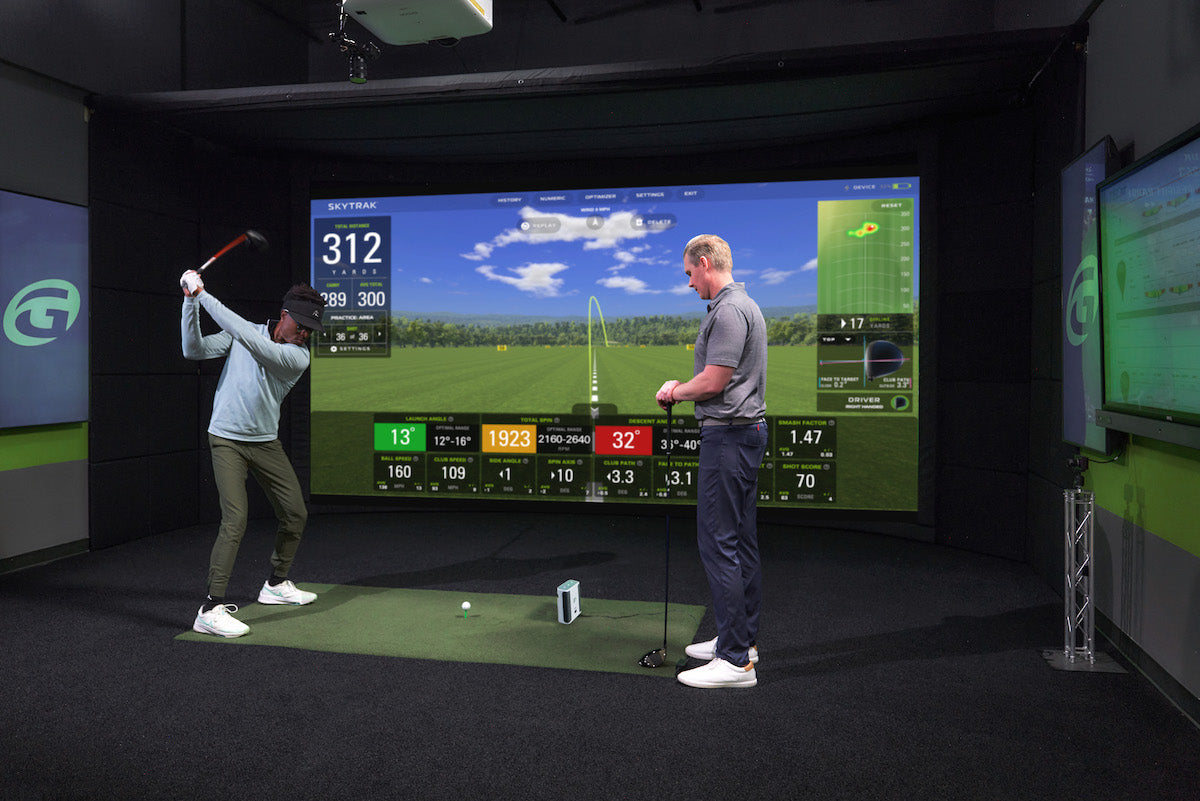
The four home golf simulators: what each budget threshold actually unlocks
Spend twice as much and you don't get twice the simulator — you cross into a different kind of room. Here's what genuinely changes at each tier, and the exact point where more money stops buying you more golf.
Opinion
Your garage practice doesn't die in February because you lost motivation
It dies because of a small, stupid, entirely fixable thing: bending down. Twenty minutes of home practice contains about four minutes of golf and sixteen of picking balls up — and that ratio, not your willpower, is what kills the habit.