
BenQ LK936ST vs Optoma GT2100HDR: the projector decision is about your room, not your budget
Two short-throw laser projectors for a golf simulator, separated by roughly threefold on price. The right answer is set by the light in your room and the distance you actually have, not by the lumen number.
By Marcus Bell · Simulator & Indoor Golf Writer
ifrothgolf earns a commission on purchases made through these links, at no extra cost to you. It never changes what I recommend. Full disclosure.
Side by side
| Specification | BenQBenQ LK936ST | OptomaOptoma GT2100HDR Short-Throw Laser Projector |
|---|---|---|
| Device type | projector (4K short-throw laser) | projector (short-throw laser) |
| Brightness | 5,100 ANSI lumens — built for rooms with ambient light | 4,200 lumens for brighter rooms |
| Resolution | true 4K UHD (3840x2160) with HDR10 and auto colour rendition | 1080p with 4K HDR input support |
| Throw | short throw — mounts behind the hitting zone | short throw — ~120in from about 4.3ft |
| Light source | laser, no lamp replacement | DuraCore laser, ~30,000-hour life, no lamp to replace |
Specs as published by each manufacturer. Rows in grey are where the two match.
For most home golf simulators the Optoma GT2100HDR is the correct purchase and the BenQ LK936ST is more projector than the room can use. The BenQ wins outright in one specific situation: a bay you cannot darken, where daylight or overhead lighting is competing with the picture, and where you also want native 4K rather than a 4K signal shown on a 1080p chip. Everywhere else the price gap buys very little a golfer will notice.
That is the whole verdict, and the rest of this is how to work out which room you have. The decision people get wrong is buying on lumens, hanging the unit, and then discovering that the number they optimised for was never their constraint.
Throw ratio comes before every other spec
Throw ratio is the first filter because it decides whether the projector can physically live in your bay. It is the distance from the lens to the screen divided by the image width, and in a sim room it also decides whether the unit ends up mounted where the ball flies.
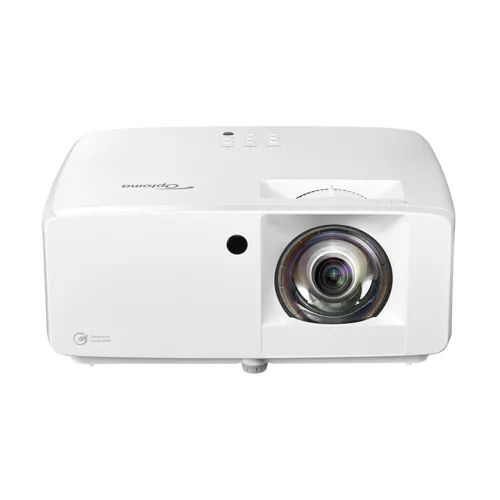
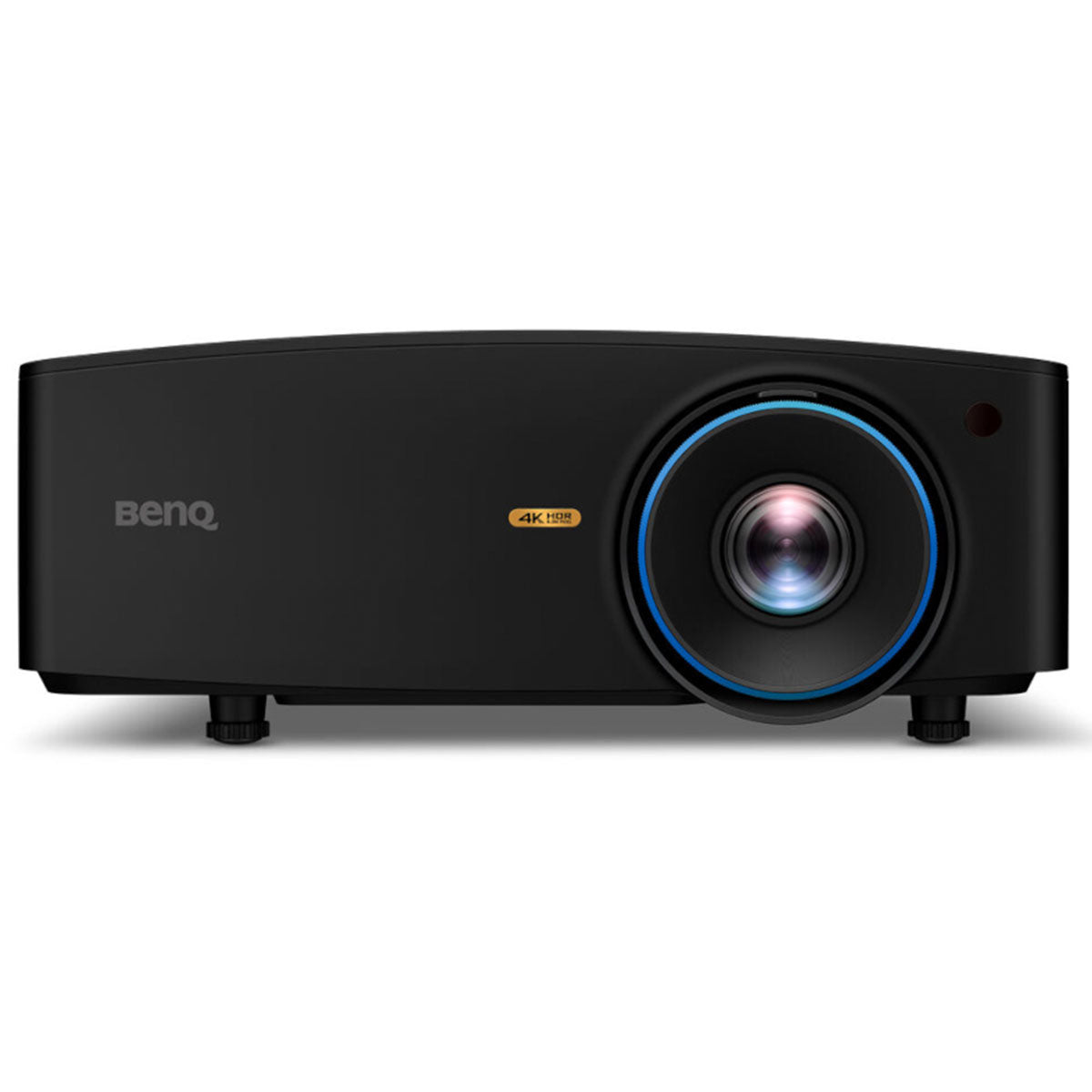
BenQ's own specification for the LK936ST gives a throw ratio of 0.81 to 0.89 with a 1.1x zoom. Optoma publishes 0.496:1 for the GT2100HDR, and says it will fill a 100-inch image from about a metre away. Those are meaningfully different machines. The Optoma is the shorter throw by a wide margin, which matters most in a garage bay or a converted room where the mount has to sit close behind the hitting zone. The BenQ needs noticeably more distance for the same image width — still short throw, but not in the same class of tight — and it compensates with a serious lens shift range, plus or minus 60 percent vertical and plus or minus 23 percent horizontal, which gives you far more freedom about where the unit physically hangs relative to the screen centre.
Measure before you shortlist. Screen width, mount position, and where a struck ball actually travels. If your available distance rules one of them out, no other spec on the page matters.
Brightness against the light you actually have
The Optoma's DuraCore laser is rated at 4,200 lumens, which holds a punchy, watchable picture in a room with some daylight or overhead lighting in it. This is the projector to point at a sim room that is not a blacked-out cave, and for a great many builds that is the end of the discussion.
The LK936ST exists for the room where that is not enough. At 5,100 ANSI lumens it is built for a garage with a window, a converted space with rooflights, or any bay where the picture has to fight daylight rather than merely coexist with it. That is a real problem and this is a real solution to it — the difference between a course that looks like a course and one that looks like a projection. It is also, for a room you can black out, simply money spent on headroom you will never see. Buy it when you have measured the light and know you have a brightness problem, not because more lumens sounds safer.
The trap worth naming: brightness is a property of the whole system, not the projector. A grey or high-gain impact screen, screen gain, wall colour and how much of the light bounces back at you all move the result more than a thousand lumens on a spec sheet do. We have written that up separately in impact screen colour versus projector lumens, and it is the piece to read before you commit to either unit.
Native 4K versus a 4K input
This is the specification difference that gets glossed over in most comparisons. The LK936ST is true 4K UHD at 3840x2160. The GT2100HDR is a native 1080p chip that accepts a 4K HDR input and displays it at 1080p, with HDR10 and HLG support and Optoma's Dynamic Black doing the contrast work.
Whether that matters depends entirely on your software and your seating. Premium sim packages like E6 Connect and TGC 2019 do output at 4K, and on a large screen viewed from a few feet away the extra pixel density is visible in course detail and in text. On the other hand, you are standing at address looking at a target line, not sitting back scrutinising foliage, and 1080p across a well-lit impact screen reads perfectly well for the actual job. Rate this as a real difference that is worth money to some people and nothing to others — and be honest with yourself about which you are.
Laser life, maintenance and lag
Both are laser light sources, so neither has a lamp to replace and neither dims gradually in the way a bulb-based unit does. Optoma quotes up to 30,000 hours of maintenance-free operation for the DuraCore engine; BenQ's spec sheet gives around 20,000 hours in normal mode for the LK936ST. Either figure is longer than most sim rooms will ever run.
Input lag favours the cheaper unit, which surprises people. Optoma publishes 8.6 milliseconds for the GT2100HDR. BenQ's specification for the LK936ST lists 16.7 milliseconds at both 1080p 60Hz and 4K 60Hz. For golf, neither is a problem: the ball is gone before the picture updates and no launch monitor round trip is decided at that resolution. It matters if the same room doubles as a console gaming setup, and if it does, the cheaper projector is also the faster one.
Where the BenQ TK710STi sits
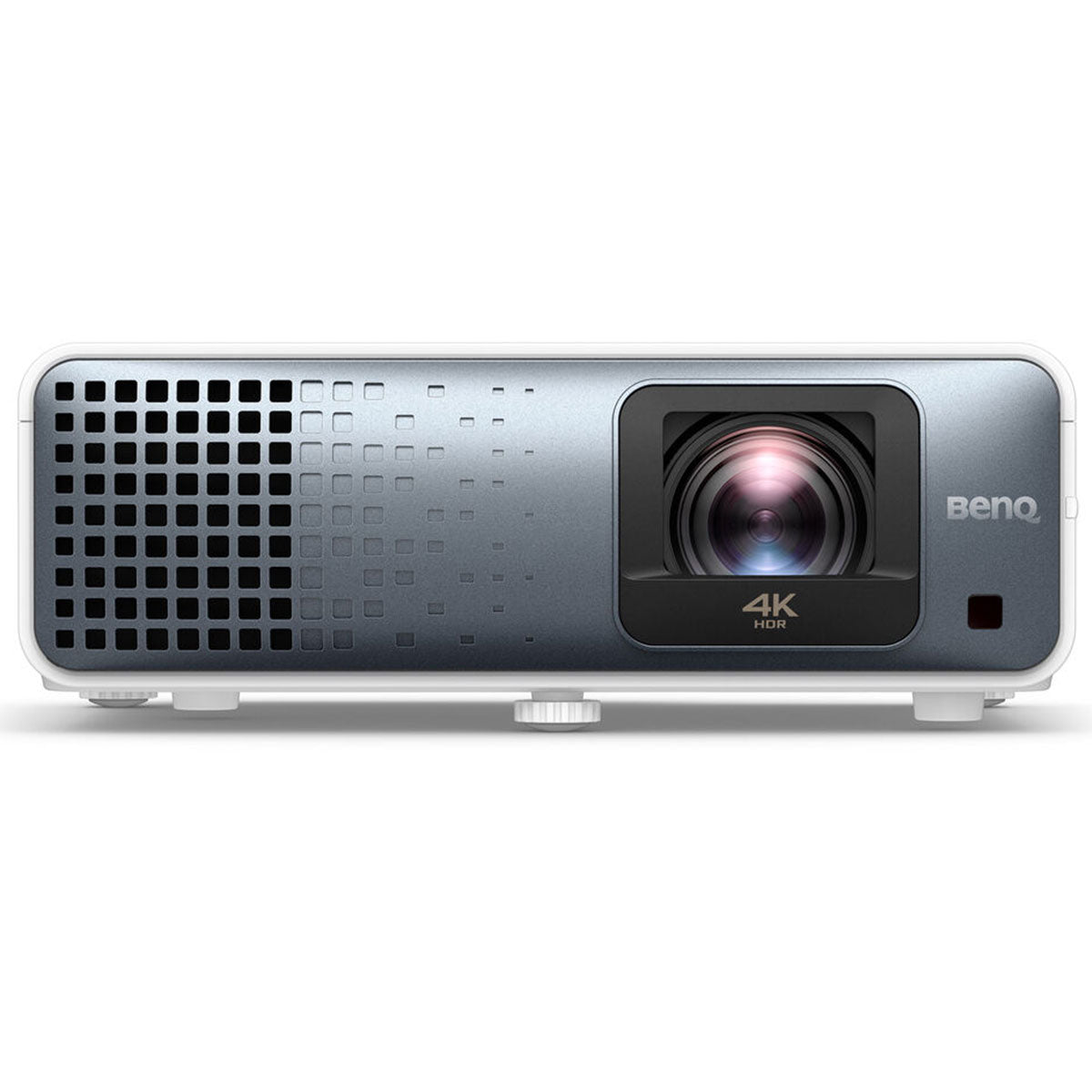
There is a middle option and for a lot of readers it is the actual answer. The BenQ TK710STi gives you true 4K UHD at 3,200 ANSI lumens with the same no-lamp laser engine and 4.2ms input lag at 1080p 240Hz. So: the resolution of the flagship, brightness that holds up in a garage that is not pitch dark, at a price between the two units in this comparison. If your objection to the Optoma is resolution rather than brightness, buy the TK710STi and stop reading. If your objection is brightness, the TK710STi is not the fix and the LK936ST is.
Our wider shortlist across the category, including the cheaper lamp-based options, sits in the best golf simulator projectors.
The winner, by room
Small bay, short throw distance, controllable light, budget doing real work elsewhere in the build: the Optoma GT2100HDR at around $1,500. The 0.496:1 throw ratio is the single most accommodating number in this comparison, the brightness is enough for a normally lit room, and the money saved goes further in a screen and an enclosure than it does in pixels.
Garage or conservatory-adjacent bay with real daylight, a wide screen, and a build where the projector is not the thing you are economising on: the BenQ LK936ST at around $4,900. You are paying for 5,100 lumens and native 4K, and you should only pay it if you have measured the first and care about the second.
Everything in between, which is most builds: the TK710STi. The pattern across all three is the same. Match the projector to the screen and the room, and let the lumen number be an output of that decision rather than the input.
Frequently asked
- Is the BenQ LK936ST worth the extra over the Optoma GT2100HDR?
- Only if your room has ambient light you cannot control, or you specifically want native 4K. The BenQ is rated at 5,100 ANSI lumens with true 4K UHD resolution; the Optoma is 4,200 lumens at native 1080p with 4K HDR input support. In a room you can darken, the extra spend buys headroom most golfers will not see.
- Which has the shorter throw for a small golf sim room?
- The Optoma, by a clear margin. Optoma publishes a 0.496:1 throw ratio for the GT2100HDR and says it fills a 100-inch image from about a metre. BenQ specifies 0.81 to 0.89 for the LK936ST, though the BenQ offers wide lens shift of plus or minus 60 percent vertical and plus or minus 23 percent horizontal, which gives more freedom in where it hangs.
- Does projector input lag matter for a golf simulator?
- Barely. Optoma quotes 8.6 milliseconds for the GT2100HDR and BenQ lists 16.7 milliseconds for the LK936ST at 1080p and 4K 60Hz. Both are far below anything a golf swing exposes. It only becomes a real factor if the same room doubles as a console gaming space, in which case the cheaper Optoma is also the faster one.
- Do I need 4K for a golf simulator?
- No, but it is visible if you sit close to a large screen and run software that outputs at 4K, such as E6 Connect or TGC 2019. Standing at address looking at a target line, 1080p across a well-lit impact screen does the job. If resolution is your only reservation about a 1080p unit, the BenQ TK710STi delivers native 4K at 3,200 lumens for less than the flagship.
Read next
Review
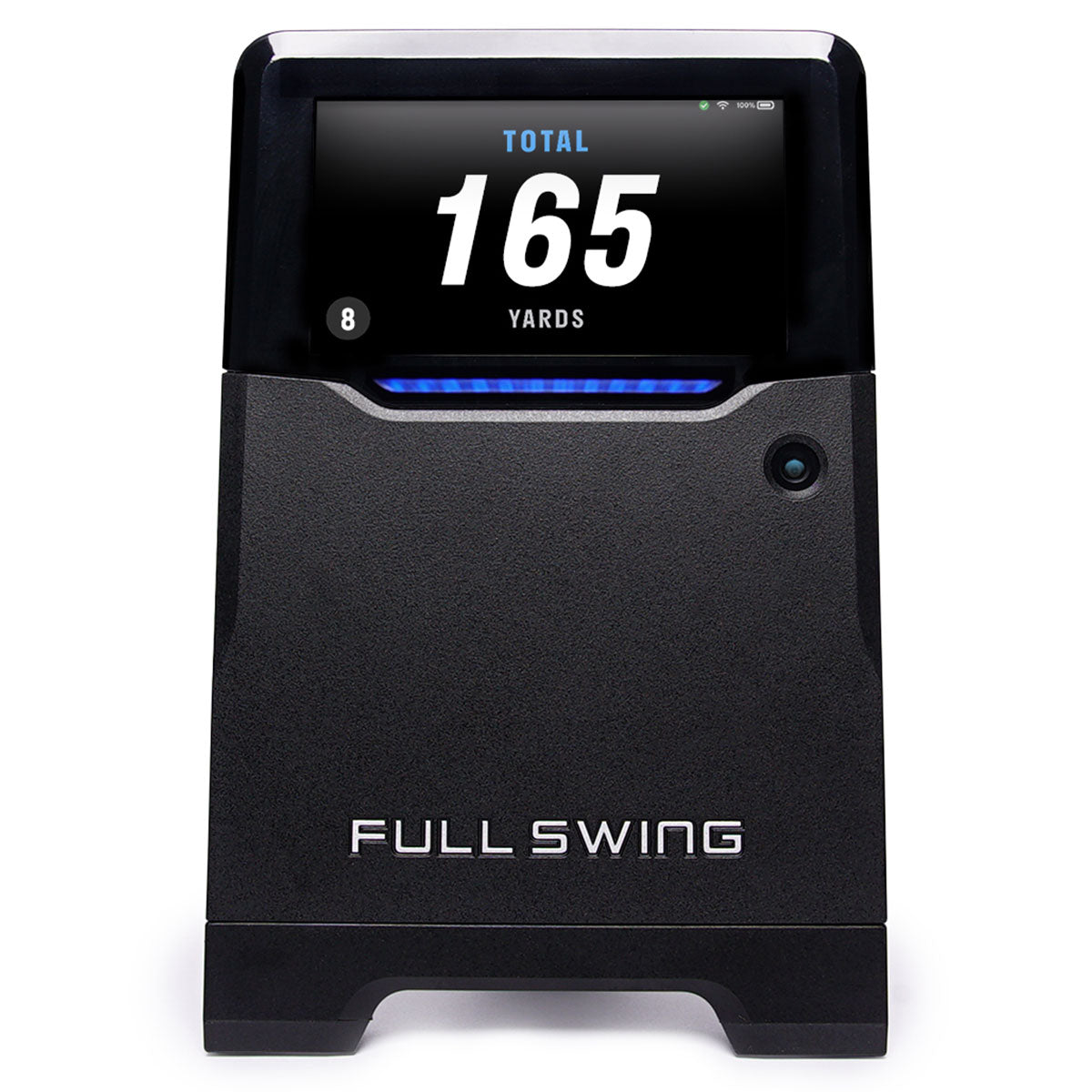
7.9/10Full Swing KIT review: the tape measure decides this, not Tiger
Tour pedigree, TGL on ESPN, and radar good enough to be checked against a Trackman outdoors. It also wants eighteen to twenty feet of room, which rules out most of the garages people buy it for.
Versus
Trackman iO vs Uneekor EYE XO2: the year-one trap
Both mount overhead, both want ten feet of ceiling, and about $3,000 separates them on the shelf. Then Trackman's included first year runs out, and the gap starts growing by $1,100 a year.
Versus
Uneekor EYE XO2 vs Foresight GC3: ceiling or floor?
At least $4,000 separates them, but they're not really rivals — one lives in your ceiling forever, the other sits on the floor and travels. Both now charge a yearly fee for the software most home builders want.