
The only three projectors worth buying for a golf simulator
Forget the spec-sheet rabbit hole. For a golf sim the projector decision comes down to two things — your room's light and your budget — and it lands on one of three.
By Marcus Bell · Simulator & Indoor Golf Writer
BenQ
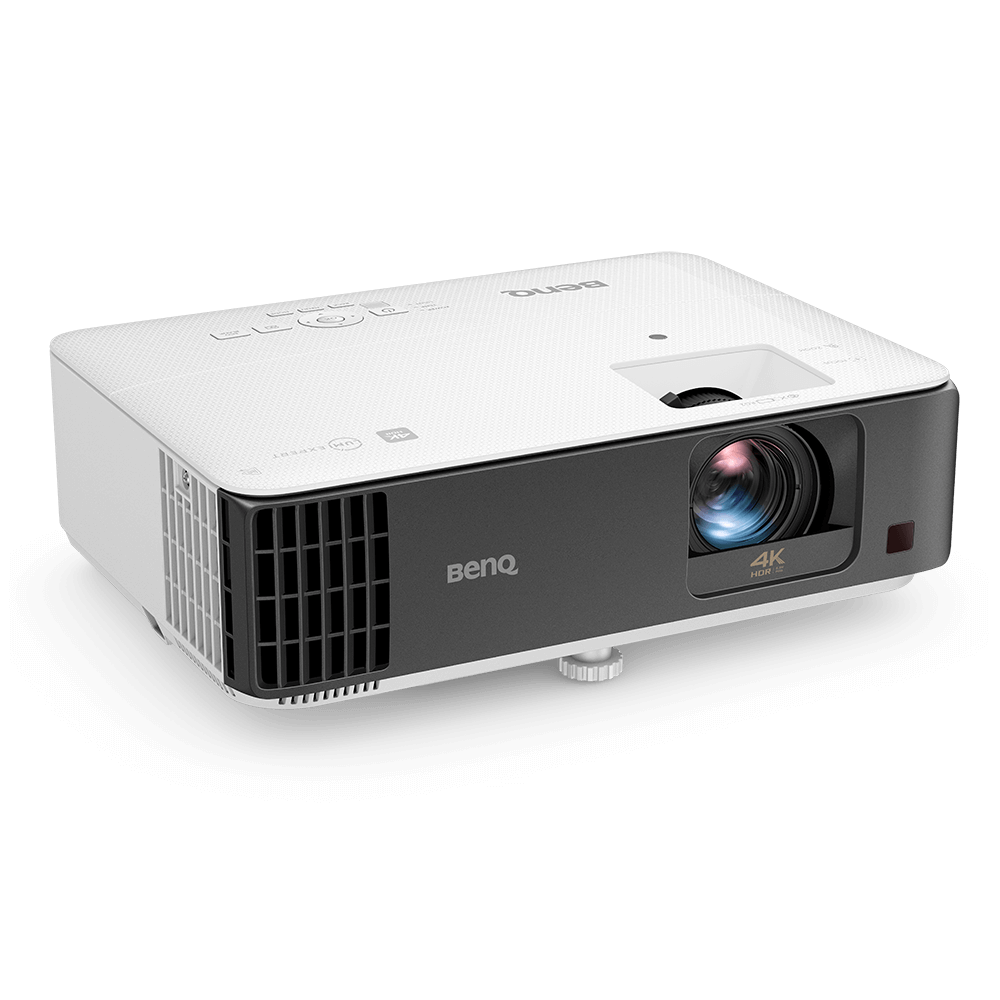
BenQ TK700STi 4K Short-Throw Projector
The long-time default: true 4K, low lag, around a grand. Discontinued in 2025, so buy it on remaining stock at an outgoing-model price.
This model is no longer made. The current version is BenQ TK710STi. Remaining stock is often discounted, so this can still be the better buy — check both prices.
BenQ
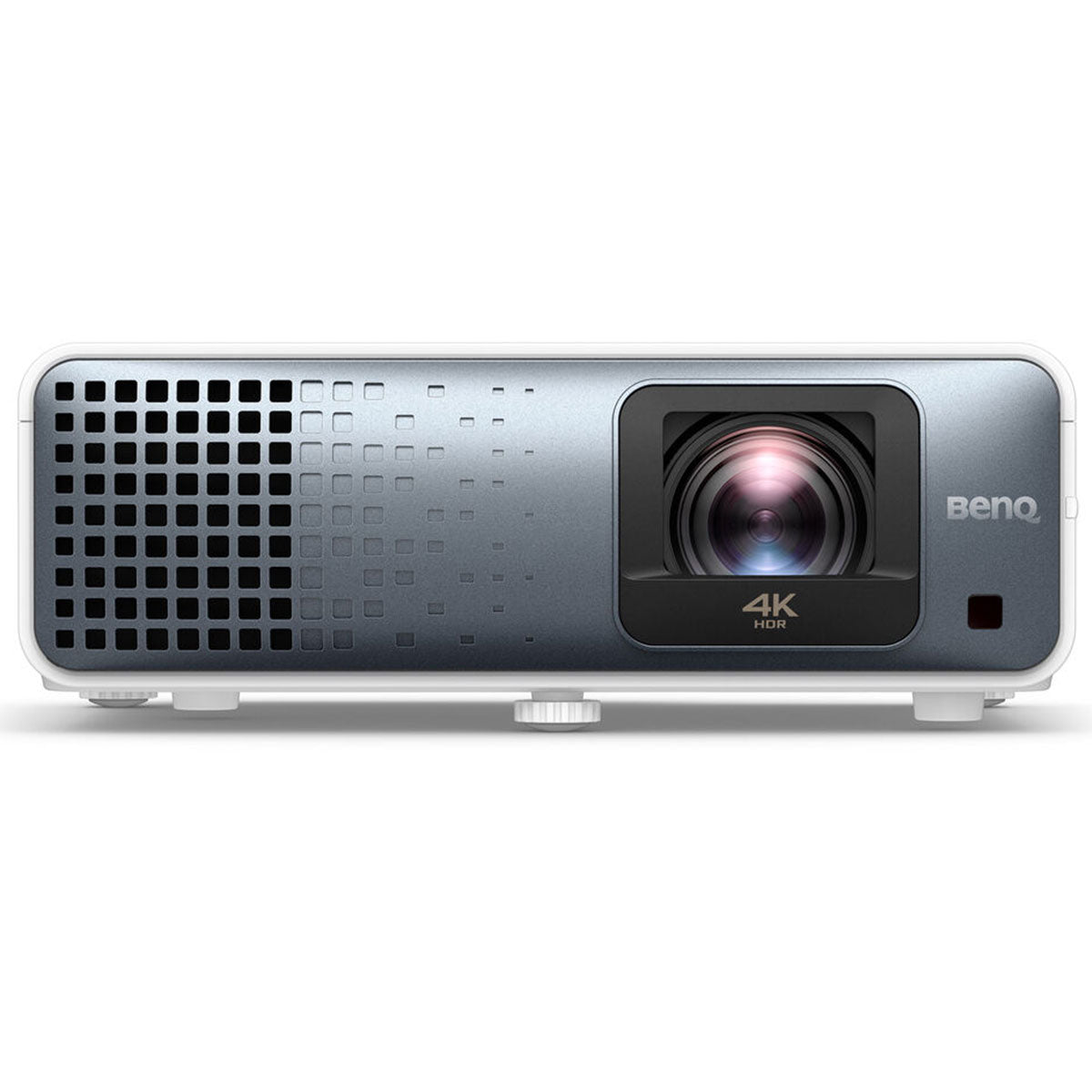
BenQ TK710STi
The current replacement for the TK700STi: same short-throw 4K brief, laser rather than lamp, so nothing to re-buy in three years.
Optoma
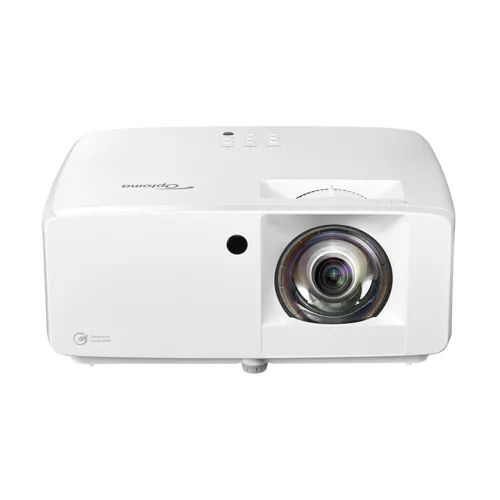
Optoma GT2100HDR Short-Throw Laser Projector
The bright-room fix: a 4,200-lumen laser that beats the ambient light 4K units wash out in.
BenQ
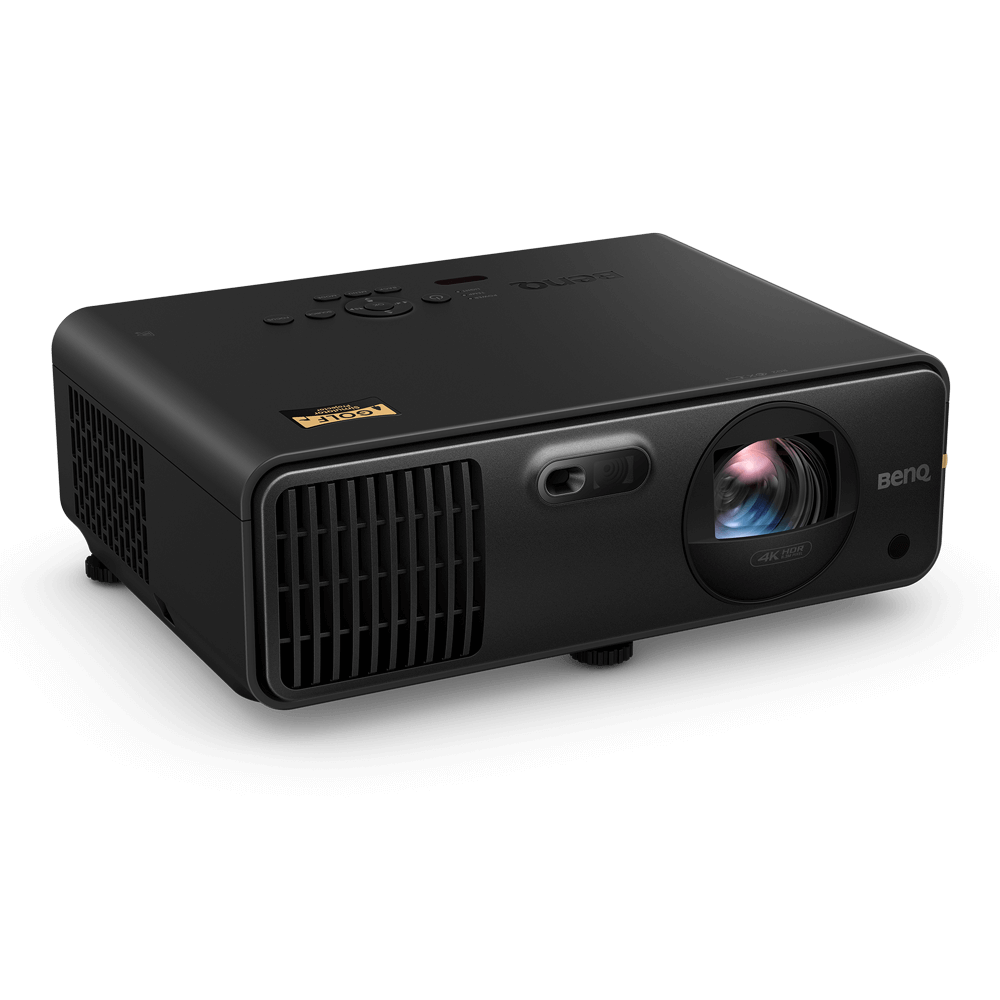
BenQ AK700ST 4K Laser Golf Simulator Projector
The premium, golf-first pick: true 4K and a bright laser for a dream room where the picture is the point.
GoSports
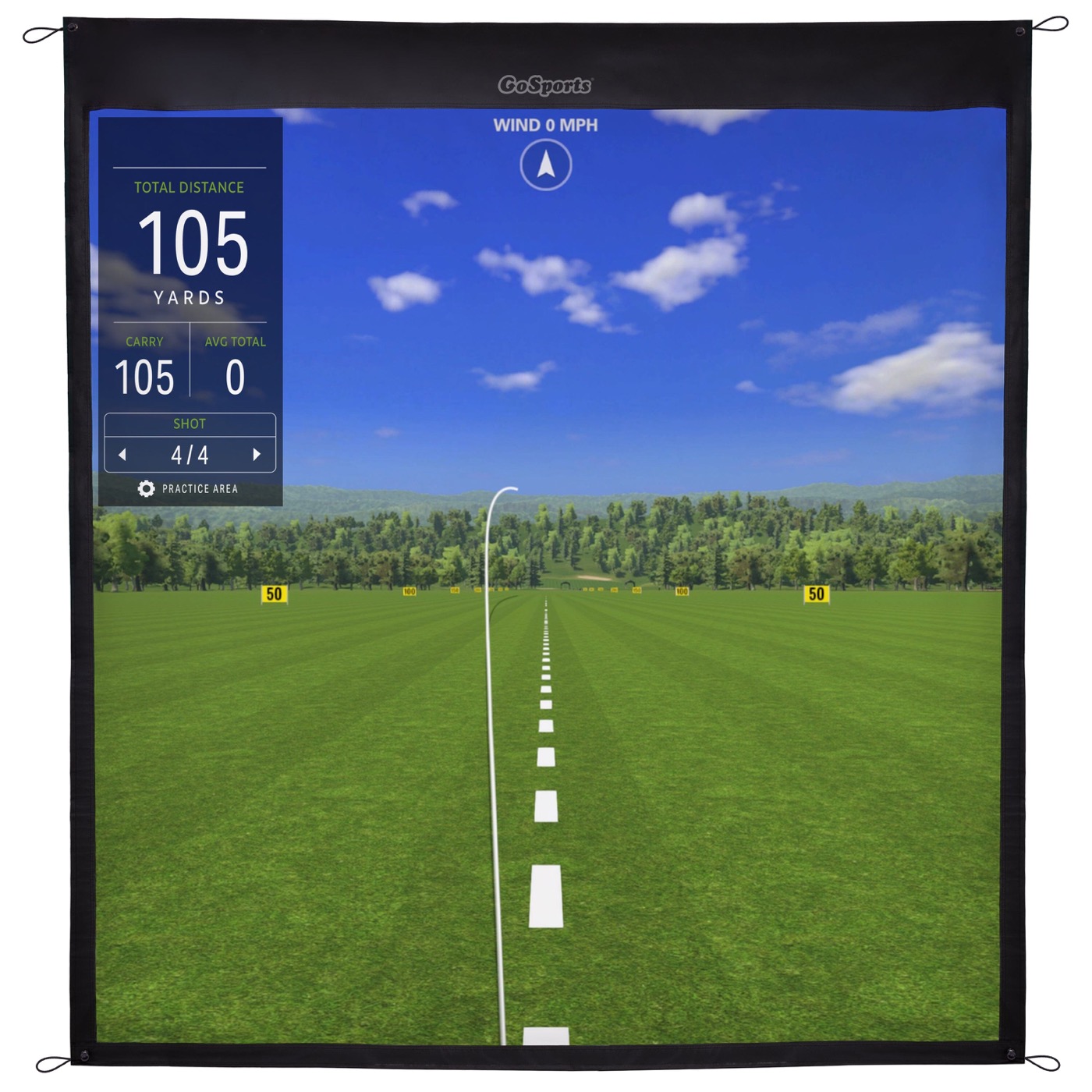
GoSports Golf Simulator Impact Screen
The surface it all lands on — a projector is only as good as the screen you point it at.
ifrothgolf earns a commission on purchases made through these links, at no extra cost to you. It never changes what I recommend. Full disclosure.
The projector is the part of a home simulator people overthink the most, chasing 4K numbers and contrast ratios that vanish the moment the room isn't a blacked-out cave. Here's the honest shortcut: for a golf sim, only two things really decide it — how much light your room fights, and how much you'll spend — and the answer lands on one of three projectors. Everything else is detail.
First, the one spec that isn't optional: short throw. In a sim you stand between the projector and the screen, so a normal projector throws your own shadow across the ball. A short-throw unit (roughly a 0.5 throw ratio) mounts on the ceiling near the screen and fills it from a few feet away, keeping the light over your head instead of behind it. Every pick here is short-throw; if a projector isn't, it's wrong for a sim no matter how good the image.
If you can dim the room: BenQ TK700STi
For most builds this is the answer and the search can stop here. The BenQ TK700STi gives you true 4K, genuinely low input lag so the ball flight feels connected to your swing, and a short throw made for ceiling mounting — for around a grand. Its one limit is brightness: at 3,000 lumens it wants the lights down or a room without big uncovered windows. If your sim lives in a garage, basement or a room you can dim, that limit never bites and you've spent your money exactly right. Buying new in 2026, though, check the model number: the TK700STi was discontinued in 2025 and BenQ's current equivalent is the laser TK710STi, which drops the lamp entirely. Remaining TK700STi stock is still a bargain if you find it — just don't pay current-model money for it.
If the room has real ambient light: Optoma GT2100HDR
Brightness, not resolution, is what actually breaks most sim pictures — a sharp 4K image looks washed-out and grey the second daylight hits the screen. If your room has windows you can't fully cover or lights that stay on, the Optoma GT2100HDR is the fix: a 4,200-lumen laser that punches through ambient light and holds a watchable, contrasty image where the TK700STi fades. It's natively 1080p rather than true 4K, which sounds like a downgrade and isn't — on an impact screen at swing distance, a brighter 1080p image beats a dim 4K one every time. The laser also means no lamp to replace.
If it's a dream room and the picture is the point: BenQ AK700ST
When the sim is a dedicated, designed room rather than a corner of the garage, the BenQ AK700ST is the projector built for exactly that. It's the rare unit tuned for golf first — true 4K, a bright 4,000-lumen laser, golf-specific picture modes, and fast corner-fit keystone that makes the install less of a wrestle. It's a premium spend at around three grand and it's sold through golf specialists rather than Amazon, so it's overkill for a starter bay — but in a room where the image is part of the experience, nothing else here matches it.
The mistakes that waste the money
Three, in order of how often they bite. Chasing 4K over lumens: in a room with any ambient light, brightness wins, so buy the laser before the extra resolution. Ignoring input lag: a projector with sluggish response makes the ball leave the screen a beat after you swing, and once you feel it you can't unfeel it — all three picks here keep lag low. And forgetting the screen: a projector is only as good as the surface it hits, so pair it with a proper impact screen inside an enclosure, not a bedsheet — the standoff and the screen material do half the work of the image you see.
The honest decision
Dim room, sensible budget: the TK700STi, and don't look back. Bright room: the Optoma laser, and enjoy not fighting your curtains. Dedicated dream room: the AK700ST. That's the whole decision — match it to your light and your budget, not to the longest spec sheet. If you're not sure which tier your whole build should sit in, our Sim Room Architect fits the projector to your room and budget alongside every other component, and the complete home simulator setup shows where the projector sits in the wider build. For how the projector scales with the rest of the room, see the four home-sim tiers.
Frequently asked
- What projector is best for a golf simulator?
- For most rooms you can dim, the BenQ TK700STi — true 4K, low input lag and short throw for around a grand. If your room has ambient light you can't control, choose a brighter laser like the Optoma GT2100HDR. For a premium dedicated room, the golf-specific BenQ AK700ST.
- Do I need a 4K projector for a golf simulator?
- Not necessarily. In a room with any ambient light, brightness matters more than resolution — a bright 1080p image on an impact screen at swing distance looks better than a dim 4K one. Prioritise lumens and low input lag first, then 4K if the budget and a dark room allow it.
- Why does a golf simulator need a short-throw projector?
- Because you stand between the projector and the screen. A standard projector throws your shadow across the image; a short-throw unit mounts near the screen and fills it from a few feet away, keeping the light above you. It's the one projector spec that isn't optional for a sim.
- How many lumens do you need for a golf simulator projector?
- Around 3,000 lumens is the sensible floor for a room you can dim; 4,000-plus from a laser unit if you're fighting ambient light. Lumens, not resolution, are what keep the image bright and contrasty on an impact screen.
Read next
Review
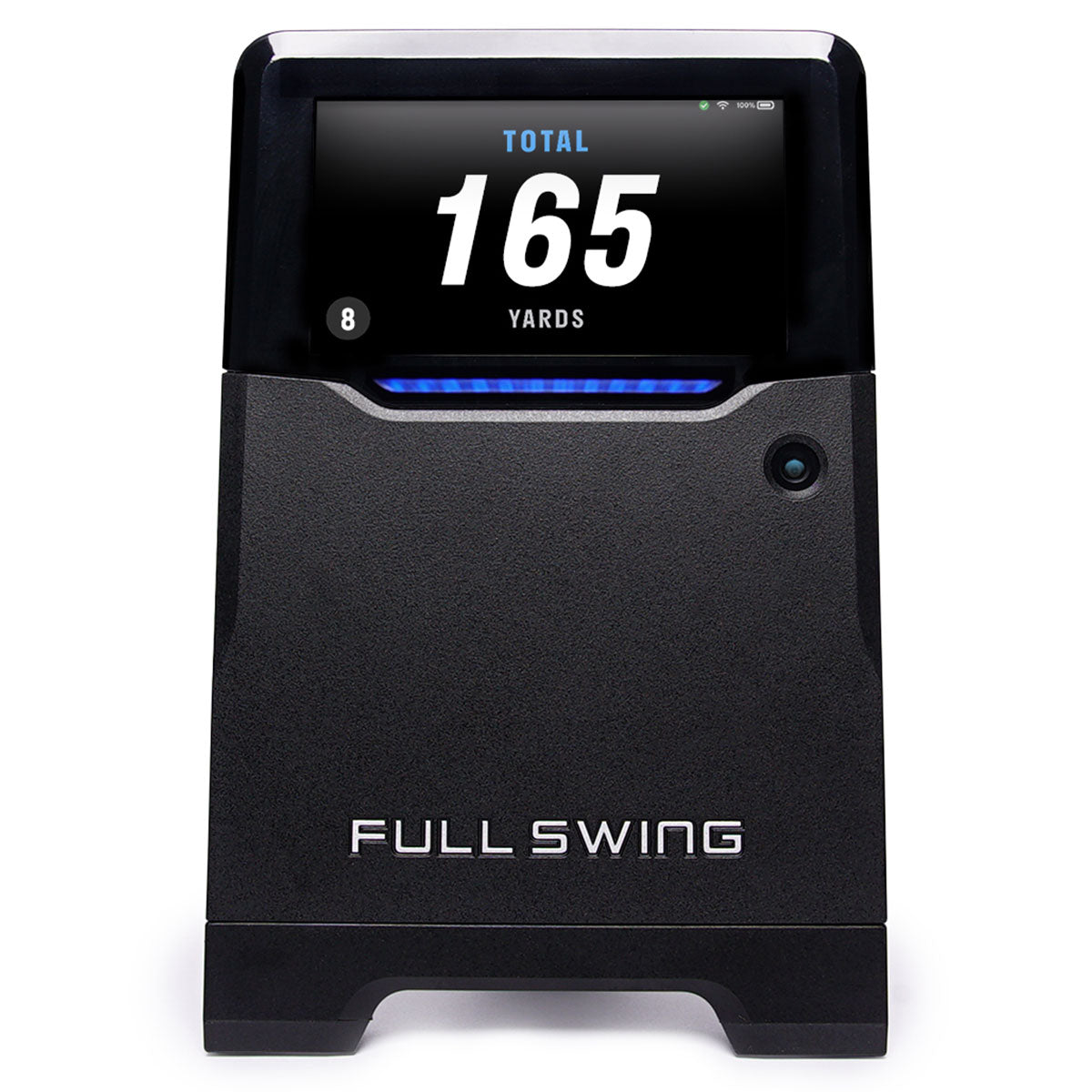
7.9/10Full Swing KIT review: the tape measure decides this, not Tiger
Tour pedigree, TGL on ESPN, and radar good enough to be checked against a Trackman outdoors. It also wants eighteen to twenty feet of room, which rules out most of the garages people buy it for.
Versus
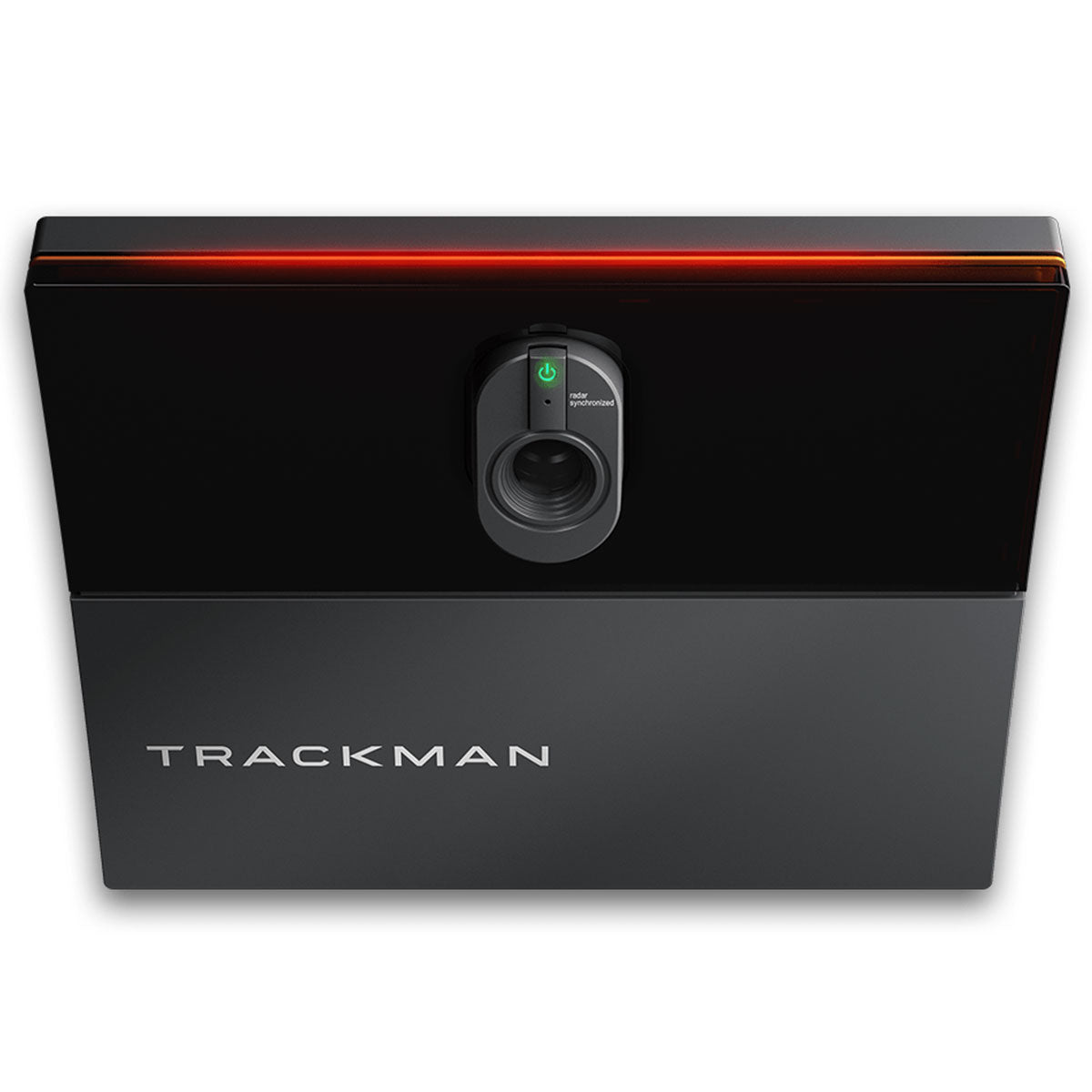
Trackman iO vs Uneekor EYE XO2: the year-one trap
Both mount overhead, both want ten feet of ceiling, and about $3,000 separates them on the shelf. Then Trackman's included first year runs out, and the gap starts growing by $1,100 a year.
Versus
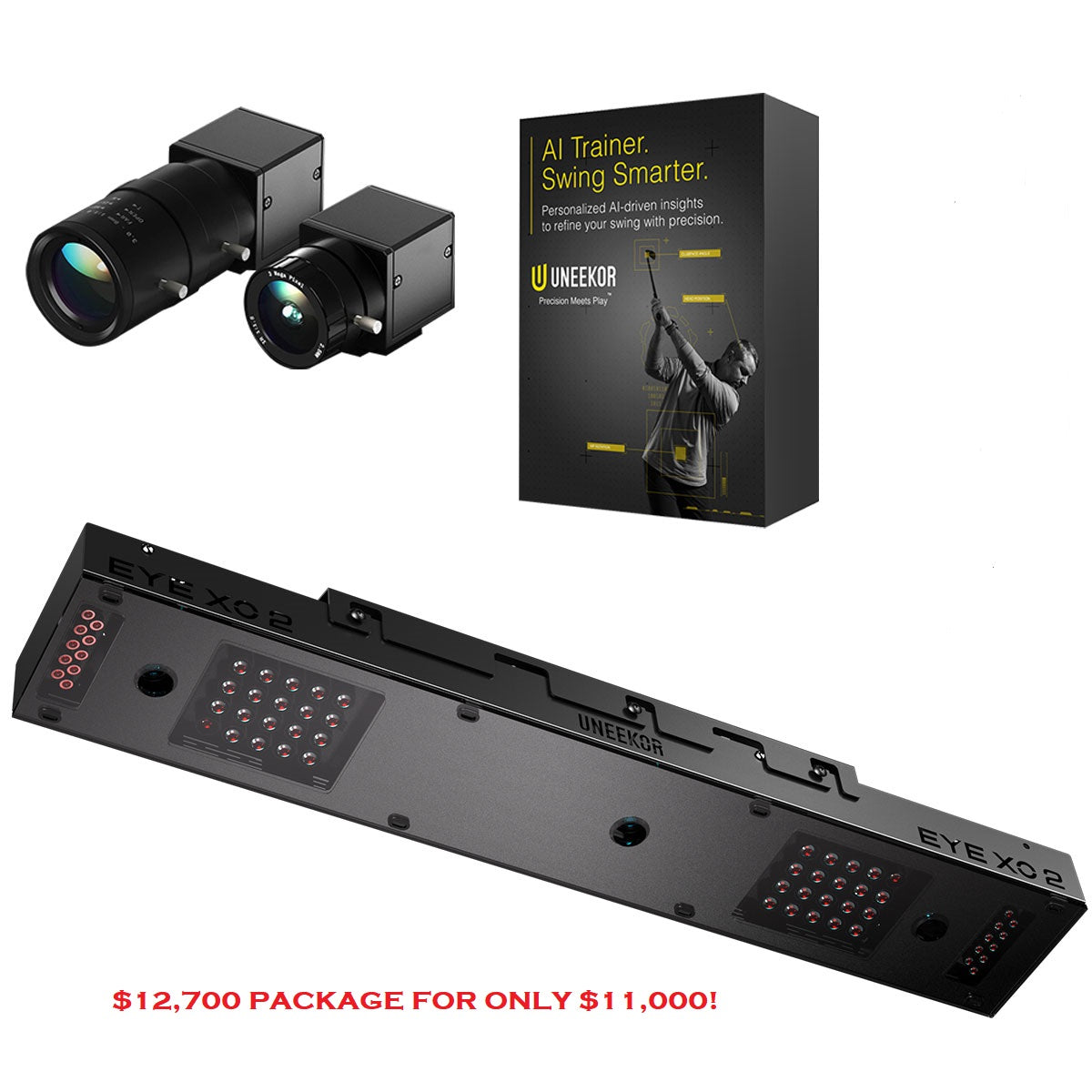
Uneekor EYE XO2 vs Foresight GC3: ceiling or floor?
At least $4,000 separates them, but they're not really rivals — one lives in your ceiling forever, the other sits on the floor and travels. Both now charge a yearly fee for the software most home builders want.