
Radar vs camera launch monitors: the home-sim decision nobody explains
Two completely different technologies hide behind the words launch monitor, and picking the wrong one for your room is the most expensive mistake in home golf.
By Jordan Hale · Equipment Writer
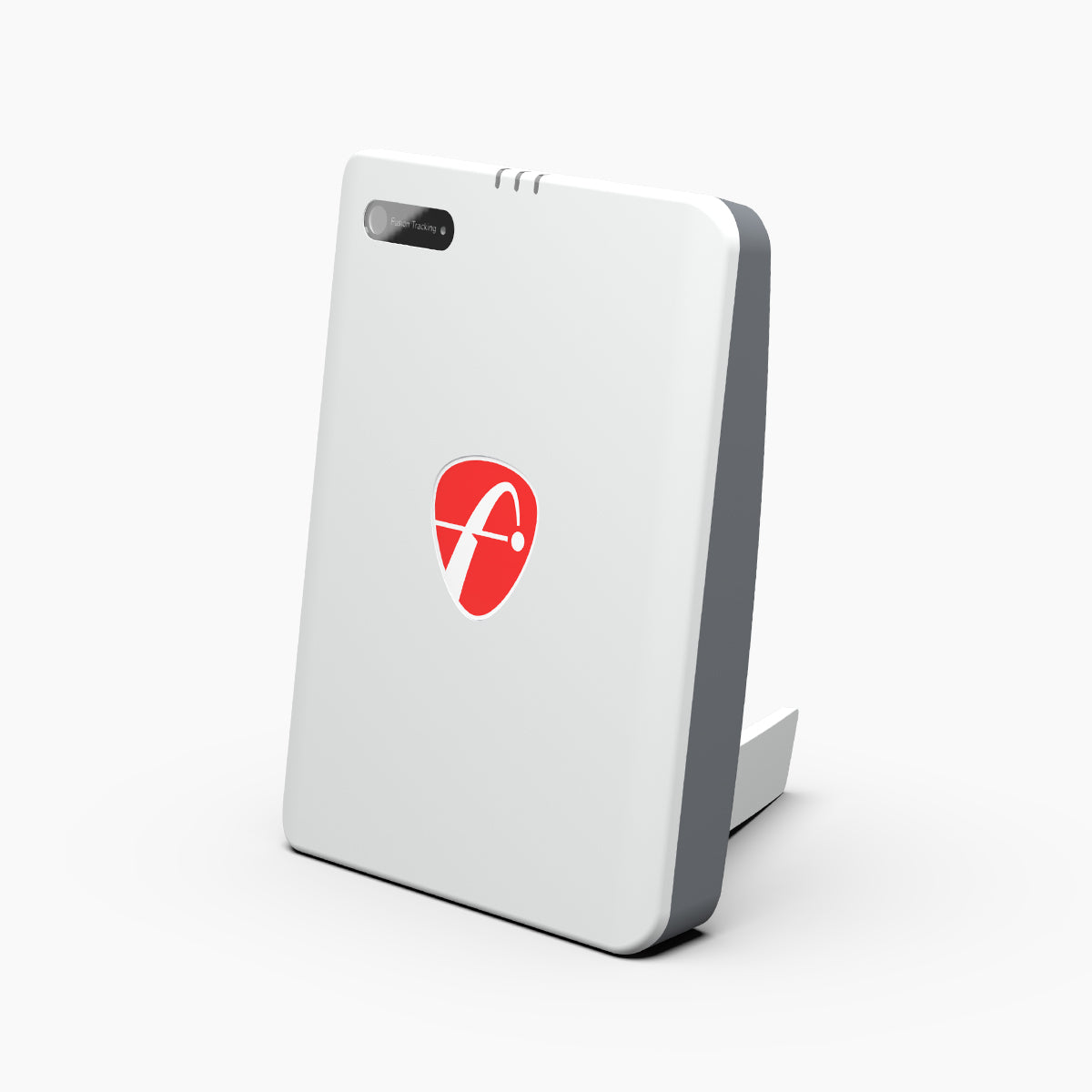
FlightScope
FlightScope Mevo Gen2 Launch Monitor
The radar pick if you have depth: genuine flight tracking that also travels to the range and course.
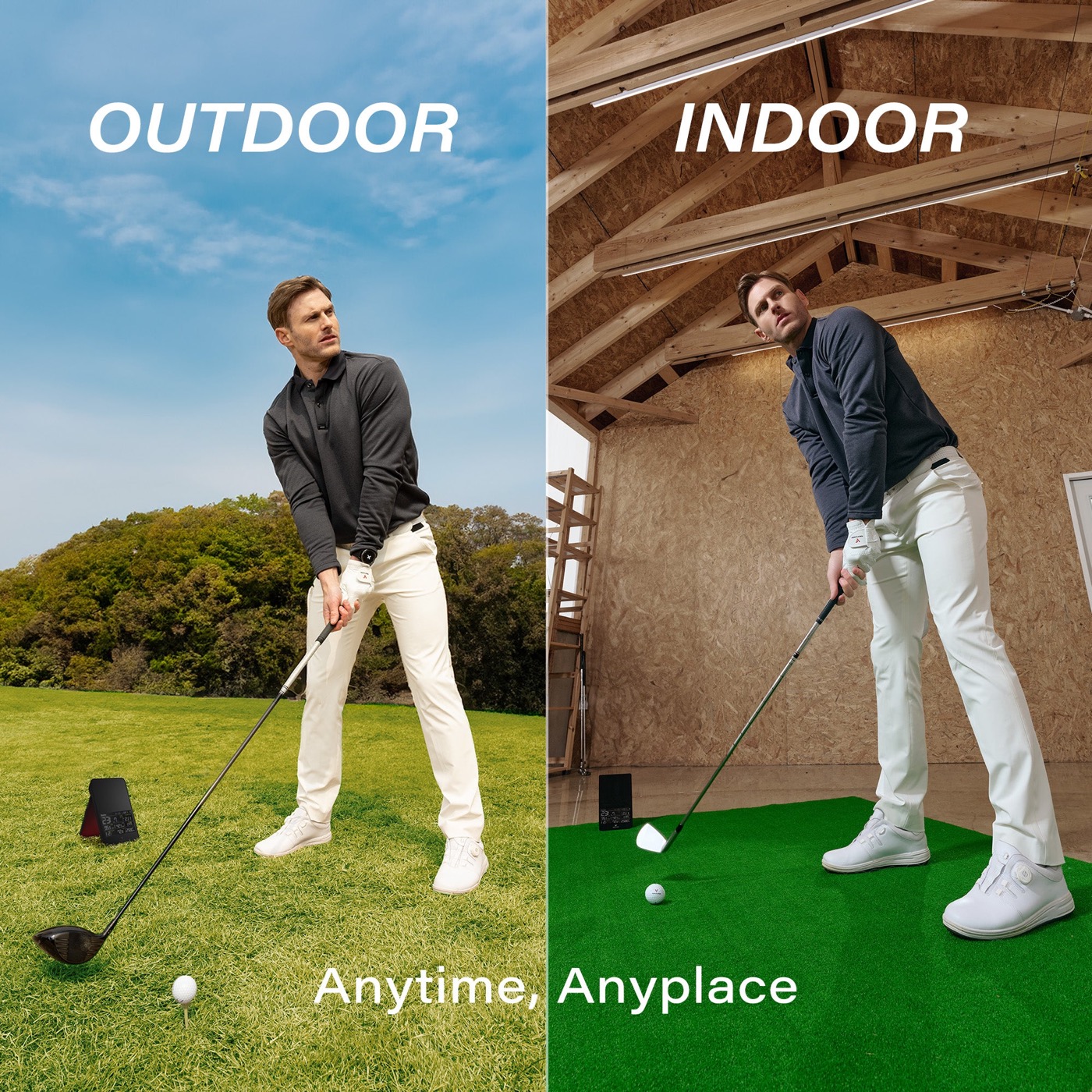
Voice Caddie
Voice Caddie Swing Caddie SC4 PRO
Radar on a budget with a screen built in — happiest with room for the ball to actually fly.
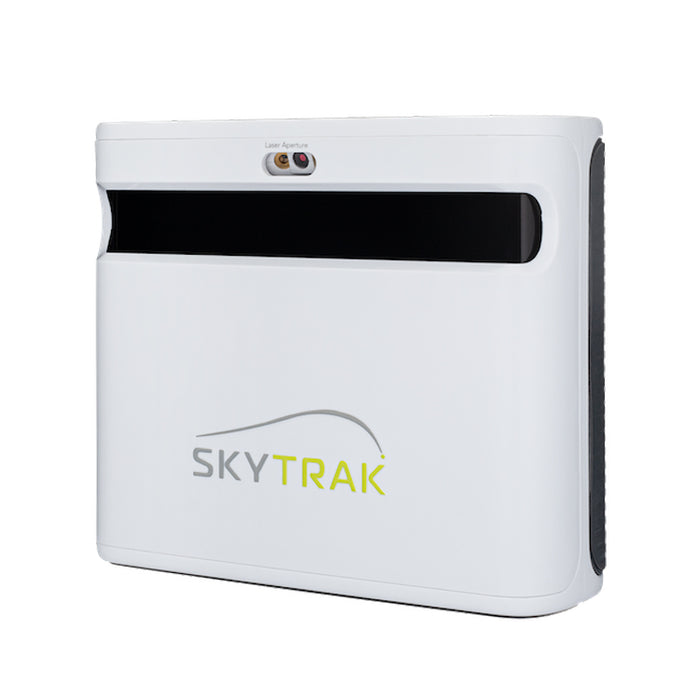
SkyTrak
SkyTrak+ Launch Monitor
The photometric benchmark for tight rooms: reads the ball at impact, so short flight is no handicap.
This model is no longer made. The current version is SkyTrak ST MAX. Remaining stock is often discounted, so this can still be the better buy — check both prices.
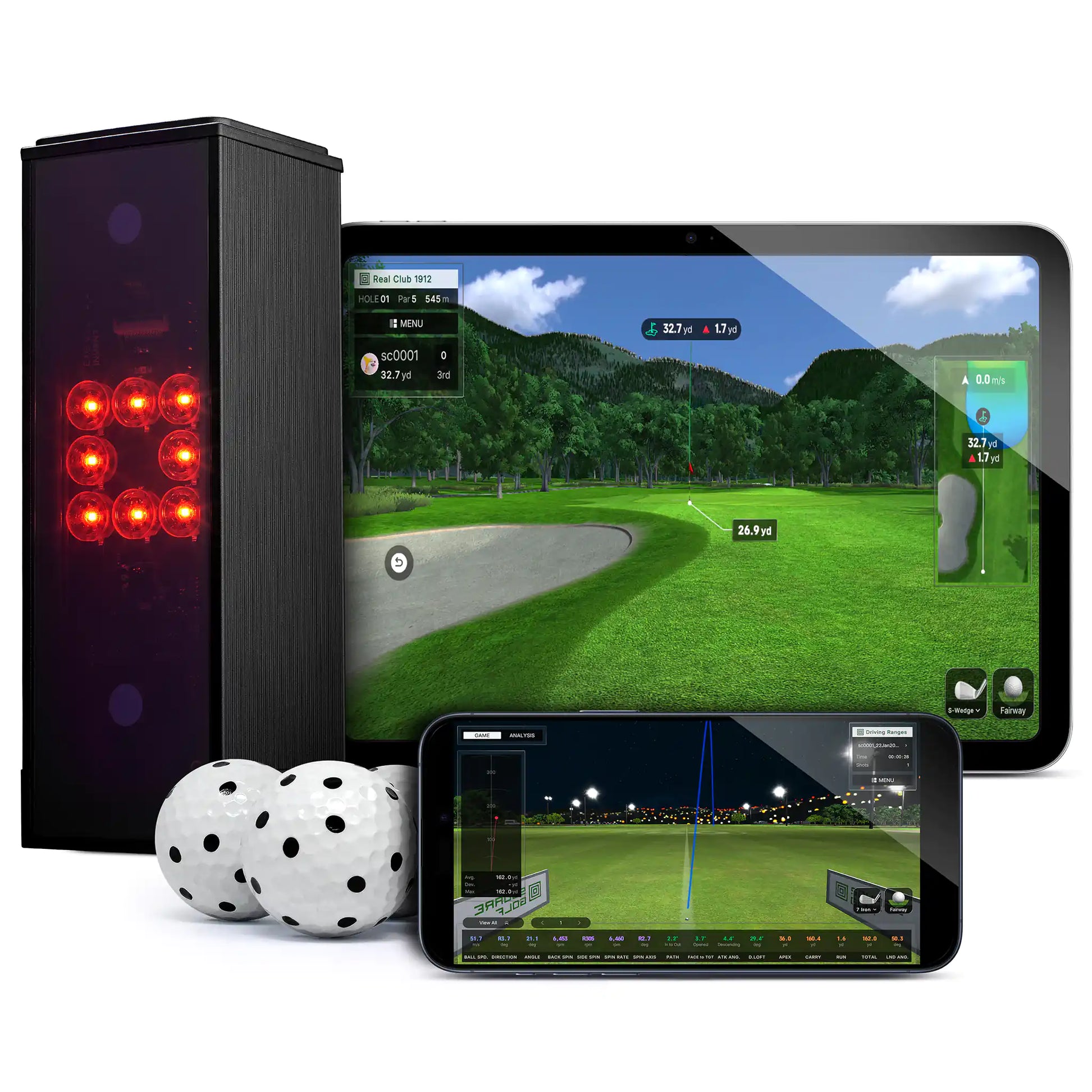
Square Golf
Square Golf Home Launch Monitor
The value camera unit — proper indoor sim data from a couple of feet of ball flight.
ifrothgolf earns a commission on purchases made through these links, at no extra cost to you. It never changes what I recommend. Full disclosure.
Part of our guide toBest Launch Monitors 2026Here is the thing the product pages bury: the single most important spec of a home launch monitor isn't accuracy, price or the app. It's how the device sees the ball — and there are only two answers. Radar units watch the ball fly and need it to actually go somewhere. Camera (photometric) units photograph the hit itself and calculate the rest. Pick the technology that matches your room before you compare anything else, because no discount fixes a wall.
How radar thinks
Doppler radar sits behind you and tracks the ball through the air, the same way tour-grade systems work outdoors. That's its strength and its demand in one sentence: the more flight it sees, the better the data — which is why radar is glorious at the range and fussy in a single garage. FlightScope's guidance for its Mevo line has long been around sixteen feet of total flight depth indoors, and owners consistently report wanting more. If your space can give the ball that room, a unit like the FlightScope Mevo Gen2 rewards it with genuine tracked flight, and it goes wherever you do — garage tonight, range tomorrow, on-course data at the weekend.
The budget end of radar works the same way. The Voice Caddie SC4 PRO gives you a screen on the unit and honest numbers for sensible money — but it obeys the same physics: starve any radar of flight and the short game of your simulator becomes guesswork. Radar also generally prefers outdoor-style setups for club data, and putting is not its party trick.
How cameras think
Photometric units flip the problem. High-speed cameras photograph the ball in the first instants after impact — speed, launch angles, spin read straight off the ball — and the software computes the flight. The ball only needs to travel a few feet into a net or screen, which is why cameras are the technology of the classic spare-room sim. The SkyTrak+ — discontinued in early 2026 and replaced by the ST MAX, which tracks the same way — built its reputation on exactly this: put it beside the ball, hit into a screen eight feet away, and the spin-based data holds up because nothing was extrapolated from a flight that never happened.
The trade-offs run the other way. Camera units want the ball placed in a defined hitting zone, they care about lighting, and most are homebodies — set up once, stay put. Newer value units like the Square Golf have pushed proper photometric sim data down to a price that used to buy radar only, which is quietly the best news in home golf: the tight-room technology no longer carries the premium.
The hybrid hedge
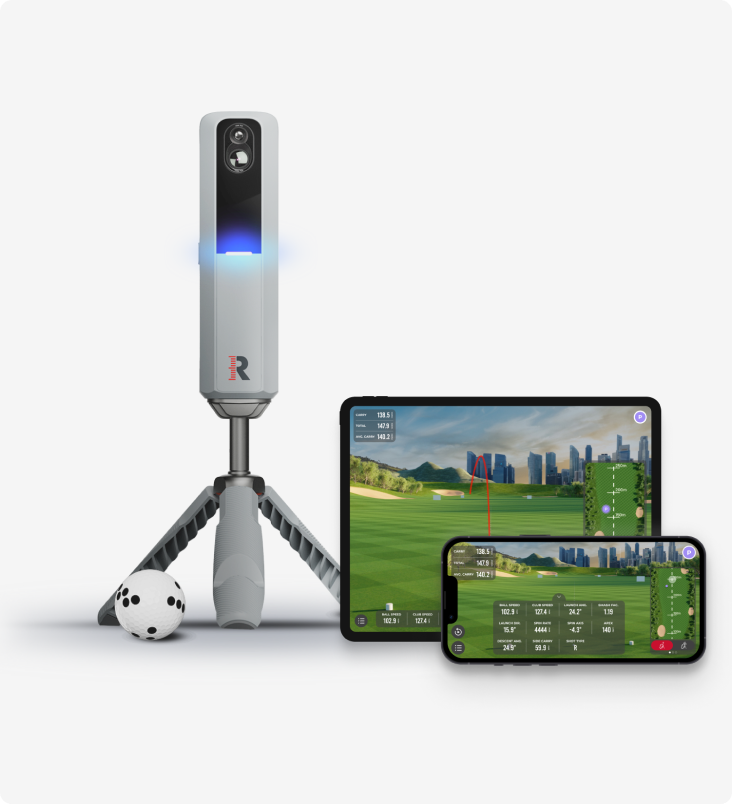
There is a third answer, and it's why the Rapsodo MLM2PRO became the default recommendation in its price bracket: it points cameras at the ball for impact and spin, and radar down the line for flight — each technology covering the other's blind spot. Hybrids aren't magic; they carry the camera's preference for a defined hitting position and they won't out-track dedicated radar at the range. But if your honest answer to "where will I use this?" is "everywhere, a bit," the hedge is worth its price, and it explains why the pure-radar and pure-camera makers have both drifted toward each other's territory in the last two years.
The mistakes that make either one lie
Whichever side you land on, the same three setup errors produce the same complaint — "my launch monitor is inaccurate" — when the device is fine. First: alignment. Radar wants to sit a set distance directly behind the ball on your target line, and a unit askew by a few degrees reads a push that never happened. Second: environment. Cameras want consistent lighting and a clean hitting zone; metal shelving and a wobbly mat corrupt radar and camera alike. Third: the ball itself. Beaten-up range balls fly and spin nothing like the ball you play; feed a premium unit rubbish balls and it will measure the rubbish faithfully. Fix those three and the accuracy gap between technologies shrinks to something you'll never notice from a scorecard.
The decision, honestly
Measure your space first — our Home Sim Build Planner does it in four questions. If the ball can fly sixteen-plus feet and you want one device for home, range and course, radar wins and it isn't close. If you're building in a garage bay or spare room where flight is short, a camera unit isn't the compromise — it's the correct tool, and radar would be the mistake. Budget breaks the tie only inside your technology: radar starts cheaper, cameras hold their value at sim distances. And if you're still weighing specific models against your budget, the Launch Monitor Finder narrows it to a shortlist in a minute.
One last honesty check: neither technology turns a practice tool into a fitting bay. Both give you consistent, trainable feedback — trends, gaps, dispersion — and that's the point. Buy the one your room can feed properly, and it will pay you back every dark evening from October to March.
Frequently asked
- Which is more accurate for a home simulator: radar or camera?
- In a tight indoor room, a camera (photometric) unit — it reads speed, launch and spin directly off the ball at impact, so short flight costs it nothing. Radar accuracy improves with flight distance, which is why it shines outdoors and at the range.
- How much room does a radar launch monitor need indoors?
- FlightScope's guidance for the Mevo line is around sixteen feet of total flight depth indoors — device behind you, ball, and room in front — and many owners prefer more. If your space can't give radar that, choose a photometric unit instead.
- Can I use a camera launch monitor outdoors at the range?
- Some can, but most photometric units are designed as set-up-once indoor devices that want a defined hitting zone and controlled lighting. If you want one unit for home, range and course, radar is the portable technology.
- Do I need to spend more for a camera unit than radar?
- The gap has closed. Radar still owns the cheapest entry points, but newer value photometric units like Square have brought proper indoor sim data down to prices that used to buy radar only.
Read next
Versus
SkyTrak+ vs FlightScope Mevo+: your room decides this one, not your budget
Both are now outgoing models on run-out prices, which makes this more useful rather than less — the successors inherit the same trade-off. And it isn't the spec sheet. It's how much space you actually have.
Versus
Rapsodo MLM2 Pro vs Shot Scope LM1: measured spin and sim golf, or just the number?
Two launch monitors golfers cross-shop constantly, sitting either side of the same question — how much do you actually need? One films your swing, measures spin and plays sim courses all winter. The other strips the whole idea down to a carry number on a screen.
Review
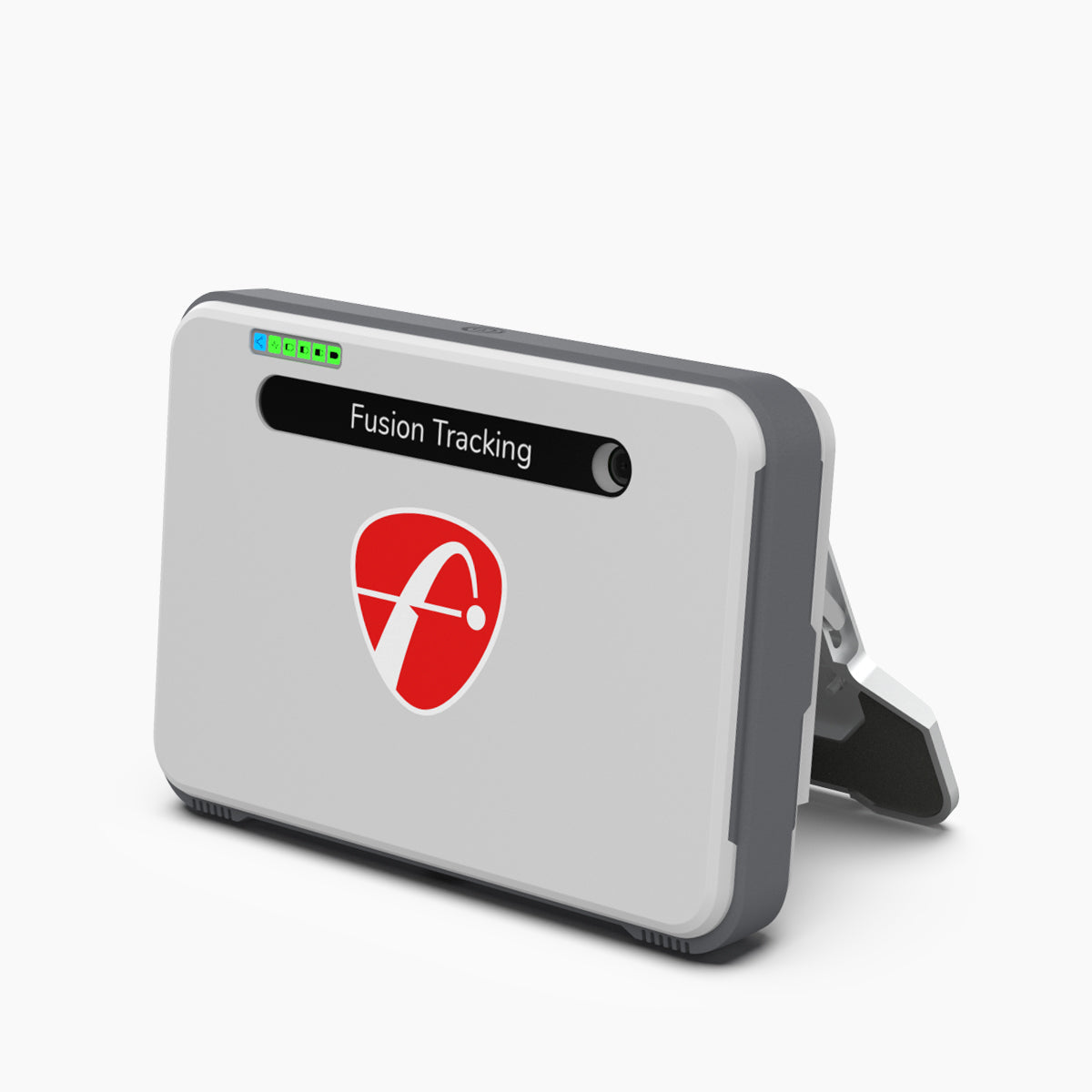
8.7/10FlightScope Mevo+ review: the launch monitor home simulators are actually built around
While the internet argues about budget camera units and the Garmin R10, the Mevo+ quietly became the default brain of the serious home sim — tour-grade radar heritage, full ball and club data, and out-of-the-box simulator connectivity. It needs room to breathe, and the add-ons push the real cost up.