
SkyTrak+ review: the home-sim launch monitor that earns its price
Near sim-grade accuracy without the five-figure outlay. If you're building a serious garage setup, this is where the numbers get real.
By Tom Whitaker · Staff Writer
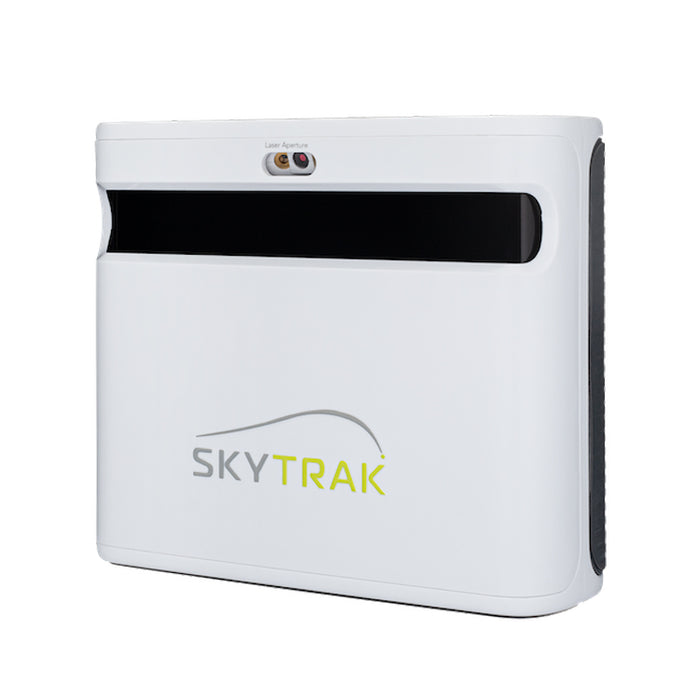
The verdict
Excellent
What's great
- Camera + dual radar gives trustworthy spin, launch and club data
- Excellent simulator software support — genuinely playable
- Far cheaper than commercial photometric units
Watch out
- A serious outlay — overkill for simple practice numbers
- Needs a proper hitting space and good lighting to shine
Bottom line — The sweet spot for a home-sim build you want to trust. If you just want distance gapping, save your money for a cheap radar unit instead.
SkyTrak
SkyTrak+ Launch Monitor
ifrothgolf earns a commission on purchases made through these links, at no extra cost to you. It never changes what I recommend. Full disclosure.
Buy the SkyTrak+ if your goal is a home simulator you can actually trust — with one caveat up front: SkyTrak discontinued it in early 2026 and the ST MAX is now its only model, so this is a run-out buy rather than a current one. The two share a tracking core, which is exactly why the run-out is worth catching. At around $1,200 it's the point where a launch monitor crosses from 'rough practice guide' to 'numbers you'd genuinely fit clubs against' — and it does it for a fraction of the five-figure outlay a Foresight or Trackman demands. If all you want is honest distance gapping, it's overkill; a cheap radar unit will do that job for a tenth of the money. But for the golfer building a garage bay they'll use for years, this is the sweet spot of accuracy and price, and it's why the SkyTrak+ anchors the premium end of nearly every credible home-sim shortlist.
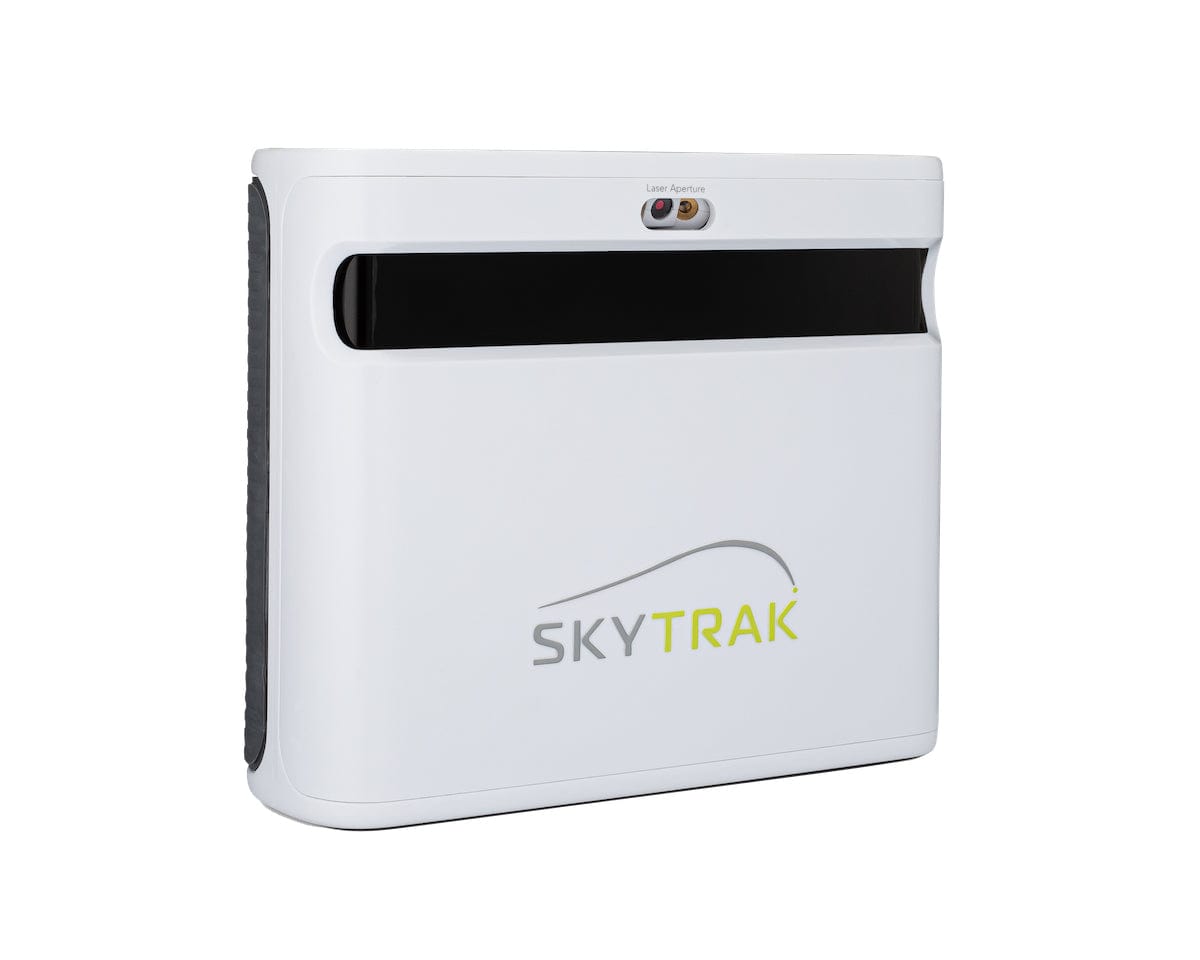
Where the accuracy comes from
The original SkyTrak was a photometric (camera-based) unit; the '+' adds dual Doppler radar on top, and that hybrid is the whole story. The camera reads the ball at impact while the radar tracks club data — head speed, club path, face angle, smash factor — so for the first time the SkyTrak line gives you trustworthy club numbers alongside its long-respected ball-flight data. Reviewers and owners consistently rate it as accurate enough to stop being a rough guide, especially on irons and wedges where pure radar units struggle to pin spin. It's the tier we flagged in launch monitors explained as the one to buy only if 'play Pebble in the garage all winter' is a genuine goal — and unlike the portable radar units, it has the consistency to back that promise up.
As a home simulator
Indoors, in a net or full enclosure, this is where it shines: fast, consistent readings, convincing ball flight, and compatibility with the major simulator platforms — TGC, E6 and GSPro among them — so you're playing real courses rather than staring at a numbers grid. Crucially, it's an indoor unit by design and reads happily with as little as a couple of metres of hitting space and ceiling, which is part of why it suits a garage or spare room where a deep-room radar setup simply won't fit. This is the clear, deliberate step up from a Garmin R10 or Rapsodo MLM2 Pro for serious sim play: those are fine for casual winter rounds, but the SkyTrak+ is the one you build a room around. The practical upshot is that it scales with your ambition — start it as a winter practice aid and it'll happily grow into the centrepiece of a full enclosure without you outgrowing it and having to buy twice.
How it compares to cheaper units
The honest way to frame the SkyTrak+ is against the rung below it. A portable radar unit like the Garmin R10 is a brilliant practice tool and a fun casual sim, but it partly models spin and wants real ball-flight distance to read cleanly — fine for the range, frustrating as the heart of a tight indoor bay. The SkyTrak+ flips that: its camera does its best work indoors and up close, and the added radar means club data and spin are measured, not estimated. That's the difference between a sim that's a novelty and a sim whose numbers you'd actually trust to fit a wedge or set your gapping. It's also why owners who start on a budget radar unit and get serious about indoor golf so often end up here — it's the natural ceiling of a home build before commercial-grade money.
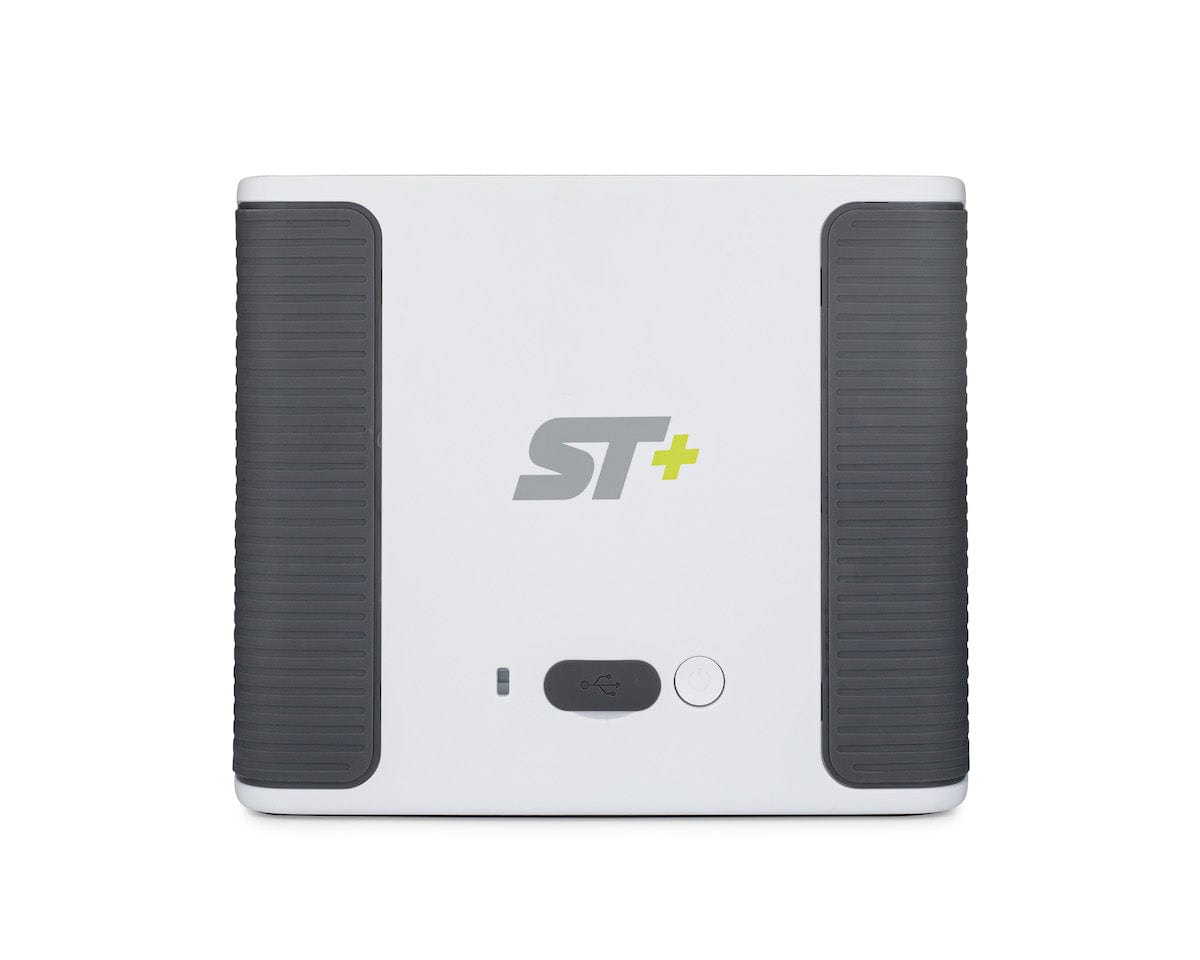
What it costs to live with
Two honest caveats temper the praise. First, the premium courses and game modes sit behind a paid annual practice/play subscription, so the sticker price isn't the whole cost — budget for the ongoing membership if you want the full simulator library, and treat that as a recurring line item rather than a one-off. Second, it's an iron-and-wedge weapon first: driver figures and absolute spin are where it shows its price relative to a true five-figure photometric reference, so go in knowing it's near-premium, not commercial-bay perfect, and that the hardest shots to measure — high-spin wedges, low-spin bombs — are where you'll occasionally raise an eyebrow. Owner consensus is that those compromises are entirely fair for the money, but they're real and worth knowing before you commit four figures.
What you need to get the best from it
It's a serious purchase that rewards a proper setup: a dedicated hitting space, a decent mat, a net or enclosure, and — like any camera-based unit — consistent, adequate lighting. Cramped or dim and you'll fight it. The honest planning point is that the unit is only part of the spend; a full bay with screen, projector and enclosure can match or exceed the cost of the monitor itself, so cost the whole room before you commit. If you're starting from scratch, our garage simulator build guide walks through what a complete setup actually takes — and the Home Sim Build Planner turns your room's dimensions and budget into a complete build list in four questions.
Who should buy — and who should skip
Buy it if you're building a home sim you want to trust for both practice and play, you have a garage or spare room to dedicate, and you'd rather spend once on near-premium numbers than twice on a toy you outgrow. Skip it if you only want distance gapping — a cheap radar unit does that for a fraction of the price, as we argued in a cheap launch monitor beats new clubs — or if you want a true commercial-fitting reference, where you're into five-figure territory. For the serious home golfer in between, it remains the smartest buy in the category and the premium pick in our best launch monitors guide.
Where to buy
8.7/10SkyTrak
SkyTrak+ Launch Monitor
Tour-grade ball and club data in your garage, for a fraction of the Foresight money
This model is no longer made. The current version is SkyTrak ST MAX. Remaining stock is often discounted, so this can still be the better buy — check both prices.
ifrothgolf earns a commission on purchases made through these links, at no extra cost to you. It never changes what I recommend. Full disclosure.
Frequently asked
- Is the SkyTrak+ worth it?
- If you're building a home simulator you want to trust, yes — its camera-plus-dual-radar accuracy and sim-software support justify the price. For simple distance practice it's overkill; a cheap radar unit suffices.
- SkyTrak+ vs Garmin R10?
- The SkyTrak+ is far more accurate and far more simulator-ready; the R10 is cheaper, portable and fine for practice numbers and casual sim play. Buy on whether a serious home sim is the goal.
- What do I need to run a SkyTrak+ simulator?
- A dedicated hitting space (it reads happily in as little as a couple of metres), a mat, consistent lighting, a net or enclosure, and simulator software — it pairs with TGC, E6 and GSPro. Budget for the full bay, not just the unit; the room can cost as much as the monitor.
- Does the SkyTrak+ need a subscription?
- The unit works on its own, but the premium courses and game modes require a paid annual practice/play subscription. Factor that ongoing cost into the purchase rather than just the sticker price.
Read next
Versus
SkyTrak+ vs FlightScope Mevo+: your room decides this one, not your budget
Both are now outgoing models on run-out prices, which makes this more useful rather than less — the successors inherit the same trade-off. And it isn't the spec sheet. It's how much space you actually have.
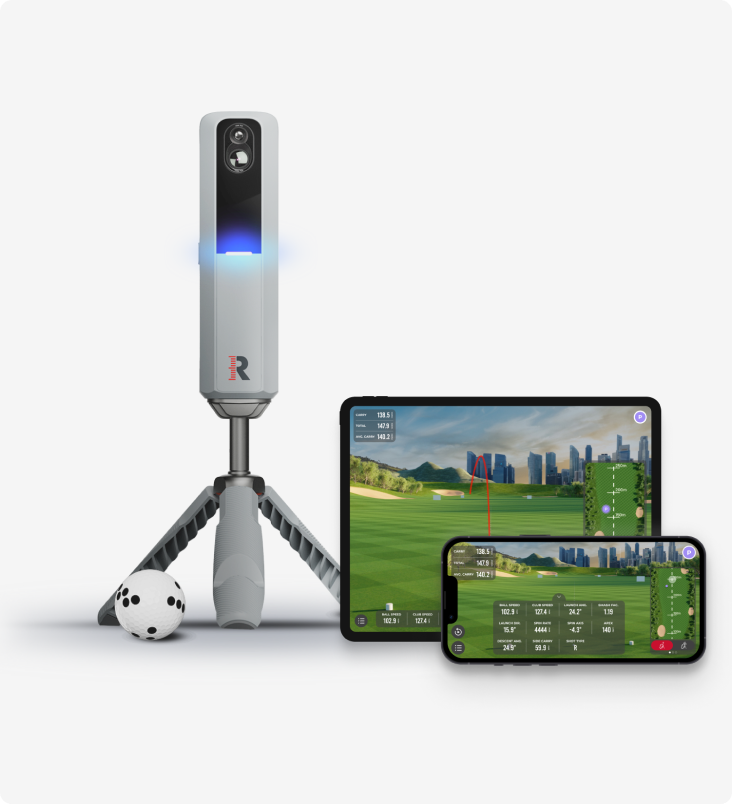
Versus
Rapsodo MLM2 Pro vs Shot Scope LM1: measured spin and sim golf, or just the number?
Two launch monitors golfers cross-shop constantly, sitting either side of the same question — how much do you actually need? One films your swing, measures spin and plays sim courses all winter. The other strips the whole idea down to a carry number on a screen.
Review
8.7/10FlightScope Mevo+ review: the launch monitor home simulators are actually built around
While the internet argues about budget camera units and the Garmin R10, the Mevo+ quietly became the default brain of the serious home sim — tour-grade radar heritage, full ball and club data, and out-of-the-box simulator connectivity. It needs room to breathe, and the add-ons push the real cost up.