
How to build a garage golf simulator on a budget
Year-round golf in your garage is more achievable than you think. The honest shopping list, what to spend on, and where to save.
By Tom Whitaker · Staff Writer
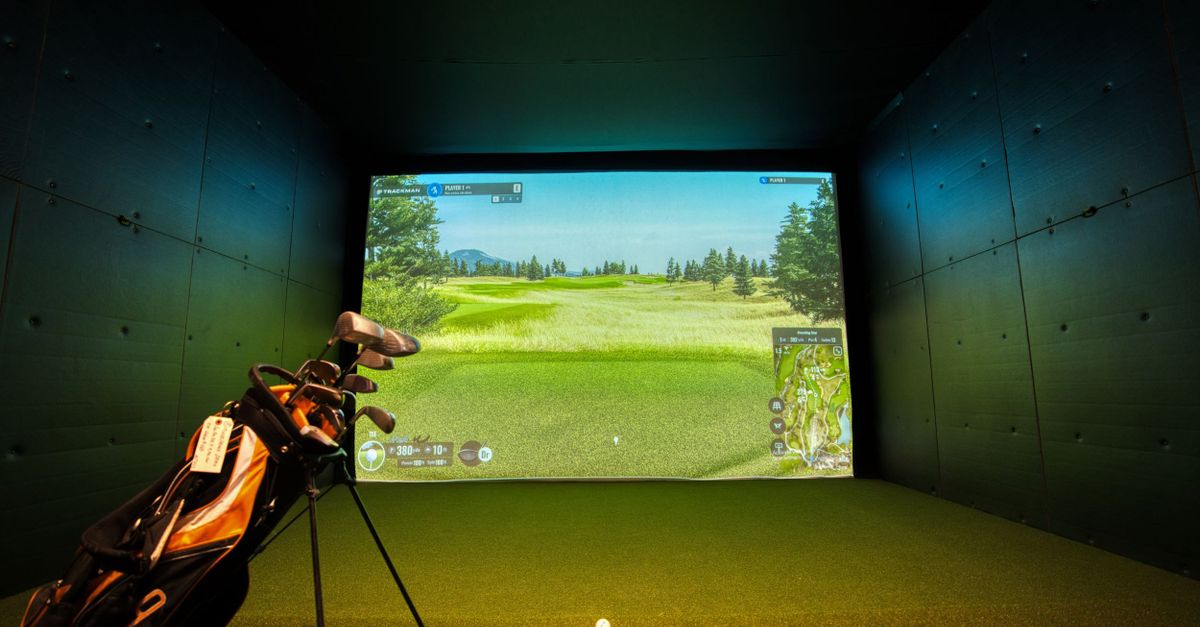 Explained
You need four things to build a garage simulator: a launch monitor (the brain), something to hit into (a screen or net), a hitting mat, and enough space to swing safely. Spend on the launch monitor and the mat, save on the screen early, and mind your ceiling height above all else. If you'd rather not do the maths yourself, our Home Sim Build Planner turns your ceiling, depth and budget into a complete build list in four questions. A capable starter build — Garmin R10, a net and a good mat — lands well under $900; a photometric, screen-and-projector setup runs into the low thousands. Done right it's often cheaper than a couple of years of green fees, and it's the best winter investment in golf.
1. The launch monitor (where your budget lives)
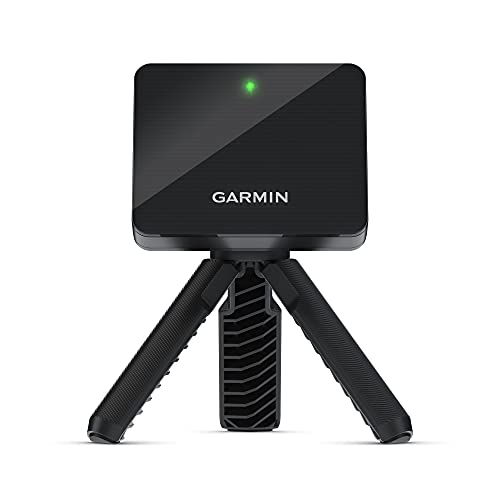
This is the real decision, and the tier you pick sets the whole project's cost and accuracy. A Garmin R10 (around $500) gets you in cheaply with Doppler radar, 14+ metrics and app-based sim play through the Garmin Golf app (full review) — the honest caveat is that its spin can wander indoors without enough net distance. Step up to a camera-and-radar unit like the Rapsodo MLM2 Pro (around $700) for measured spin, synced swing video and more convincing courses. Or stretch to a photometric SkyTrak+ (around $2,900) for sim-grade accuracy you'll trust shot to shot — crucially, it works indoors with as little as a couple of metres of hitting room, which a radar unit can't promise. The whole landscape is in launch monitors explained: buy for the job, and don't overbuy precision you won't use.
The subscription you should budget for
Before you total it up, know that the mid and premium units carry an ongoing cost. The MLM2 Pro's best simulator courses and full video library sit behind its Premium plan, and the SkyTrak+'s premium courses and game modes need a paid annual practice/play subscription. The R10's app play is the cheapest ongoing option of the three. Build the annual fee into your budget rather than discovering it after the box arrives.
2. Something to hit into
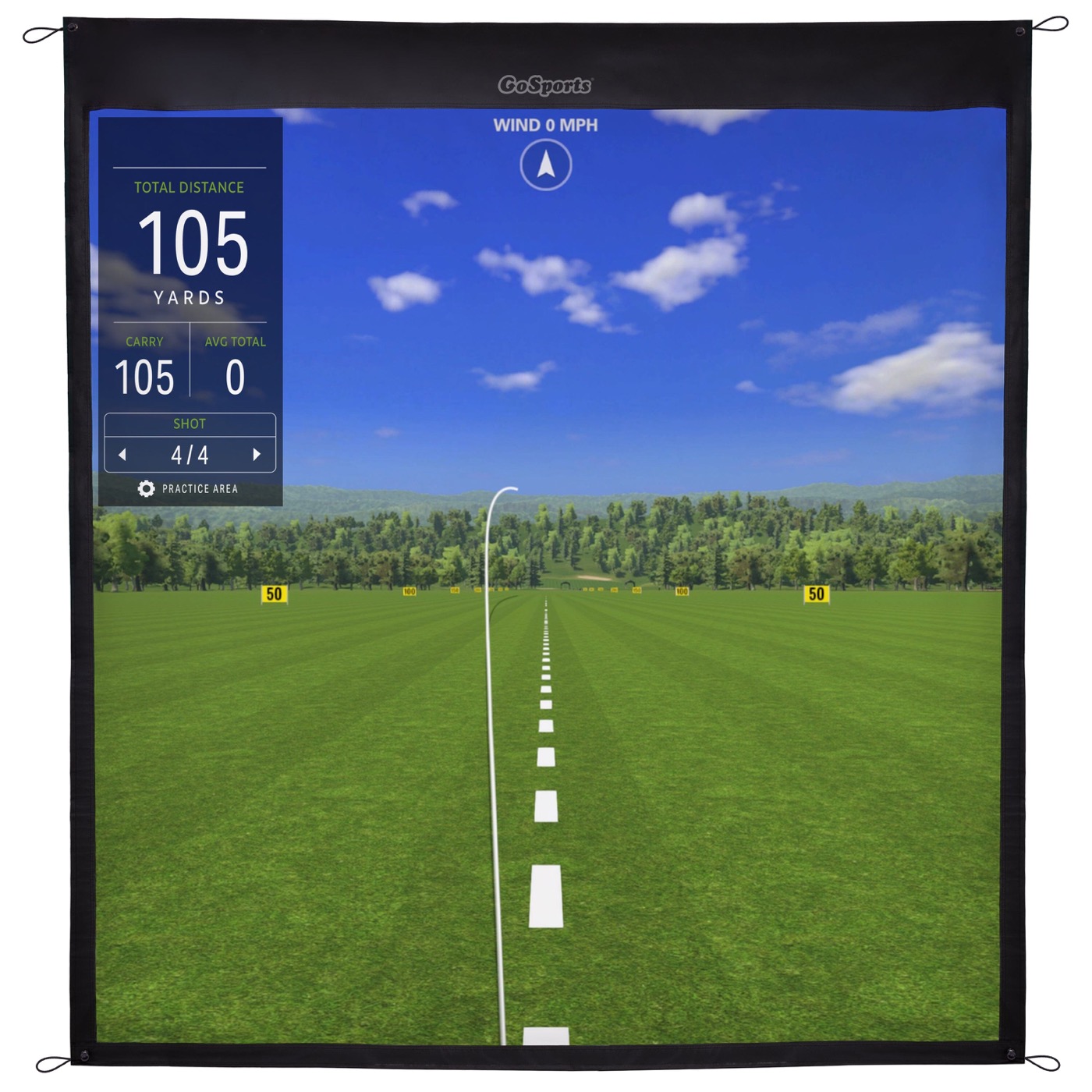
An impact screen (around $150) turns a blank wall into Pebble Beach and is the upgrade that makes the whole thing feel real — the GoSports screen uses high-density woven polyester rated for real golf balls and works with a standard projector. The crucial caveat from owners: a bare screen is loud and bouncy on its own, so you want it inside a proper enclosure or net frame with standoff space behind it, or both the ball and your wall will complain. A net is the cheaper, less immersive alternative and a perfectly sensible place to start — add the screen later once the brain and mat are sorted.
3. A mat you trust
A proper hitting mat (around $50) protects your wrists, your floor and your clubs — don't cheap out here, your joints will thank you after a winter of sessions. A thin mat over concrete is how people hurt their elbows; a denser mat with impact-absorbing backing is far kinder, because the give in the surface is what saves the joint that takes the shock. A tri-turf mat also gives you fairway, rough and a tee strip so you can practise different lies and tee up woods without grass. One honest note: even good mats encourage a slightly bouncy contact versus turf, so don't over-read your strike feel — the mat forgives a touch of fat that real turf would punish. This is the second thing worth real money after the launch monitor, and the one most beginners underspend on.
4. Space and safety
Mind your ceiling height and swing clearance above everything else — measure a full driver swing with arms fully extended before you commit a penny. You need room to make a natural pass without clipping the rafters or a light fitting, and taller players need more than they expect; a standard single garage ceiling is often borderline for a tall golfer with a steep transition. Radar units additionally want depth: a few metres of ball flight in front and clearance behind for the device to read confidently, which is exactly where a photometric unit's tight-space tolerance earns its premium — a SkyTrak+ reads in as little as a couple of metres, where an R10 may sulk. Think about the floor and walls too: anchor the screen or net properly, leave standoff space behind the screen so the ball doesn't bottom out on the wall, and protect anything breakable in the swing arc. Safety first; the fun is worthless, and genuinely dangerous, if you can't swing freely.
How to phase the spend
Prioritise the launch monitor and a good mat first — they're the parts you can't fake. Start with a net if budget is tight, then build up to a screen and projector once the brain and mat are sorted. A sensible order: R10 plus mat plus net to get hitting, screen next, and only then consider trading up to a photometric unit if sim realism becomes the goal. The picks are in our best launch monitors guide, and if you only want range numbers rather than a full sim, an entry unit may be all you need.
Two extra costs catch people out, so budget for them up front. The first is the projector and the gap behind the screen: a screen needs a short-throw projector mounted out of the swing arc and enough room behind the impact surface for the ball to decelerate, which eats more depth than a net does. The second is a tablet, phone or PC to run the software — the R10 leans on the Garmin Golf app, the MLM2 Pro on Rapsodo's app, and a full PC-based sim platform is a separate purchase again. None of it is expensive on its own, but a 'finished' garage sim is the launch monitor plus the mat plus the screen plus the projector plus the compute plus the annual subscription, and pricing only the monitor is how people end up over budget and disappointed. Total the whole stack honestly, phase it over time, and the maths still beats a couple of winters of green fees.
Products mentioned in this article
GoSports
GoSports Golf Simulator Impact Screen
Something to hit into that shows the picture — the room-maker.

ifrothgolf earns a commission on purchases made through these links, at no extra cost to you. It never changes what I recommend. Full disclosure.
Frequently asked
- How much does it cost to build a garage golf simulator?
- A capable starter build — a Garmin R10 (~$500), a net and a good mat (~$50) — lands well under $900, often cheaper than a couple of years of green fees. A camera unit like the Rapsodo MLM2 Pro (~$700) or a photometric SkyTrak+ (~$2,900) plus an impact screen pushes it into the low thousands. You can phase the spend over time.
- What should I spend the most on in a home simulator?
- The launch monitor and the hitting mat. The monitor sets the accuracy and software you'll use most; a quality mat protects your wrists, elbows and clubs over a winter of sessions. The screen is where to save early — a net works perfectly well until you can upgrade.
- Do I need to pay a subscription for a home simulator?
- Often, yes. The Rapsodo MLM2 Pro and SkyTrak+ both gate their best simulator courses and game modes behind paid annual plans. The Garmin R10's app-based play is the cheapest ongoing option. Budget the fee in from the start rather than being surprised by it.
- How much ceiling height do I need for a golf simulator?
- Enough to make a full swing with arms extended without clipping the ceiling — measure your own swing before committing, as taller players need more. Radar units also want a few metres of ball-flight depth, whereas a photometric SkyTrak+ works in as little as a couple of metres of room. Swing clearance and safety matter more than any other spec.
Read next
Versus
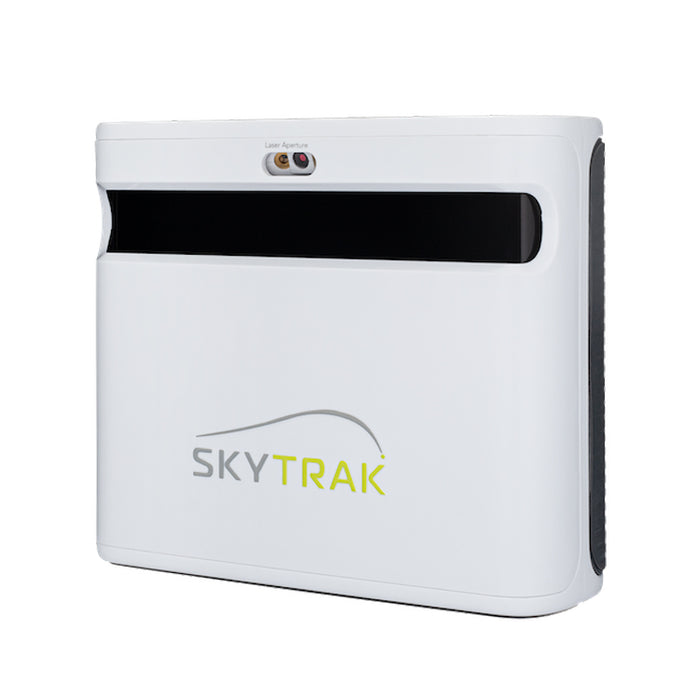
SkyTrak+ vs FlightScope Mevo+: your room decides this one, not your budget
Both are now outgoing models on run-out prices, which makes this more useful rather than less — the successors inherit the same trade-off. And it isn't the spec sheet. It's how much space you actually have.
Versus
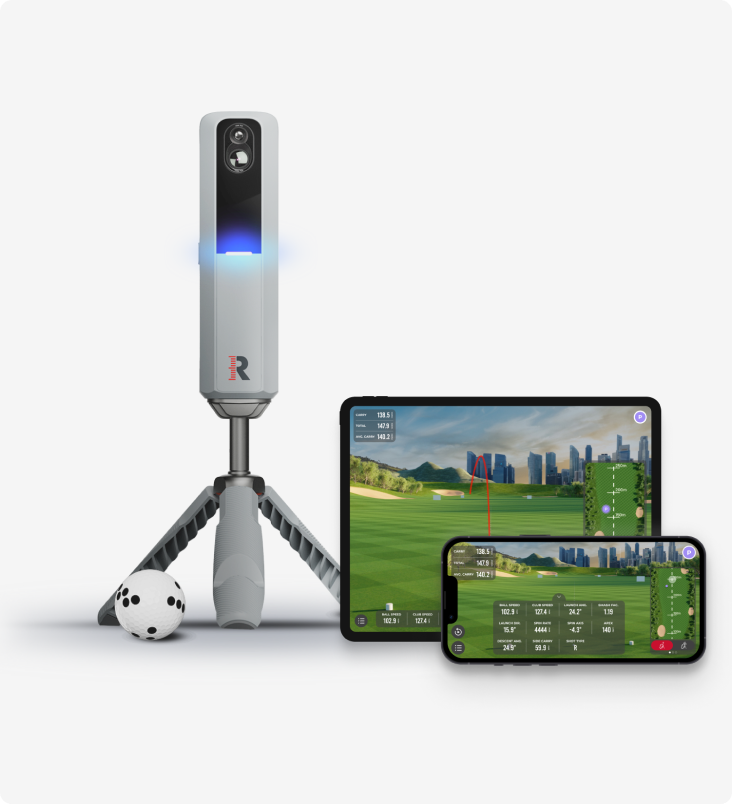
Rapsodo MLM2 Pro vs Shot Scope LM1: measured spin and sim golf, or just the number?
Two launch monitors golfers cross-shop constantly, sitting either side of the same question — how much do you actually need? One films your swing, measures spin and plays sim courses all winter. The other strips the whole idea down to a carry number on a screen.
Review
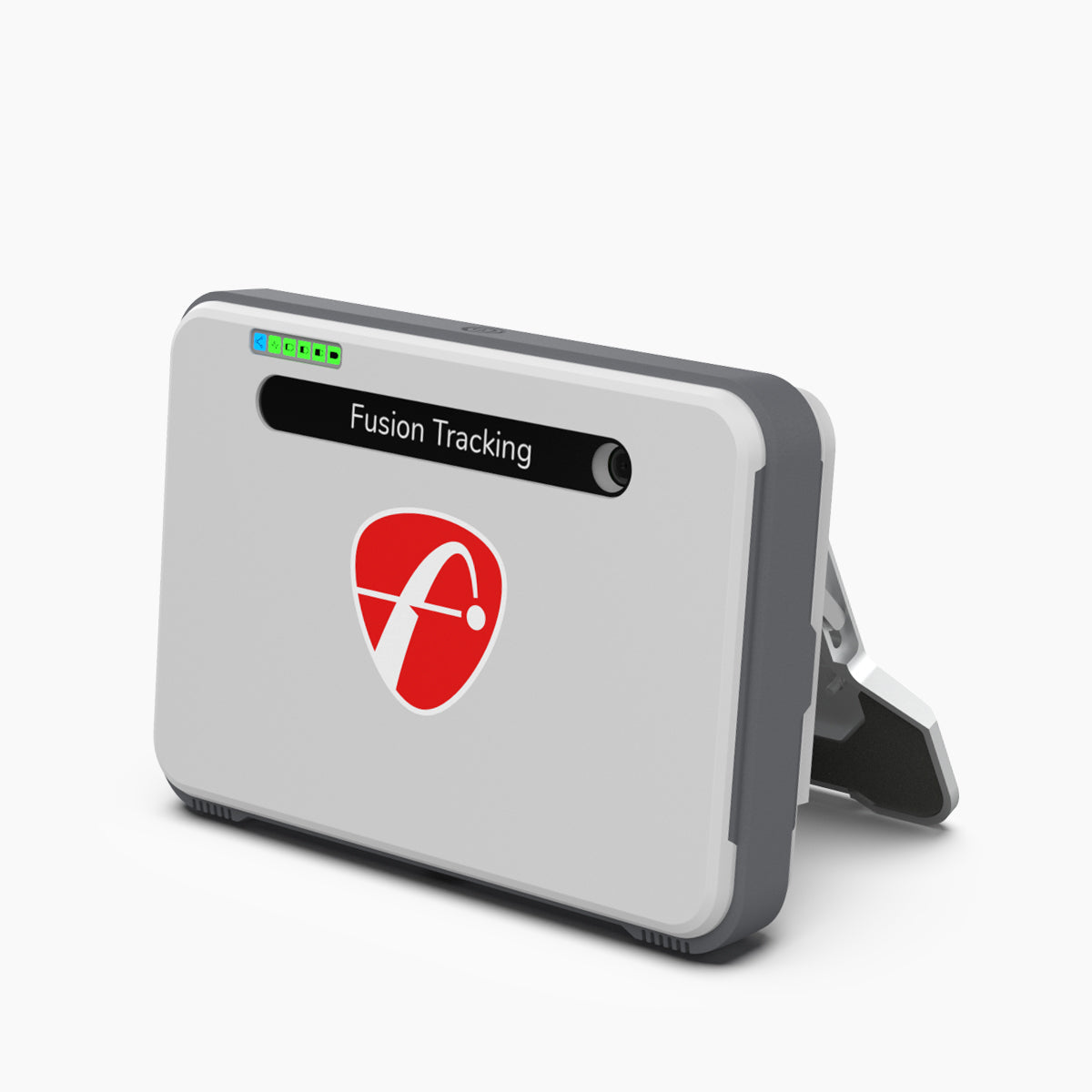
8.7/10FlightScope Mevo+ review: the launch monitor home simulators are actually built around
While the internet argues about budget camera units and the Garmin R10, the Mevo+ quietly became the default brain of the serious home sim — tour-grade radar heritage, full ball and club data, and out-of-the-box simulator connectivity. It needs room to breathe, and the add-ons push the real cost up.