
Launch monitors explained: what your money actually buys
Radar vs photometric, the numbers that matter, and where to jump in at every budget — in plain English.
By Tom Whitaker · Staff Writer
 Explained
Buy a launch monitor for the job you actually want it to do: entry units like the Shot Scope LM1 (around $250) for honest practice numbers, value all-rounders like the Garmin R10 for app-based simulator play, and photometric units like the SkyTrak line — the SkyTrak+ is outgoing, the ST MAX replaced it — only if you're building a serious garage sim. Overbuying precision you'll never use is the single most common mistake. Here's what your money actually buys, in plain English.
Radar vs photometric vs combined
A launch monitor measures what happens at and just after impact: ball speed, carry, and — on better units — spin and club data. Two technologies dominate. Radar (Doppler) tracks the ball through the air; it's brilliant outdoors and at the range where shots have room to fly, but it needs space behind the ball and a few metres of flight to read confidently. Photometric units use high-speed cameras to read the ball and club at the moment of impact, which is why they shine indoors in tight spaces — a SkyTrak+ works with as little as a couple of metres of hitting room. The newest devices blend both: the SkyTrak+ now pairs its camera with dual Doppler radar, and the Rapsodo MLM2 Pro marries radar with two cameras to capture genuine spin rather than an estimate. Match the tech to your space: radar for outdoor and range, camera or combined for a tight indoor bay.
Measured spin vs calculated spin
This is the distinction that separates the tiers, and it's worth understanding before you spend. Cheaper radar units like the LM1 calculate spin from a model rather than measuring it directly — fine as a directional guide, not a fitting number. Camera and combined units (the MLM2 Pro, the SkyTrak+) measure spin rate and axis off the actual ball, which is what you need for serious club fitting and convincing indoor flight. If someone quotes you spin numbers, the first question is always: measured or modelled?
The numbers that matter
In rough order of usefulness for an improving golfer: carry distance (for gapping your bag), ball speed and clubhead speed (for tracking whether a change adds power), then spin, launch angle, club path and face angle (for dialling flight and fitting). The Garmin R10 alone reads 14+ metrics; the MLM2 Pro tracks 13 including spin axis. But more metrics aren't automatically better — cheaper units nail the first group reliably, and most golfers improve most from accurate carry numbers alone. Be ruthlessly honest about which numbers you'll genuinely act on.
Two metrics are worth understanding because they're easy to misread. Smash factor is simply ball speed divided by clubhead speed — a measure of strike efficiency, where about 1.50 is the practical ceiling with a driver; chasing a higher number is usually a sign of bad data rather than a better swing. And spin axis (which the better units report) is what actually decides whether your ball draws or fades, where raw 'spin rate' alone won't tell you which way the ball curves. Knowing what each number means stops you over-reacting to one bad reading — the most common way golfers misuse a launch monitor is treating a single noisy shot as gospel rather than watching the trend across a session.
The budget tiers (and the subscription trap)
Entry devices like the LM1 (~$250) give trustworthy distance and speed for practice and gapping, with a screen on the unit and no fees. Value all-rounders like the R10 (~$650) add app simulator play and on-course tracking. The MLM2 Pro (~$700) steps up to cameras, synced swing video and better sims. At the top, photometric units like the SkyTrak+ (~$2,900) deliver the accuracy a serious sim or fitting setup needs. One thing to budget beyond the box: most mid and premium units gate their best courses and game modes behind a paid annual subscription — true of the MLM2 Pro and SkyTrak+ both. We rank the sub-$1,000 field in best launch monitor under $1,000.
Accuracy: what each tier can actually be trusted for
Accuracy isn't a single number — it depends on which metric and where you're hitting. Entry radar units are trustworthy on full-swing speed and carry outdoors, looser on partial wedges and unreliable on spin. Combined units like the MLM2 Pro tighten spin and short-game numbers because the cameras read the ball directly. Photometric units like the SkyTrak+ are the most consistent indoors and shot-to-shot, which is the whole point of paying for one — though even there, driver figures indoors are the toughest ask, and most photometric units are an iron-and-wedge weapon first. The rule of thumb: every unit is most accurate at the job it was designed for, and least accurate when you push it into the wrong environment.
Match the unit to your real situation
Be honest about your space and goal. A garden, a range and a desire for carry numbers? Entry radar, hitting real balls into open air. A spare room with a few metres of depth and an appetite for video coaching? The mid tier earns its keep. A tight garage with low ceilings where you want winter rounds that feel real? That's exactly the case for a photometric unit, which reads in minimal space where radar can't. The mistake almost everyone makes is buying for the fantasy setup rather than the room they actually have — measure the space first, then choose the tech.
Where to jump in
It depends on the dream. Just want honest practice data and real carry numbers? Start at the entry tier — it's transformative for the money, and a cheap unit may help your game more than any new club. Want video feedback and the occasional sim round? The mid tier is your sweet spot (our MLM2 Pro review makes the case). Want to play Pebble in the garage all winter? Budget for the premium tier plus a proper hitting space — our SkyTrak+ review and our guide to building a garage simulator cover what that really takes. Don't overbuy precision you won't use; don't underbuy if simulator golf is the genuine goal. If you'd like the decision made for you, our Launch Monitor Finder matches your space, goal and budget to the right unit in three questions.
Products mentioned in this article
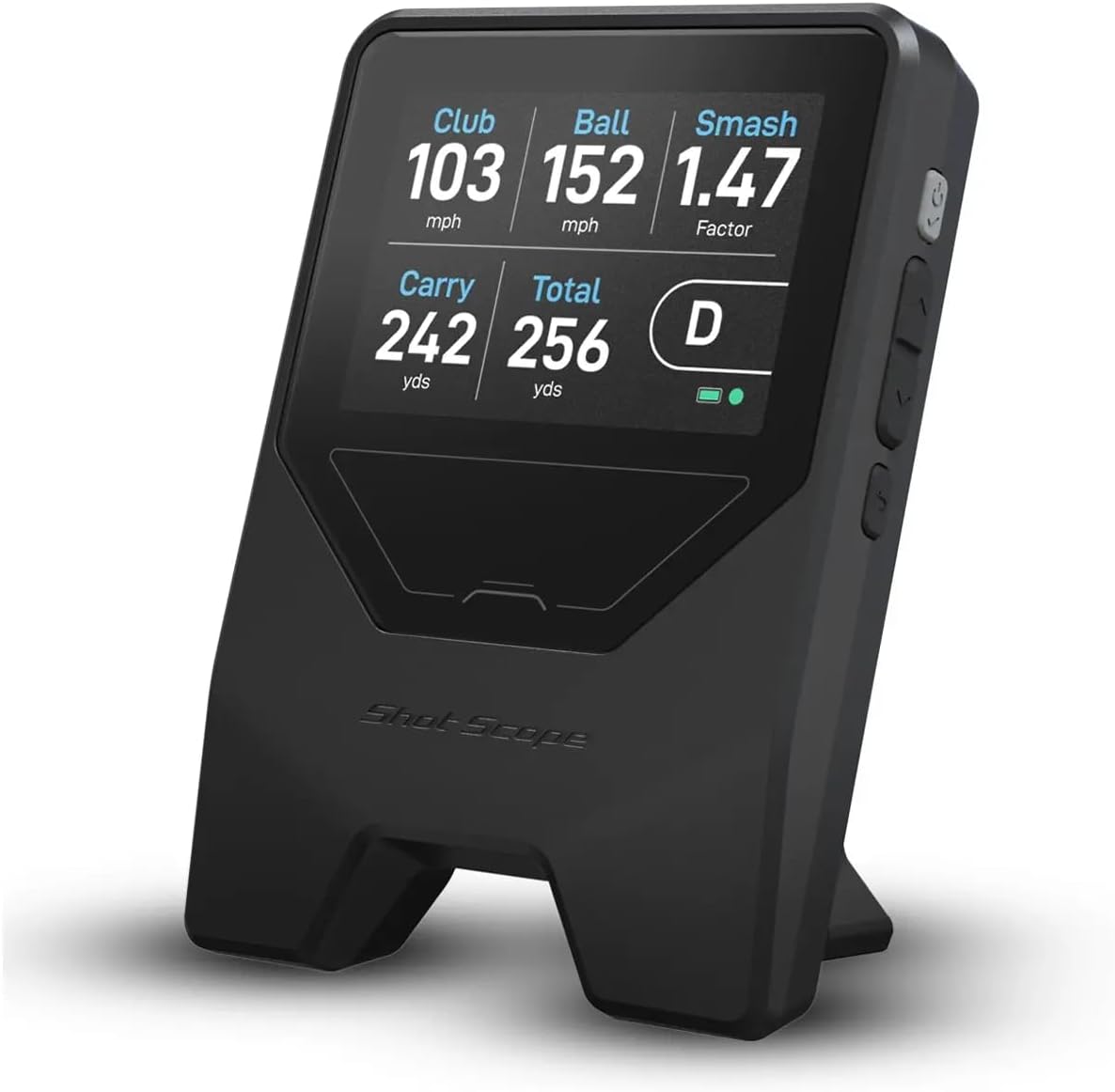
Shot Scope
Shot Scope LM1 Launch Monitor
Entry — real radar numbers, screen built in, no subscription.
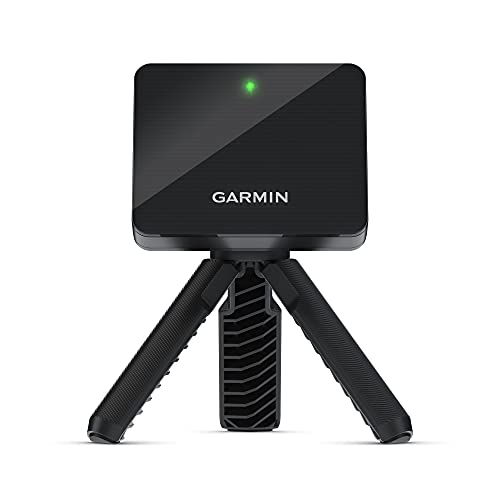
Garmin
Garmin Approach R10 Launch Monitor
Value all-rounder — data + app simulator + on-course tracking.
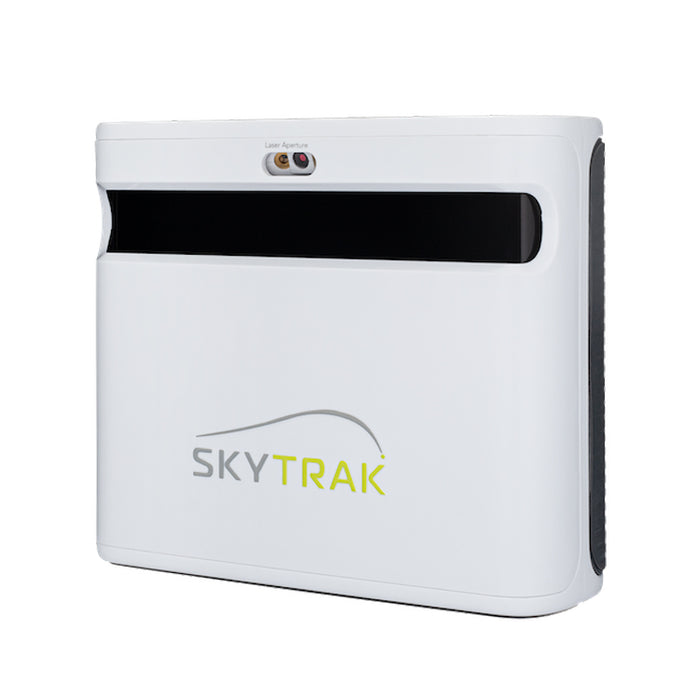
SkyTrak
SkyTrak+ Launch Monitor
Premium — near sim-grade accuracy for a serious home build.
This model is no longer made. The current version is SkyTrak ST MAX. Remaining stock is often discounted, so this can still be the better buy — check both prices.
ifrothgolf earns a commission on purchases made through these links, at no extra cost to you. It never changes what I recommend. Full disclosure.
Frequently asked
- What does a launch monitor actually measure?
- Ball speed, carry distance and (on better units) spin and launch angle, plus clubhead speed, smash factor, club path and face angle on premium models. A Garmin R10 reads 14+ metrics; a Rapsodo MLM2 Pro tracks 13. Carry and speed are the most useful for everyday practice and gapping.
- Radar or photometric — which should I get?
- Radar suits outdoor and range use with room for ball flight; photometric (camera) units excel indoors in tight spaces and measure spin more accurately. Many newer units combine both. Match it to where you'll mostly hit.
- What's the difference between measured and calculated spin?
- Cheaper radar units calculate spin from a model — useful as a guide, not for fitting. Camera and combined units (Rapsodo MLM2 Pro, SkyTrak+) measure spin directly off the ball, which is what you need for accurate fitting and convincing indoor ball flight.
- Do launch monitors charge a subscription?
- Entry units like the Shot Scope LM1 don't. But most mid and premium units — the MLM2 Pro and SkyTrak+ included — put their best simulator courses and game modes behind a paid annual plan. Factor that ongoing cost in before you buy.
- How much do I need to spend?
- Entry units give honest distance and speed for around $250; value all-rounders run ~$650; camera-and-radar step-ups land near $700; and photometric sim-grade accuracy starts around $2,900. Buy for the job — most golfers don't need photometric precision.
Read next
Versus
SkyTrak+ vs FlightScope Mevo+: your room decides this one, not your budget
Both are now outgoing models on run-out prices, which makes this more useful rather than less — the successors inherit the same trade-off. And it isn't the spec sheet. It's how much space you actually have.
Versus
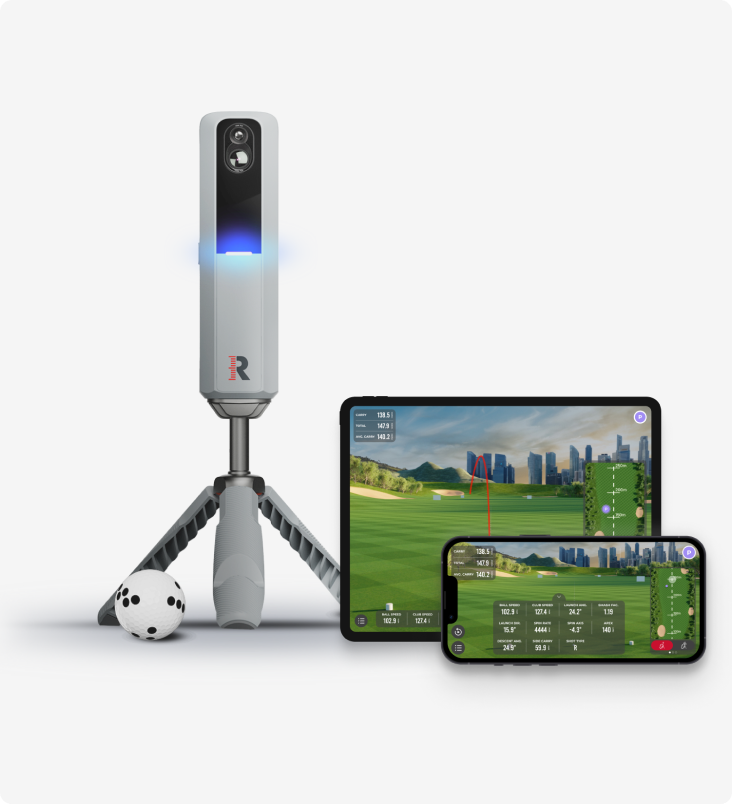
Rapsodo MLM2 Pro vs Shot Scope LM1: measured spin and sim golf, or just the number?
Two launch monitors golfers cross-shop constantly, sitting either side of the same question — how much do you actually need? One films your swing, measures spin and plays sim courses all winter. The other strips the whole idea down to a carry number on a screen.
Review
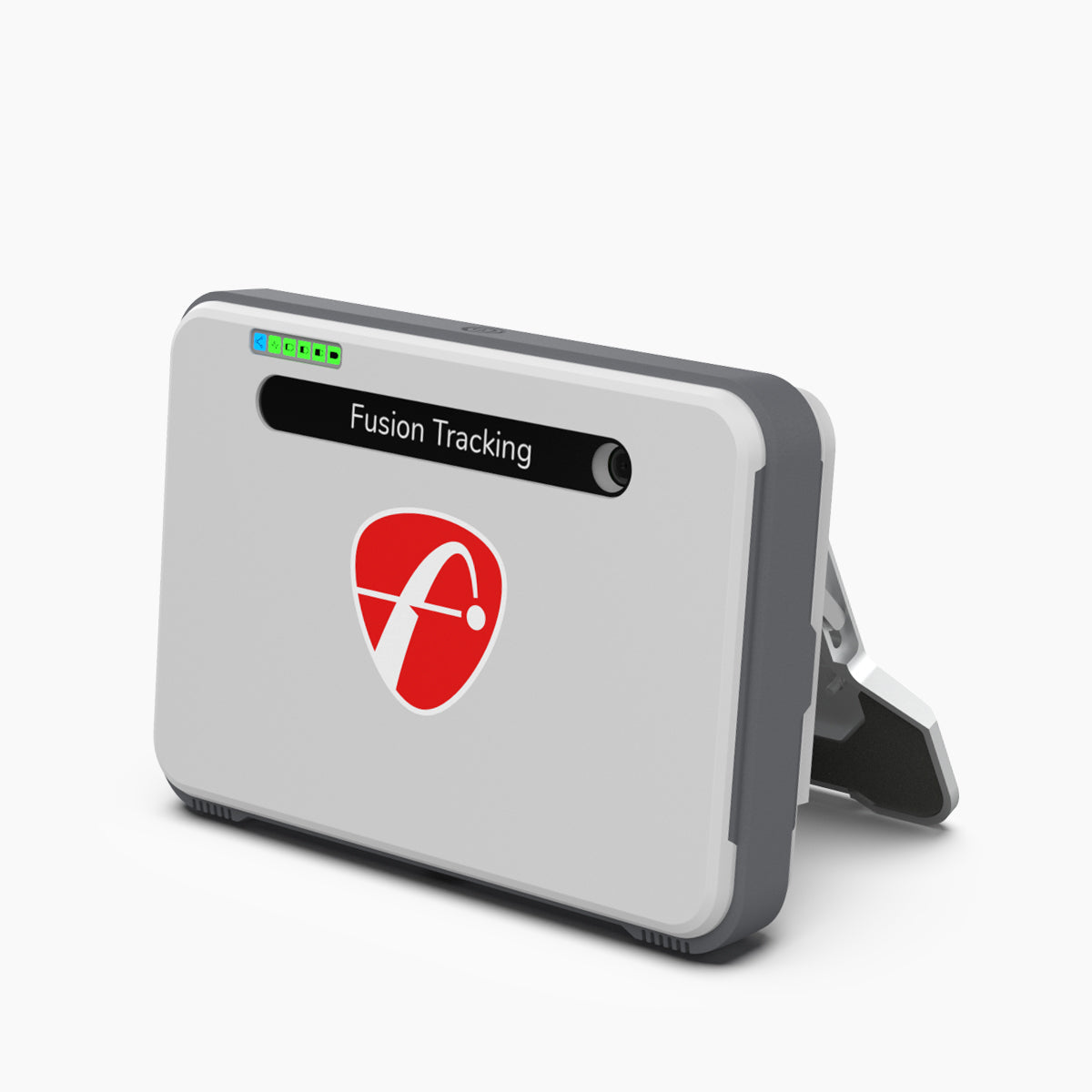
8.7/10FlightScope Mevo+ review: the launch monitor home simulators are actually built around
While the internet argues about budget camera units and the Garmin R10, the Mevo+ quietly became the default brain of the serious home sim — tour-grade radar heritage, full ball and club data, and out-of-the-box simulator connectivity. It needs room to breathe, and the add-ons push the real cost up.