
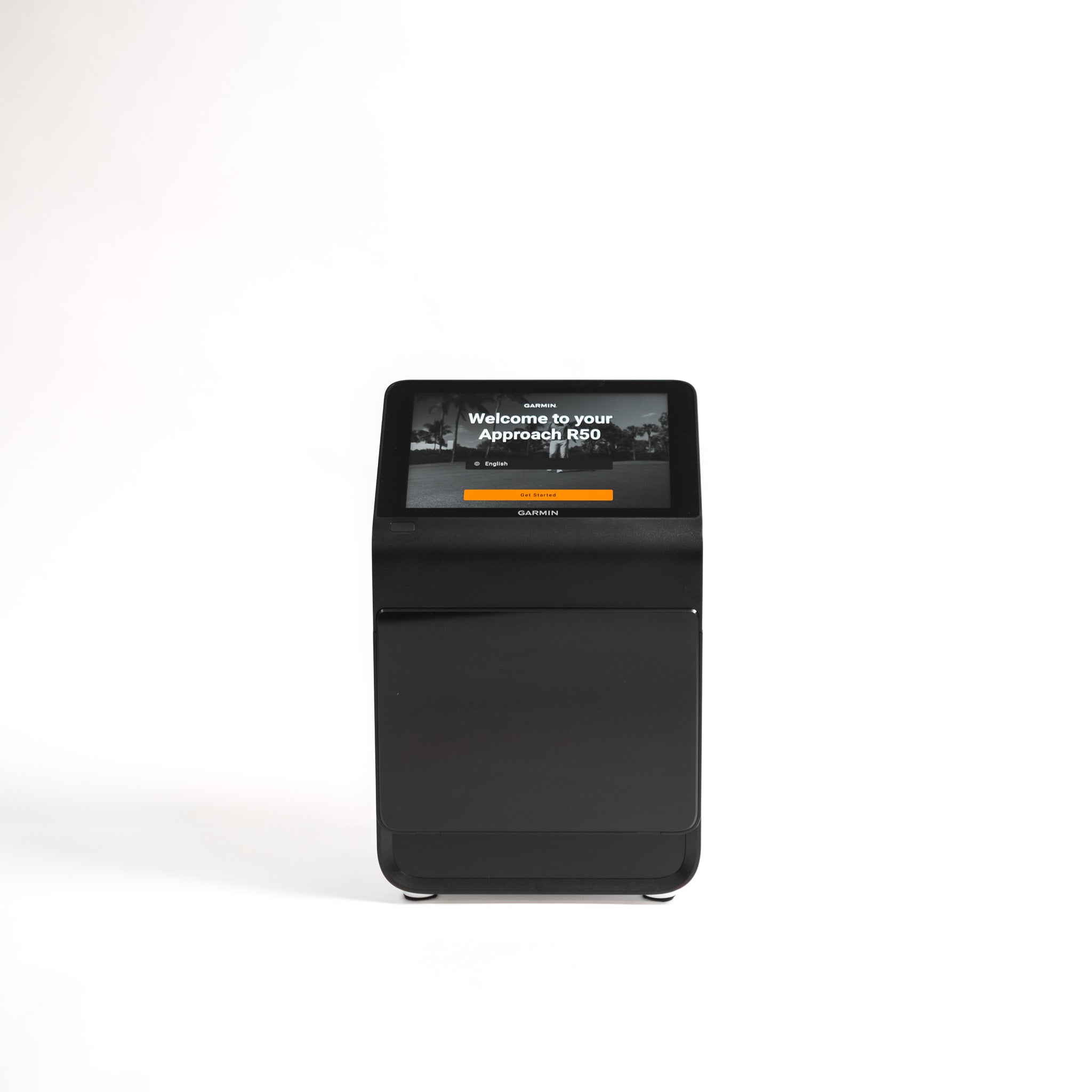
Garmin Approach R50 review: the all-in-one launch monitor with the screen built in
Three cameras and a 10-inch touchscreen in one box, so you can run a full sim session with no laptop, phone or projector wired in. Convenient — at a serious price, and with a few rough edges.
By Tom Whitaker · Staff Writer
The verdict
Excellent
What's great
- Built-in 10in touchscreen runs full sim sessions with no laptop, phone or projector
- Trustworthy optical data — 15+ metrics including spin, plus a 43,000-course library
- Portable with a real battery, so it works on the range as well as indoors
Watch out
- Headline features lean on a paid Garmin Golf subscription
- Full club data needs fiddly fiducial markers; the screen sits low, so you kneel to adjust it
Bottom line — If laptop-free, all-in-one convenience is worth the premium, it's one of the easiest premium sims to live with. If it isn't, a cheaper monitor plus a laptop gets you the same numbers for less.
Garmin
Garmin Approach R50 Launch Monitor
ifrothgolf earns a commission on purchases made through these links, at no extra cost to you. It never changes what I recommend. Full disclosure.
Buy the Garmin Approach R50 if you want a launch monitor and home simulator that works out of the box, with nothing else plugged in — that one feature, the built-in 10-inch touchscreen, is what justifies the $5,000 price over a cheaper monitor paired with a laptop. The optical data is well-regarded, the course library is huge, and it doubles as a range tool. But it leans on a paid subscription, asks you to stick markers on your clubs for full data, and makes you kneel to use it. If the all-in-one convenience is worth the premium to you, it's one of the most painless premium units going. If it isn't, a cheaper monitor plus a laptop gets you the same numbers for less.
The built-in screen is the whole point
Almost every launch monitor in this bracket needs a separate phone, tablet or laptop to be useful — and that cabling, charging and app-juggling is exactly the friction that stops people practising. The R50 builds a colour touchscreen straight into the unit, so it runs virtual rounds and shows your numbers the moment you switch it on. It's the difference between a five-minute setup and a thirty-second one, and over a winter of garage sessions that gap is the whole reason you'll actually use it. This is the tier we framed in launch monitors explained as the 'play real courses all winter' purchase — the R50 just removes the laptop from that equation.
How good is the data, really
For an optical (camera-based) unit, the consensus from reviewers and owners is that the R50's numbers are trustworthy: three high-speed cameras read ball and club data, you get 15-plus metrics including spin rate and spin axis, and ball speed, launch and carry track consistently from shot to shot. It's not pitched as a fitting-bay reference instrument the way a five-figure photometric system is — and at $5,000 it isn't priced like a budget tool either — but for practice, gapping and convincing simulator play it's more than enough. The data is genuinely good; what you're really paying the premium for is the screen, not a leap in accuracy over cheaper photometric rivals. For serious sim accuracy at a fraction of the outlay, the camera-plus-radar SkyTrak+ is still the value benchmark — it just makes you supply your own screen and laptop. The R50's whole pitch is convenience, not a lower number on the receipt.
Where it sits in the bracket
Context matters at this price. The R50 is roughly double the cost of a SkyTrak+ and several times a portable radar unit like the Garmin R10, so it isn't competing on value — it's competing on the single experience no rival in the bracket offers: switch on, play, no laptop. A radar all-in-one like the FlightScope Mevo+ costs less and reads rich data, but it demands a deep room (FlightScope quotes 16 feet minimum, and owners often want 18-plus) and still leans on an external device for the simulator. The R50, being camera-based, packs into its bracket alongside the SkyTrak+ as a tight-space, indoor-friendly unit — but it's the only one of them you can run start to finish with nothing else plugged in. That's the trade you're weighing: a clean, self-contained box versus more accuracy or more room-friendliness per pound elsewhere.
Living with it: markers, subscription and kneeling
Three things temper the convenience, and you should know all three before you spend. To capture full club data you stick fiducial markers on your clubs — small reflective stickers the cameras track — which is fiddly to set up and easy to forget before a session. The headline simulator features lean on a paid Garmin Golf membership, so the $5,000 unit carries an ongoing subscription cost on top, and the 43,000-course Home Tee Hero library is part of what that membership unlocks. And the touchscreen sits low to the ground, so you'll be kneeling or stooping to change settings mid-session — a genuinely odd ergonomic choice on a unit this expensive. Beyond those, third-party sim-software support and quick left/right-handed player switching are still rough edges rather than dealbreakers, and the battery is rated around four hours, so a long social session may want the charger nearby. Like any camera unit, it also wants adequate space and consistent lighting to read well; at 4.1kg with its included carry case it's portable, but it's not pocketable the way a radar puck is.
Who should buy — and who should skip
Buy it if you want one box that does everything, you'll genuinely use the simulator side, and a clean, laptop-free setup is worth a premium — the kind of buyer who'll happily pay extra to remove every excuse not to practise. The thirty-second setup is not a gimmick; over a winter it's the difference between a sim you use and a sim you mean to use. Skip it if you only want honest distance numbers — a portable radar unit like the Garmin R10 does that for a fraction of the money — or if you're chasing the most accuracy per pound, where the SkyTrak+ wins comfortably and leaves you change for the rest of the bay. Be honest, too, about whether you'll actually run virtual rounds often enough to justify the convenience premium; if the unit will mostly read range numbers, you're paying a lot for a screen you'll rarely lean on. It sits at the premium, convenience-first end of our best launch monitors guide — and if you're torn across the bracket, our Launch Monitor Finder narrows the field in three questions.
Where to buy
8.4/10Garmin
Garmin Approach R50 Launch Monitor
A three-camera launch monitor with a built-in touchscreen, so you can run a full sim session without a laptop, phone or projector wired in.
ifrothgolf earns a commission on purchases made through these links, at no extra cost to you. It never changes what I recommend. Full disclosure.
Frequently asked
- Is the Garmin Approach R50 worth it?
- If you value an all-in-one unit you can use without a laptop or phone and you'll genuinely use the simulator, yes — the built-in screen removes the setup friction that stops most people practising. If you only want distance numbers, it's expensive overkill versus a portable radar unit.
- Garmin R50 vs SkyTrak+?
- The SkyTrak+ is the accuracy-per-pound benchmark and costs far less, but you supply your own screen and laptop. The R50 costs more and is pitched on convenience — the simulator and touchscreen are built in. Buy on whether you're paying for accuracy or for a clean, all-in-one setup.
- Do you need a subscription for the Garmin R50?
- The unit works without one, but the headline simulator and course features lean on a paid Garmin Golf membership, so factor that ongoing cost into the purchase rather than just the sticker price.
- Garmin R50 vs Garmin R10 — what's the difference?
- They're built for different jobs. The R10 is a pocketable radar unit for honest practice numbers and casual sim play at a fraction of the price; the R50 is a three-camera photometric unit with a built-in touchscreen, far richer simulator features and a much higher price. Buy the R10 to practise smarter, the R50 to run a laptop-free home simulator.
Read next
Versus
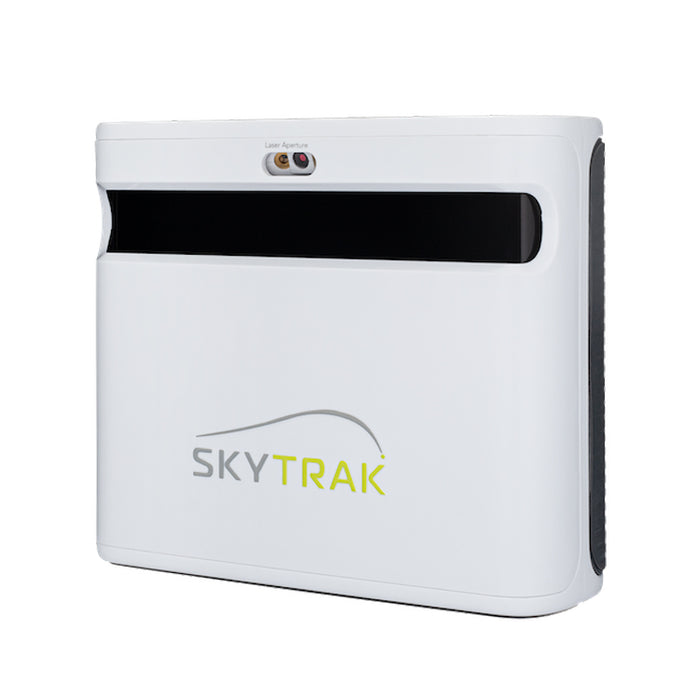
SkyTrak+ vs FlightScope Mevo+: your room decides this one, not your budget
Both are now outgoing models on run-out prices, which makes this more useful rather than less — the successors inherit the same trade-off. And it isn't the spec sheet. It's how much space you actually have.
Versus
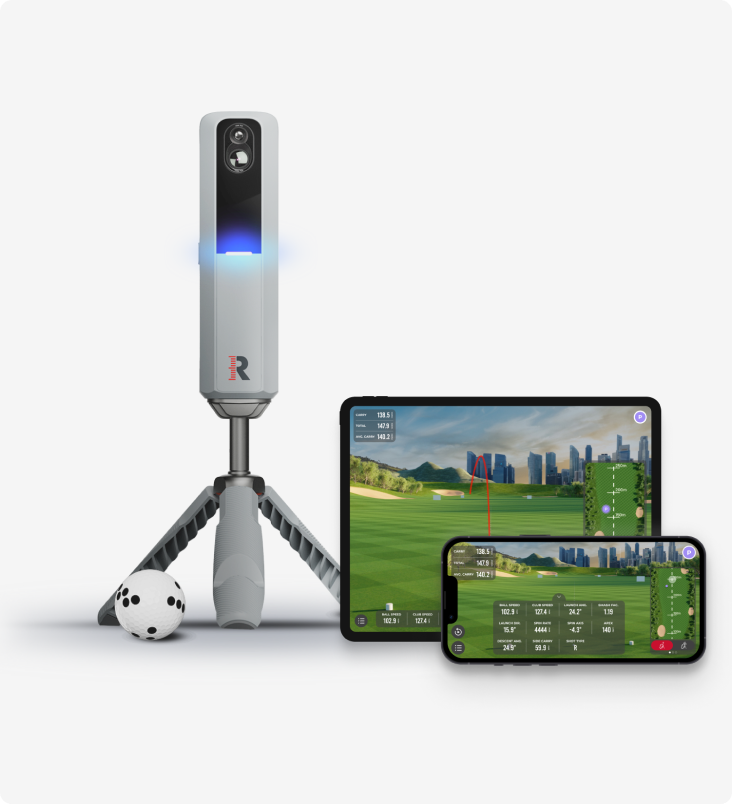
Rapsodo MLM2 Pro vs Shot Scope LM1: measured spin and sim golf, or just the number?
Two launch monitors golfers cross-shop constantly, sitting either side of the same question — how much do you actually need? One films your swing, measures spin and plays sim courses all winter. The other strips the whole idea down to a carry number on a screen.
Review
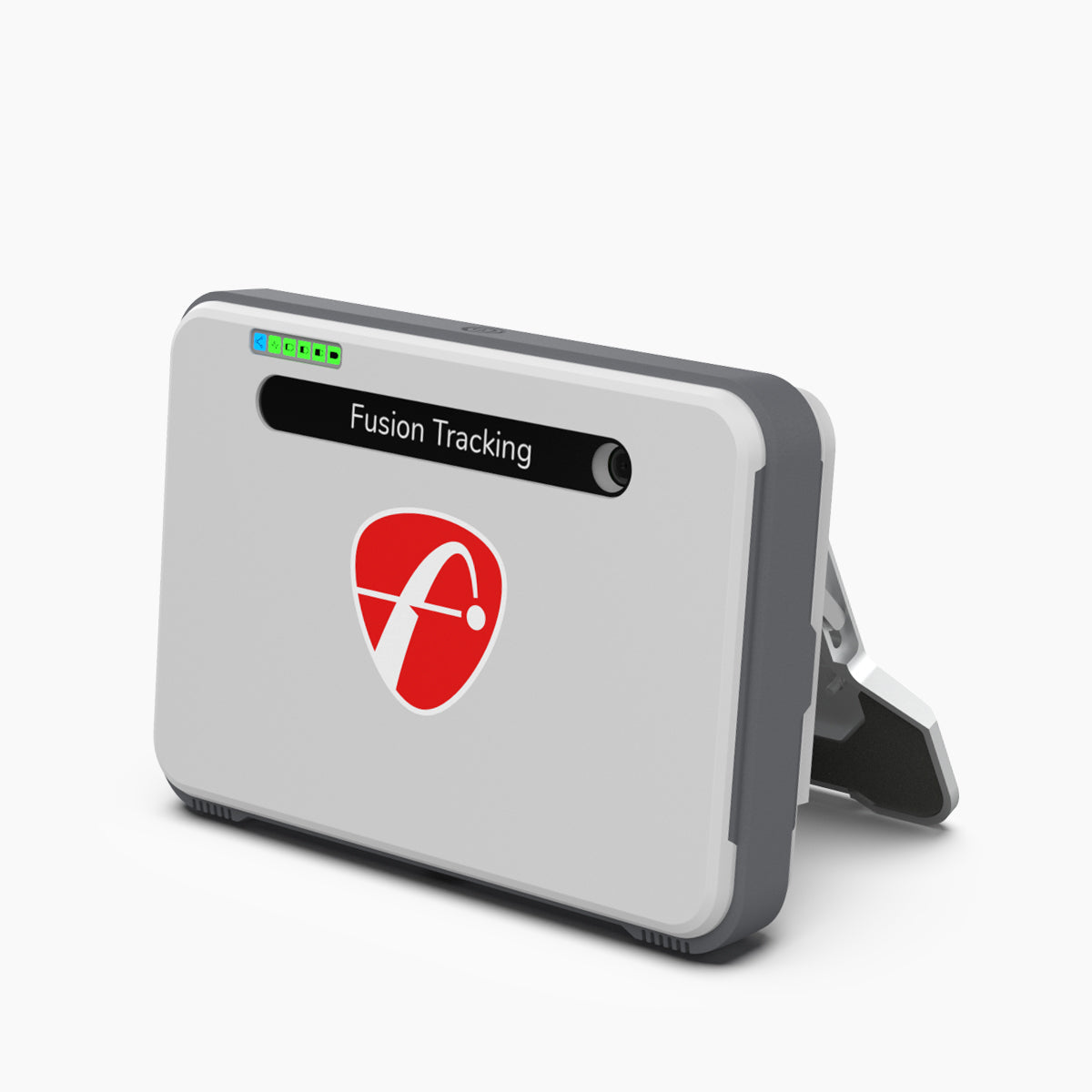
8.7/10FlightScope Mevo+ review: the launch monitor home simulators are actually built around
While the internet argues about budget camera units and the Garmin R10, the Mevo+ quietly became the default brain of the serious home sim — tour-grade radar heritage, full ball and club data, and out-of-the-box simulator connectivity. It needs room to breathe, and the add-ons push the real cost up.