
Garmin R10 vs Shot Scope LM1: the budget launch-monitor face-off
Two ways to get real numbers without remortgaging — which one fits how you'll actually use it.
By Jordan Hale · Equipment Writer
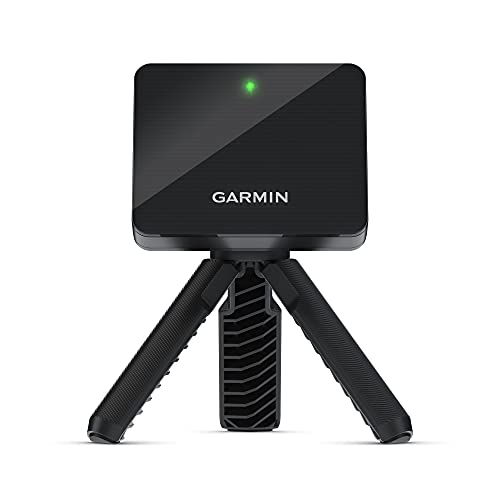
Garmin
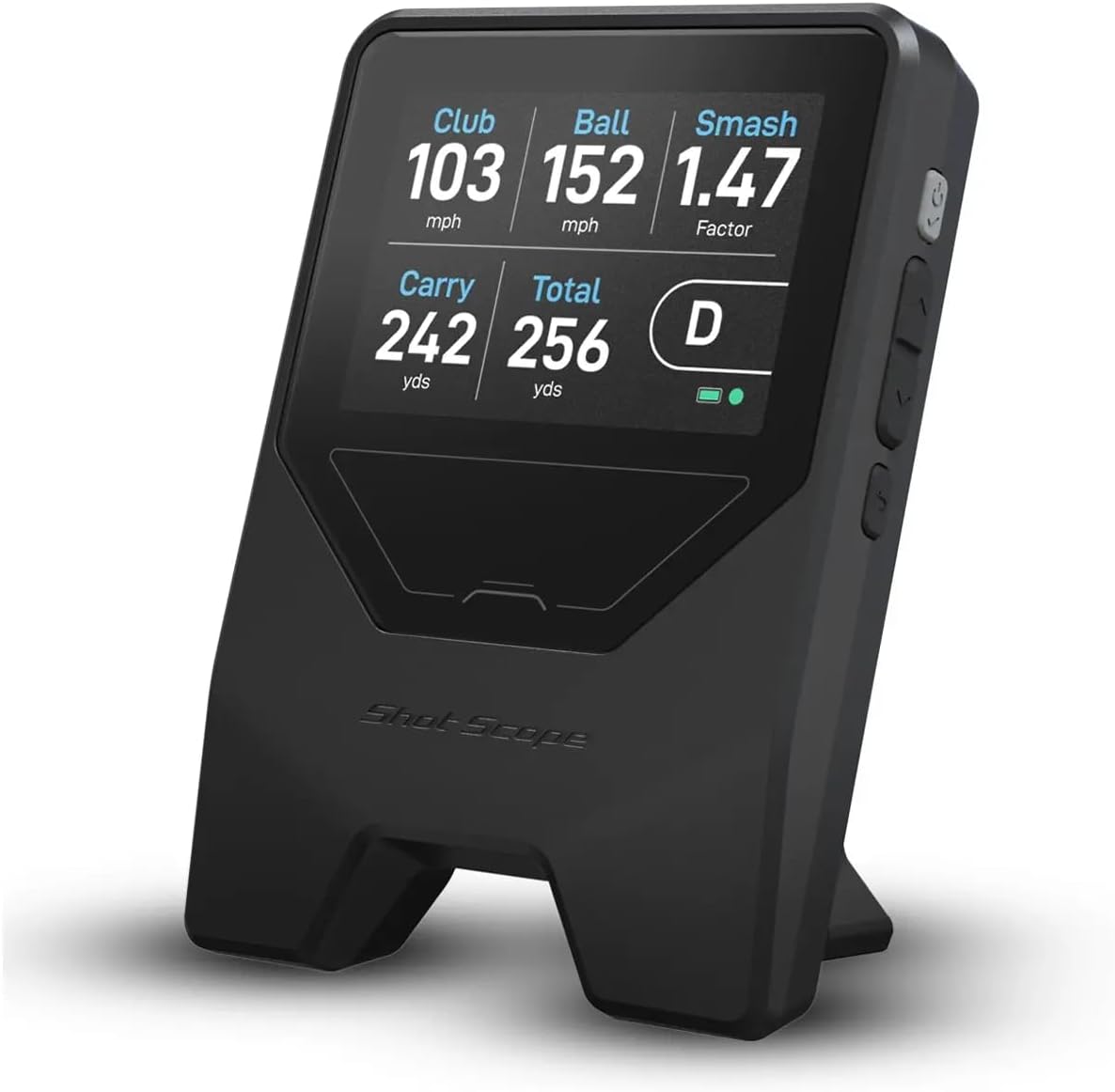
Garmin Approach R10 Launch Monitor
Pick for app-based simulator play and on-course shot tracking.
ifrothgolf earns a commission on purchases made through these links, at no extra cost to you. It never changes what I recommend. Full disclosure.
Side by side
| Specification | GarminGarmin Approach R10 Launch Monitor | Shot ScopeShot Scope LM1 Launch Monitor |
|---|---|---|
| Device type | launch monitor | launch monitor |
| Sensor type | Doppler radar | Doppler radar |
| Metrics measured | 14+ metrics — ball speed, launch angle, spin, club path and more | ball speed, club speed, smash factor, carry and total distance |
| Indoor outdoor | works indoors, at the range and on turf | wants a bit of space behind you, works best outdoors hitting real balls |
| App ecosystem | Garmin Golf app | free app adds session history and shot-by-shot review |
| Simulator software support | E6 simulator rounds via Garmin Golf app | no simulator mode |
| Size | pocket-sized & portable (about the size of a deck of cards) | compact and battery-powered, drops into a range bag |
Specs as published by each manufacturer. Rows in grey are where the two match.
Get the Garmin Approach R10 if at-home simulator golf is the dream — its app and virtual courses make it the more complete toy, and it tracks your real rounds too. Get the Shot Scope LM1 if you just want trustworthy numbers with zero faff: a screen built in, no phone tether, no subscription, and roughly a third of the R10's price. Both define the budget tier from opposite ends — the LM1 strips a launch monitor down to its purest job, the R10 piles on features — and the right one comes down to how you'll actually use it, not which is 'better.'
What each one is
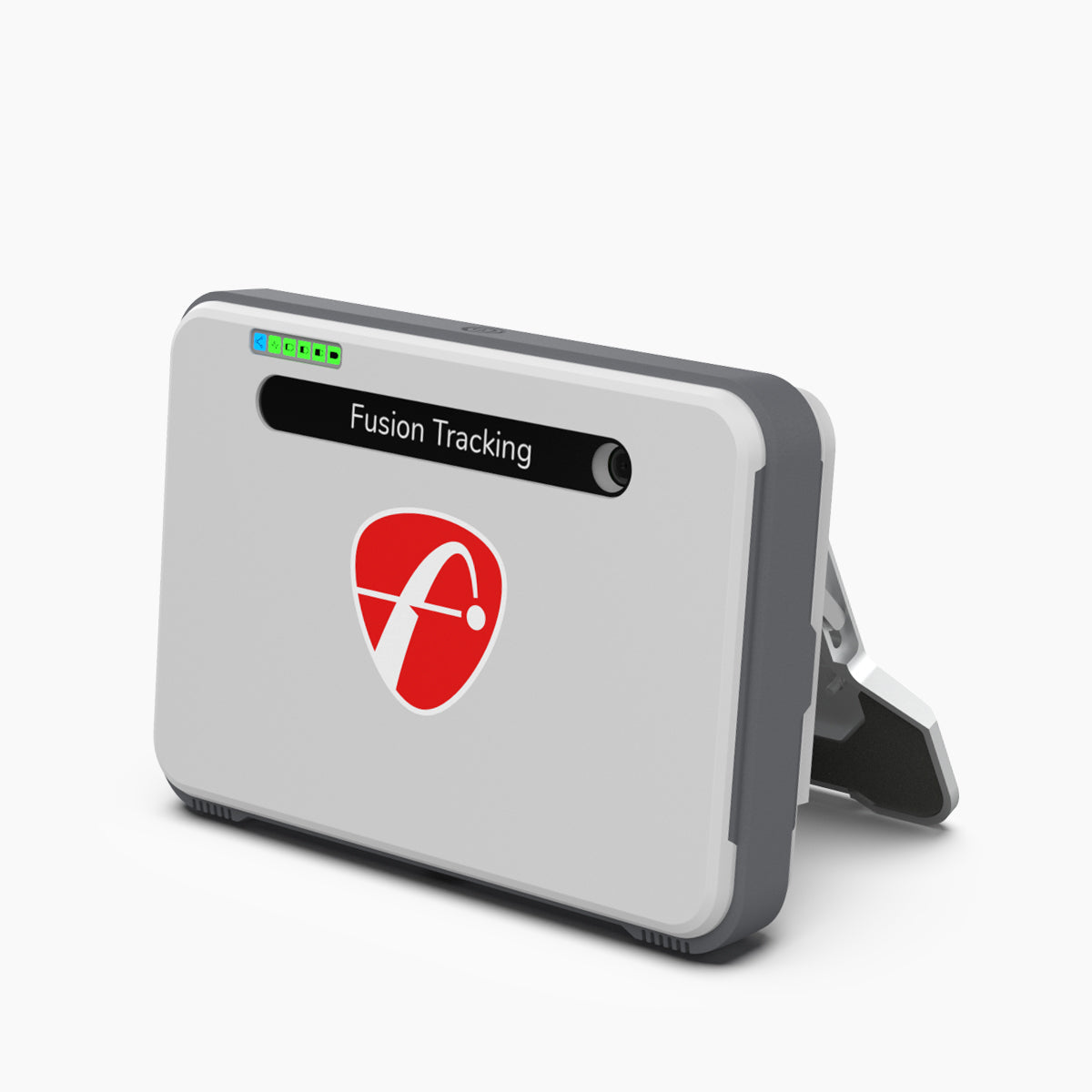
The R10 is the established all-rounder: a pocketable Doppler radar puck that pairs with your phone over the Garmin Golf app, reads 14-plus metrics, tracks on-course rounds, and unlocks home simulator play through its app, with the fuller sim experience leaning on a paid membership. It's the device that made personal launch monitors mainstream, and it's still the most capable do-everything unit at its price. The LM1 is the newer disruptor that broke the price floor at $250: a genuine Doppler radar unit with a colour screen built straight into the body, so it works standalone — no phone propped beside it, no app to launch, no subscription ever. Drop it behind the ball, hit, read your ball speed, club speed, smash factor, carry and total distance right there on the unit. Two very different philosophies aimed at the same beginner-to-improver buyer.
The split: simulator vs simple numbers
This is genuinely the whole decision. If you want to hit into a net and play virtual courses on a screen all winter, the R10's app and simulator ecosystem make it the richer buy — the LM1 has no simulator mode at all, by design, so it simply can't do that job. But if you mostly want honest numbers — carry, ball speed, gapping — without pulling out a phone or paying a penny monthly, the LM1's built-in screen and no-subscription model is the simpler, cleaner tool, and it's the one more likely to actually get used because there's no setup friction between you and the data. Ask yourself one question: do you want to play golf indoors, or do you want to know your numbers at the range? The first answer is the R10; the second is the LM1.
Accuracy and what neither one does
On the numbers that matter most at this level — ball speed, clubhead speed and carry on full swings — the two are broadly comparable, and owner and reviewer consensus is that both track impressively close to far pricier radar for gapping purposes. Where both show their price is spin: the R10 partly models it and the LM1 calculates rather than measures it, so neither replaces a $2,550-plus photometric unit for spin precision, and neither is a fitting reference. Both are radar units too, which means both want a few feet of space behind the ball and read best outdoors hitting real balls off a proper mat with alignment to a real target. The honest summary: at this price you're buying trustworthy speed-and-carry data, not lab-grade spin — and for gapping your bag and chasing speed, that's exactly the data that helps. If the numbers themselves are a mystery, start with launch monitors explained.
Subscriptions and the long-term cost
It's worth separating sticker price from lifetime cost, because that's where these two really diverge. The LM1's pitch is total simplicity: every feature is included outright, there's no subscription ever, and a free companion app adds session history and shot-by-shot review only if you want it. What you pay is what you pay. The R10 is cheap to buy relative to what it does, but the fuller home-simulator experience leans on a paid Garmin Golf membership, so the true cost of using it as a winter sim is the unit plus an ongoing fee. Neither model is wrong — you're choosing between a one-off purchase that does one job cleanly, and a low entry price into a feature ecosystem that asks for a little more over time. If recurring costs irritate you on principle, that alone may settle it for the LM1.
Budget and use-case: who each is for
Price is the other honest lever. The LM1 lands at roughly a third of the R10's cost, which makes it the first launch monitor that's an impulse buy rather than an investment decision — if budget is the constraint and you only want range numbers, it's an easy call. Buy the LM1 if you want the cheapest credible way to learn your real carry distances, you value a screen and no subscription over features, and a winter simulator isn't on your wishlist. Buy the R10 if you want the do-everything unit: on-course tracking, app-based sim play, and a path into garage golf, and you're happy to use your phone as the screen and accept a membership for the full sim. It's the more complete tool; the LM1 is the more focused one. Neither is the 'beginner' choice and the other the 'serious' one — they're two valid answers to two different questions about how you'll spend your time with it.
The verdict
R10 for simulator golf and on-course tracking; LM1 for trustworthy range numbers, simply and subscription-free, for less money. Neither is a mistake — they're the two ends of the smart budget bracket. Both are in our best launch monitors guide, and the R10 also goes up against the camera-equipped Rapsodo in R10 vs MLM2 Pro if video-led feedback is what tempts you. Still on the fence? Our Launch Monitor Finder picks between them — and the rest of the field — in three questions.
Frequently asked
- Is the Garmin R10 or Shot Scope LM1 more accurate?
- They're broadly comparable for carry and ball speed at this price — consistent enough to practise against, but not a match for a $2,550 photometric unit on spin. Hitting off a proper mat to a target matters more than the gap between them.
- Does the Shot Scope LM1 need a subscription?
- No — that's its main selling point. It has a screen built in and works standalone with no phone and no monthly fee. The R10 relies on its app and locks some simulator features behind a subscription.
- Can both play simulator golf at home?
- Only the R10. It's built for sim play via its app and virtual courses, with the fuller experience behind a paid membership. The LM1 has no simulator mode at all — it's a standalone numbers tool by design — so the R10 is the only pick if home sim golf is the goal.
- Which is cheaper, the R10 or the LM1?
- The LM1 is far cheaper — it broke the budget price floor and costs roughly a third of the R10. If price is the deciding factor and you only want range numbers with a screen and no subscription, the LM1 is the easy call.
Read next
Versus
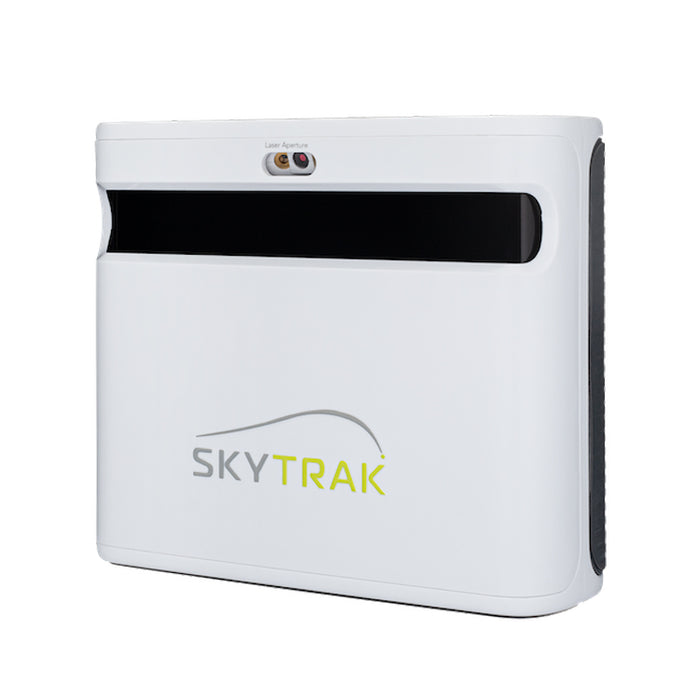
SkyTrak+ vs FlightScope Mevo+: your room decides this one, not your budget
Both are now outgoing models on run-out prices, which makes this more useful rather than less — the successors inherit the same trade-off. And it isn't the spec sheet. It's how much space you actually have.
Versus
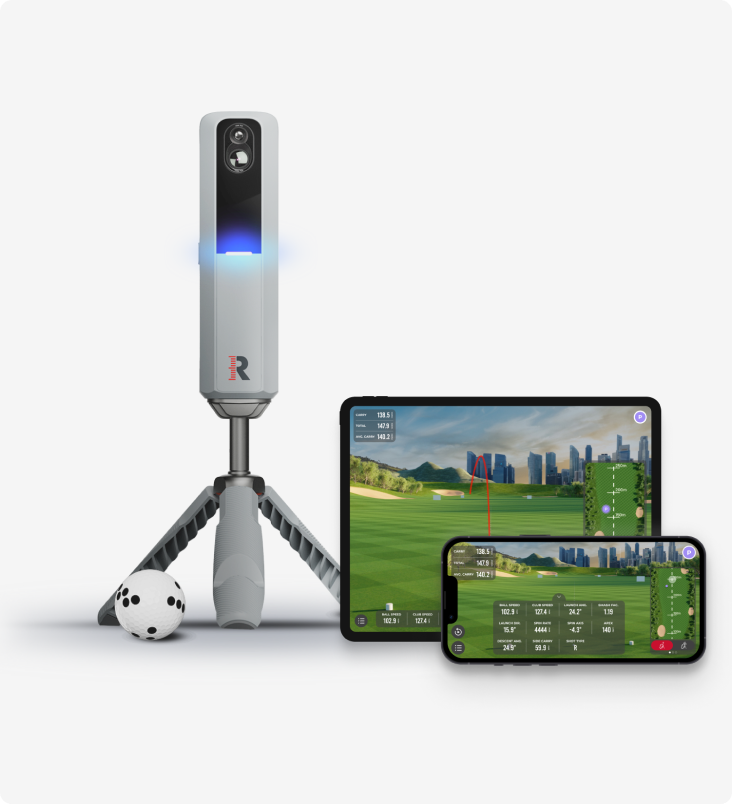
Rapsodo MLM2 Pro vs Shot Scope LM1: measured spin and sim golf, or just the number?
Two launch monitors golfers cross-shop constantly, sitting either side of the same question — how much do you actually need? One films your swing, measures spin and plays sim courses all winter. The other strips the whole idea down to a carry number on a screen.
Review
8.7/10FlightScope Mevo+ review: the launch monitor home simulators are actually built around
While the internet argues about budget camera units and the Garmin R10, the Mevo+ quietly became the default brain of the serious home sim — tour-grade radar heritage, full ball and club data, and out-of-the-box simulator connectivity. It needs room to breathe, and the add-ons push the real cost up.