
You're upgrading your golf sim in the wrong order
The most common home-sim regret isn't a launch monitor's accuracy. It's a room you flinch in and a picture you can't see in daylight — and both get budgeted last.
By Marcus Bell · Simulator & Indoor Golf Writer
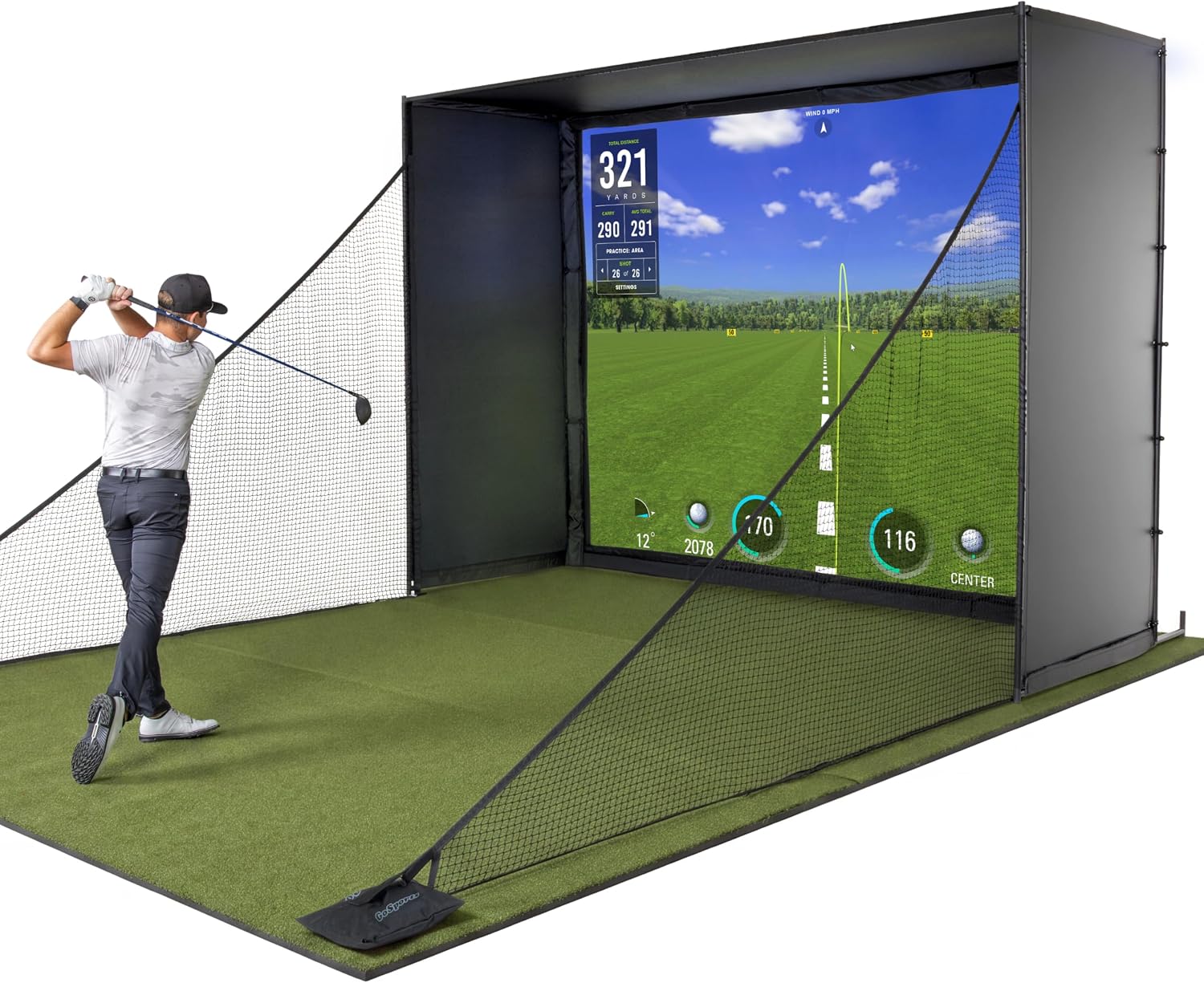
GoSports
GoSports Golf Simulator Enclosure + Impact Screen
ifrothgolf earns a commission on purchases made through these links, at no extra cost to you. It never changes what I recommend. Full disclosure.
Nobody who has built a home simulator and come to regret it regrets the launch monitor's spin accuracy. They regret the ceiling they clip on a full 6-iron, the washed-out picture at four in the afternoon, and the fact that there is nowhere in the room to putt. Yet almost every upgrade path starts and ends with the launch monitor, because that is the part with numbers on a spec sheet and a review-shaped identity. The right order is closer to the reverse: space and enclosure, then screen, then projector, then launch monitor, then the putting surface you have not budgeted for.
That order is not a matter of taste, and 2026 has made the case stronger. The battleground in this category has moved from hardware to software, and from accuracy specs to usability. Budget units now attempt angle of attack and impact location — data that used to be the entire justification for the price ladder — and while the cheap versions of those numbers are rougher, the gap that used to separate tiers has narrowed enough that spending the marginal money on the room rather than the sensor is now the better bet more often than not. Meanwhile the thing that decides whether the room gets used four times a week or four times a year is still, stubbornly, how it feels to stand in it.
1. Space and enclosure: the only decision you cannot buy your way out of later
Everything downstream is constrained by your dimensions. Ceiling height sets your club selection, width sets whether you can swing without shortening your arc, and depth sets your projector options and how far you stand off the screen. Measure with a club in your hands and swing, not with a tape measure and optimism. Then choose the enclosure that fits the room you actually have, not the room in the marketing photograph.
The GoSports Golf Simulator Enclosure is the value route into a real projected setup: a framed ten-by-eight-foot cage, an HD impact screen sized tight to the frame and rated 4K-ready, and side shank nets for the ones that leave sideways. It is the sensible middle ground between a bare net, which is cheap and gives you no picture at all, and a premium enclosure at twice the outlay. It needs standoff space behind the screen to work properly, so read that into your depth measurement before you order.
The SIG10 Golf Simulator Enclosure is a genuinely different tier rather than the same thing with a nicer badge, and the difference is the screen — which is the point of the next section. It is built around the SIGPRO Premium Screen, the one that beat the most popular impact screen in MyGolfSpy's head-to-head on durability, bounce-back and noise, and it is sized so the projected image fills the whole screen instead of leaving white bars top and bottom. At roughly ten feet ten inches wide it belongs in a dedicated room rather than a tight garage bay. Check your width against it before you fall in love with it.
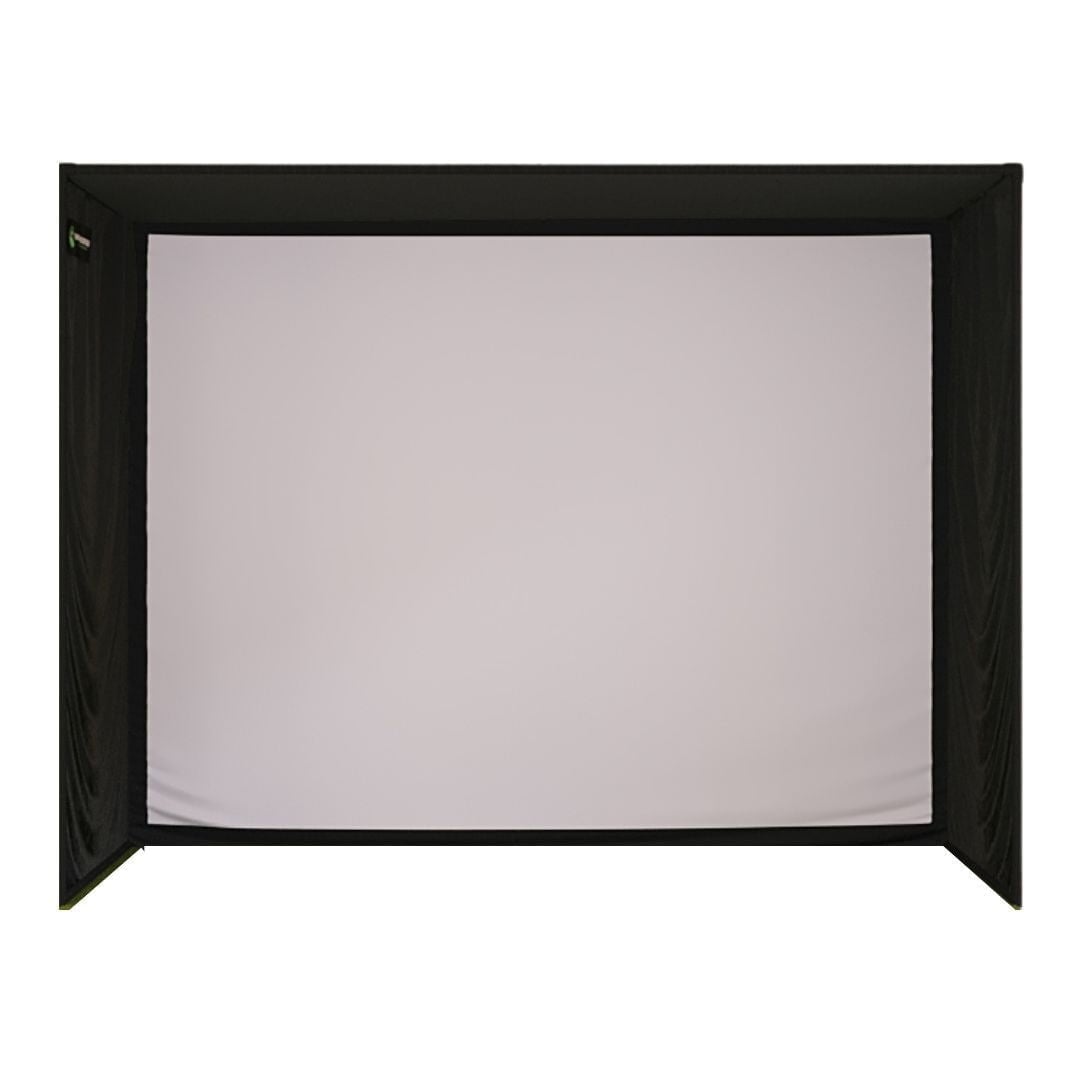
Honest framing on those two: the GoSports is the right call if your build is space- or budget-limited, and it will get you playing courses on a screen. The SIG10 earns its extra outlay only if you have the width and intend to hit into it several times a week for years, because screen durability, bounce-back and noise are differences you notice on session two hundred, not session two.
2. Screen quality, which is not the same as enclosure
Most upgrade paths skip this entirely, because screens are boring and nobody posts about them. A cheap impact screen ruins a good projector, bounces balls back at your shins, wrinkles where the ball keeps landing, and makes the room loud enough that you stop using it when anyone else is home. A good one decides whether the picture reads as a golf hole or as a projection on fabric.
If you are buying an enclosure and screen as a kit, this decision is made for you, which is why the two enclosures above are best judged on their screens rather than their frames. If you already own a frame, replacing just the screen is the highest-return upgrade in home simulation and almost nobody does it.
3. Projector: short throw and brightness beat resolution
Two specs matter far more than pixel count. Short throw, so the unit can mount near the screen and you are not standing in your own shadow every swing. And brightness, because most home sims live in rooms with a window, and a dim projector in a room you cannot fully black out is the single most common reason a build looks worse than its parts.
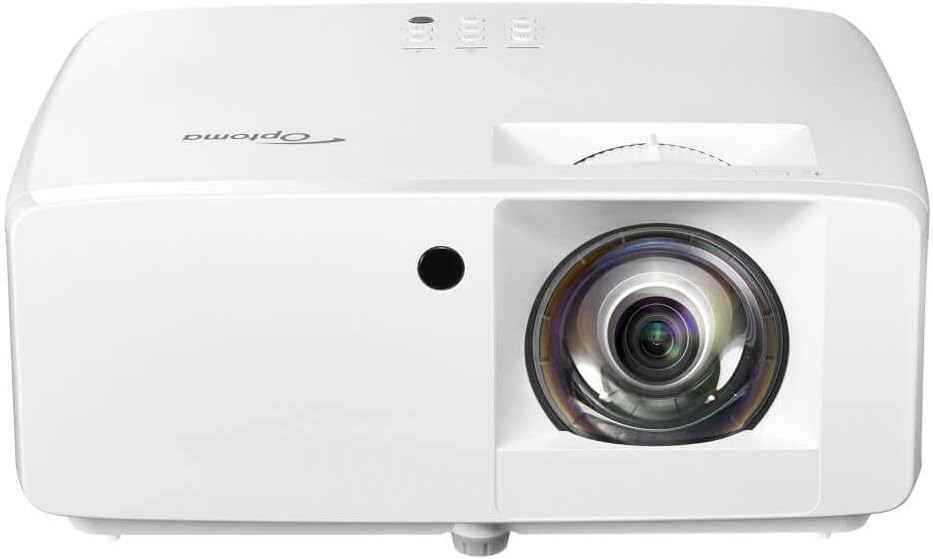
The Optoma GT2000HDR is the sensible starter answer: it keeps the short throw and the bright laser light source of its pricier sibling but sticks to 1080p to bring the cost down, and it ceiling-mounts for shadow-free play. In a room you can dim, a sharp 1080p image on a proper impact screen at swing distance looks genuinely good, and the money saved against a 4K unit is better spent on the screen it is projecting onto.
Who should skip the projector step altogether: anyone building a pure practice bay who is happy reading numbers off a tablet. A projected course is what makes a sim entertaining rather than a chore, but if your goal is winter swing maintenance and nothing else, put the money into the mat and the space instead.
4. Launch monitor: fourth, not first
Yes, fourth. By the time you get here you have a room you can swing in and a picture you want to look at, which means the monitor is choosing how good your data is rather than whether the sim exists. And the modern question is less about decimal places of spin accuracy than about placement, handedness and whether the software you will stare at every night is any good.
That is why the ProTee VX is interesting beyond its spec sheet. It is a ceiling-mounted overhead unit: two high-speed cameras with AI tracking watching ball and club from above, capturing 24 ball and club data points including club path, face angle and attack angle, with no marked balls or club stickers required. The overhead position is the actual feature. Nothing sits on the floor cluttering your bay, the 25-by-21-inch hitting zone is forgiving about where you tee up, and it reads right and left-handers with no repositioning at all — which, if your sim is shared with a left-handed partner or kids, matters vastly more than a fraction of a degree of spin axis. There is also no subscription, which over a decade of ownership is a bigger number than most spec comparisons.
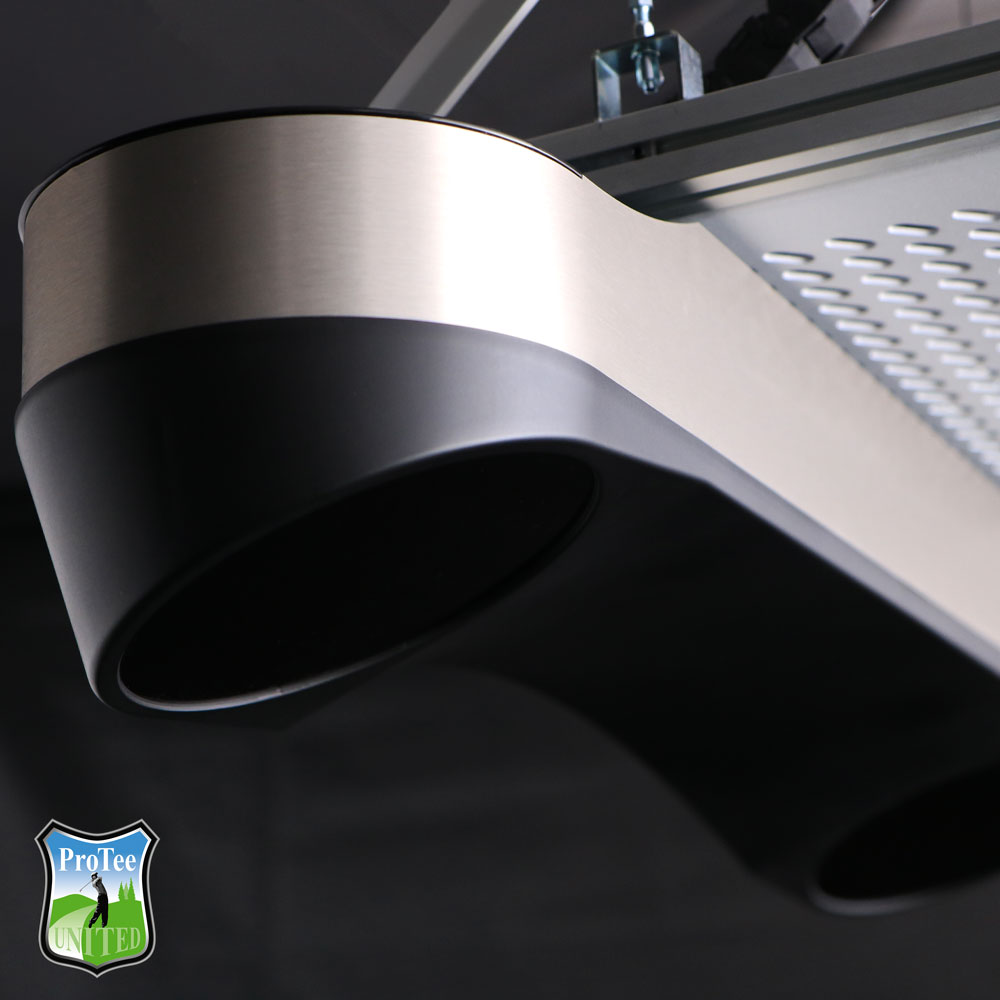
The trade-offs are real and they are structural, not incremental. You need the ceiling height for it, around nine to ten feet, and you need to be willing to mount it permanently — there is no portable use case here, so it is the wrong buy if you also want to take a monitor to the range. Overhead camera units can be fussier than radar in rooms with awkward or uneven lighting. And it is a serious outlay: this is the component where the money genuinely goes. If you want the broader case for each sensing approach, we laid it out in radar versus camera launch monitors.
5. The putting surface nobody budgets for
Here is the line item that gets cut from every build and then quietly explains why the room goes unused by February. Half of winter golf is putting, and a hitting mat cannot help you with any of it. A sim room with nowhere to roll a putt is a driving range with a projector.
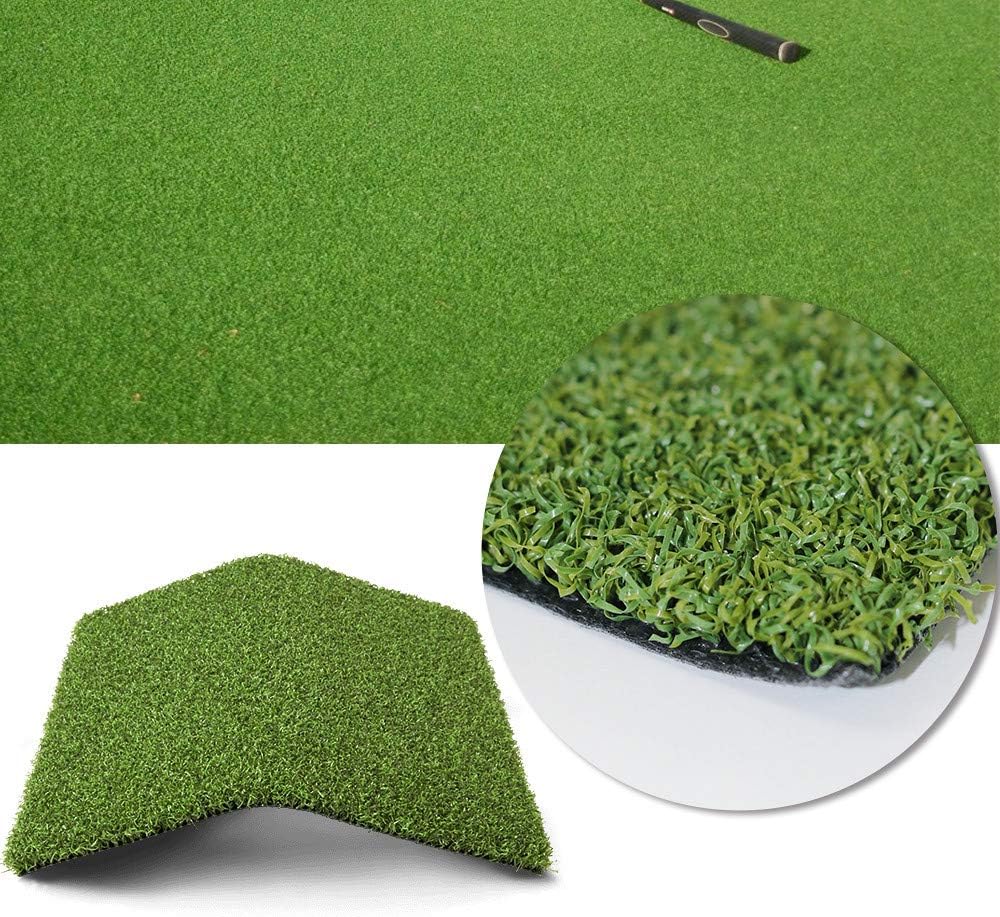
Roll-out putting turf is the cheap fix. The ALTRUISTIC Pro Putting Green Turf is a roll of pro-style surface you cut to fit and lay through the bay, with a rubber backing for drainage, and it gives you a true-rolling green underfoot for a fraction of a bespoke install. It is not tour-spec and it will not read like bent grass, but it turns a hitting rig into a room, and that is the entire game.
The order, and who should ignore it
Space and enclosure. Screen. Projector. Launch monitor. Putting surface. If you are building from scratch, follow it in that sequence and stop when the money runs out — a great room with a modest sensor beats a great sensor in a bad room every single time. If you already own a sim and are itching to upgrade, invert your instinct: the thing you want to replace is probably not the thing holding the room back.
The exception, and it is a real one: if you are a coach, a fitter, or a genuinely low-handicap player working on delivery, the monitor moves up the list because the data is the product. Everyone else is buying a place to play golf in January, and places to play golf are made of rooms and pictures and floors. Cost out a full build against your actual dimensions with our sim build planner, and if you are working with a standard garage bay, the constraints are covered in our garage sim setup guide.
Products mentioned in this article
GoSports
GoSports Golf Simulator Enclosure + Impact Screen
Value complete enclosure — frame, 4K-ready screen and shank nets, fits a tighter bay
Shop Indoor Golf
SIG10 Golf Simulator Enclosure
Step-up enclosure built around the SIGPRO premium screen — needs a dedicated room's width
Optoma
Optoma GT2000HDR Short-Throw Projector
The sensible starter projector: short throw, bright laser, 1080p rather than 4K money
ProTee
ProTee VX Overhead Launch Monitor
Ceiling-mounted, both-handed without repositioning, deep club data, no subscription
ALTRUISTIC
ALTRUISTIC Pro Putting Green Turf
The line nobody budgets for — roll-out putting turf that makes the room worth sitting in
ifrothgolf earns a commission on purchases made through these links, at no extra cost to you. It never changes what I recommend. Full disclosure.
Frequently asked
- What should I upgrade first in my golf simulator?
- Whatever limits how much you use the room. For most people that is space and the enclosure, then the impact screen, then the projector. The launch monitor comes fourth unless you are a coach or fitter who needs the data quality itself.
- Is an overhead launch monitor better than a floor unit?
- It is better for permanent rooms and shared use. Ceiling-mounted units keep the hitting bay clear and read right and left-handed players without being moved, which matters in a tight space. They need the ceiling height, they cannot be taken to the range, and camera-based units can be sensitive to awkward lighting.
- Do I need a 4K projector for a golf simulator?
- No. Short throw and brightness matter far more than resolution at typical screen distances. A bright 1080p short-throw projector on a good impact screen in a room you can dim looks better than a dim 4K unit fighting daylight.
- How much ceiling height do I need for a home golf simulator?
- Measure by swinging a club rather than trusting a number, because arm length and swing plane change the answer. Ceiling-mounted overhead launch monitors typically want around nine to ten feet, and low ceilings restrict which clubs you can safely use at all.
Read next
Opinion
The smartest time to buy a golf simulator is the middle of summer
Nobody is thinking about indoor golf in July — which is exactly why the golfer who builds now plays all winter while everyone else is fighting over stock in November.
Explained
Your launch monitor isn't the most important thing you'll plug in, and the bill nobody budgets for proves it
Every home sim budget on the internet lists the sensor, the screen, the mat and the projector. Two line items decide whether the room is actually good, and neither one is on the list.
Versus
Carl's Place Curved vs Pro enclosure: the curve buys peripheral vision and spends it on projector geometry
Carl's curved kit wraps the impact screen around the hitting area so the image carries into peripheral vision. That changes the surface your projector has to focus on, which makes this a screen decision and a projector decision at the same time.