
Your launch monitor isn't the most important thing you'll plug in, and the bill nobody budgets for proves it
Every home sim budget on the internet lists the sensor, the screen, the mat and the projector. Two line items decide whether the room is actually good, and neither one is on the list.
By Marcus Bell · Simulator & Indoor Golf Writer
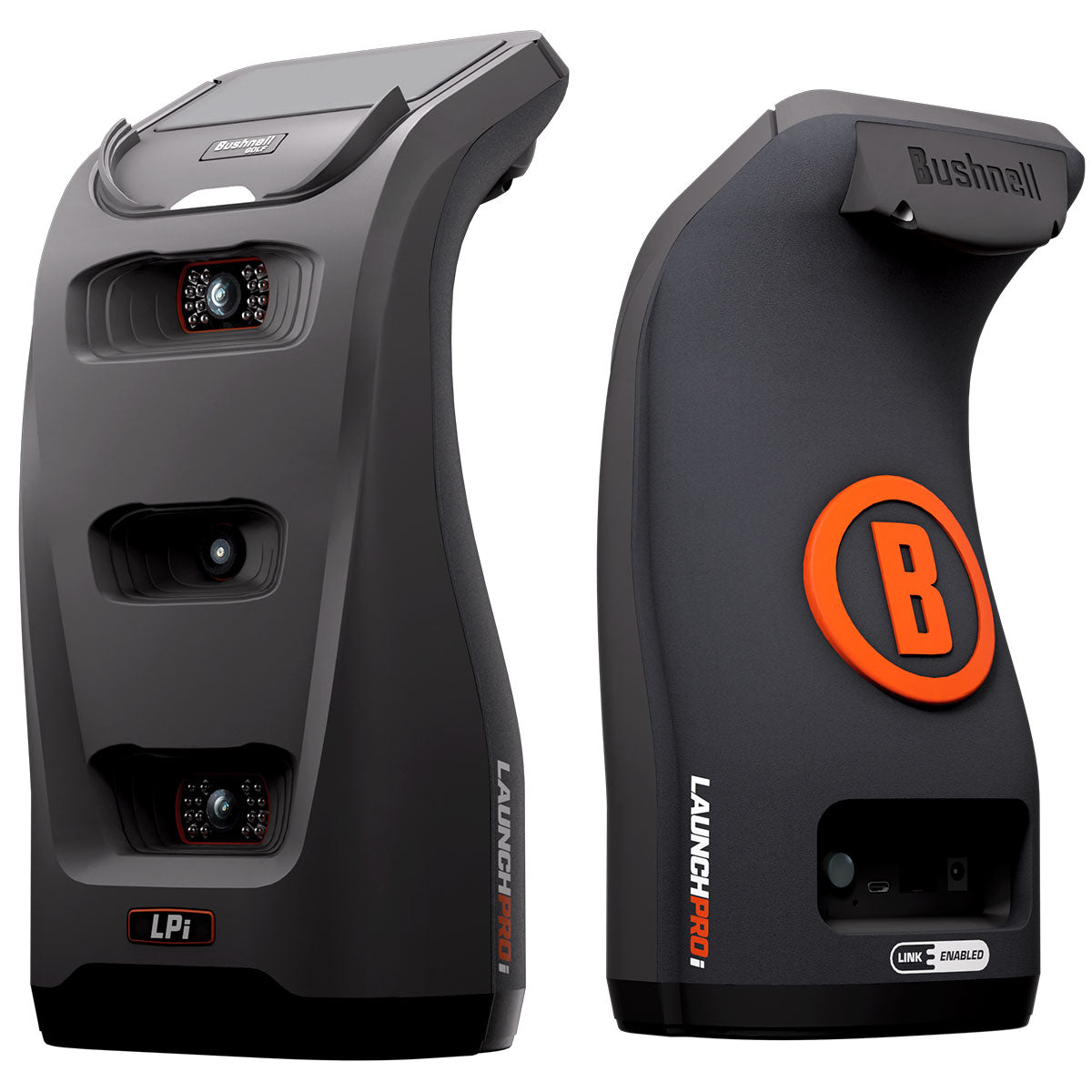
Bushnell
Bushnell LPi Circle B
ifrothgolf earns a commission on purchases made through these links, at no extra cost to you. It never changes what I recommend. Full disclosure.
Go and read any home simulator build thread. The spreadsheet is always the same five rows: launch monitor, impact screen, enclosure, hitting mat, projector. It looks complete. It is not, and the two missing rows are the ones that determine whether you end up with a room you use four nights a week or an expensive net with a picture on it. The missing rows are the PC and the software.
This is not a small oversight. Take the Bushnell LPi Circle B as the clean example, because its own listing is honest about it: it runs Foresight Sports measurement technology in a compact indoor-only box at around $1,000, and access to FSX Play and GS Pro is sold as a subscription rather than baked into the sticker. The entry price is genuinely low for that class of accuracy. The three-year price is a different number entirely, and the gap between those two numbers is the whole subject of this piece.
The first fork: does your sensor need a Windows PC at all?
Before you cost anything, answer this, because it moves four figures. Some sensors are effectively self-contained or run happily on a tablet. Others assume a Windows gaming PC sitting under the desk, and the moment they do, your build acquires a component with a graphics card in it.
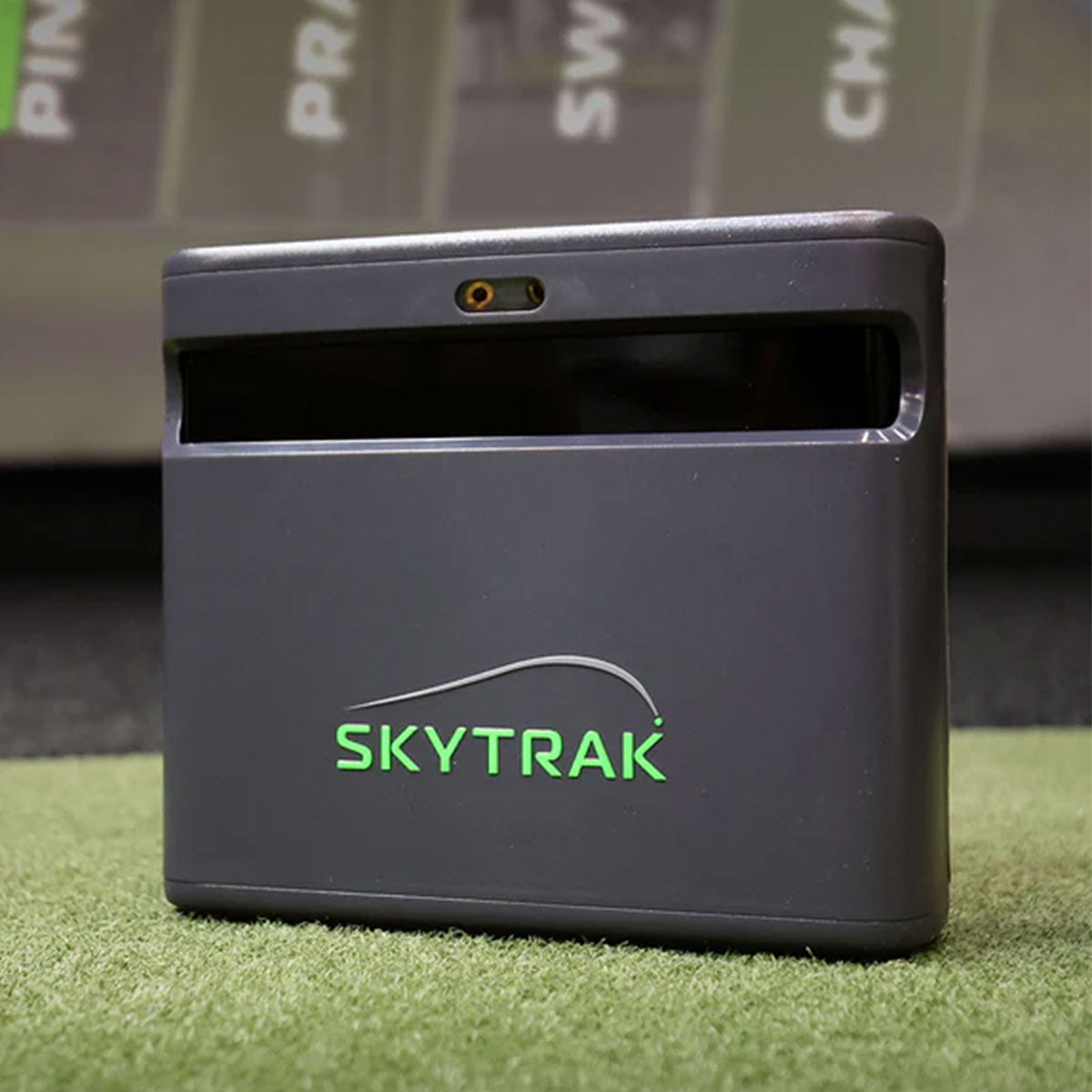
The SkyTrak ST MAX is the standout on the friendly side. It reads 15 performance metrics, adds GOLFTEC-powered speed training and dual USB connectivity, and — the part that matters for a budget — the 2026 membership tiers bundle Foresight and Trackman course play that you can run on a compatible Mac or iPad rather than a purpose-built gaming rig. That single fact knocks a four-figure hidden cost out of the project, which is why it keeps winning arguments it looks like it should lose on paper.
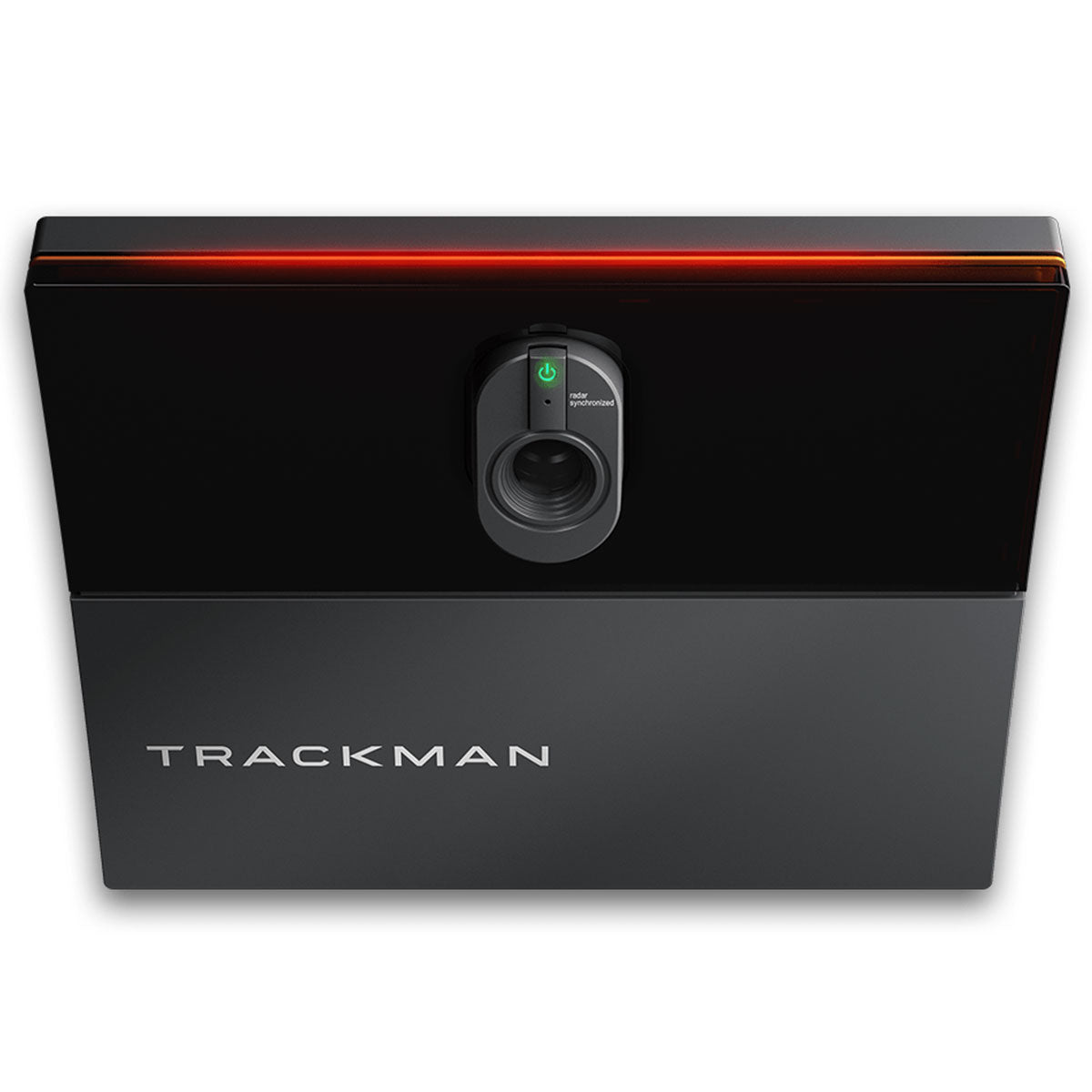
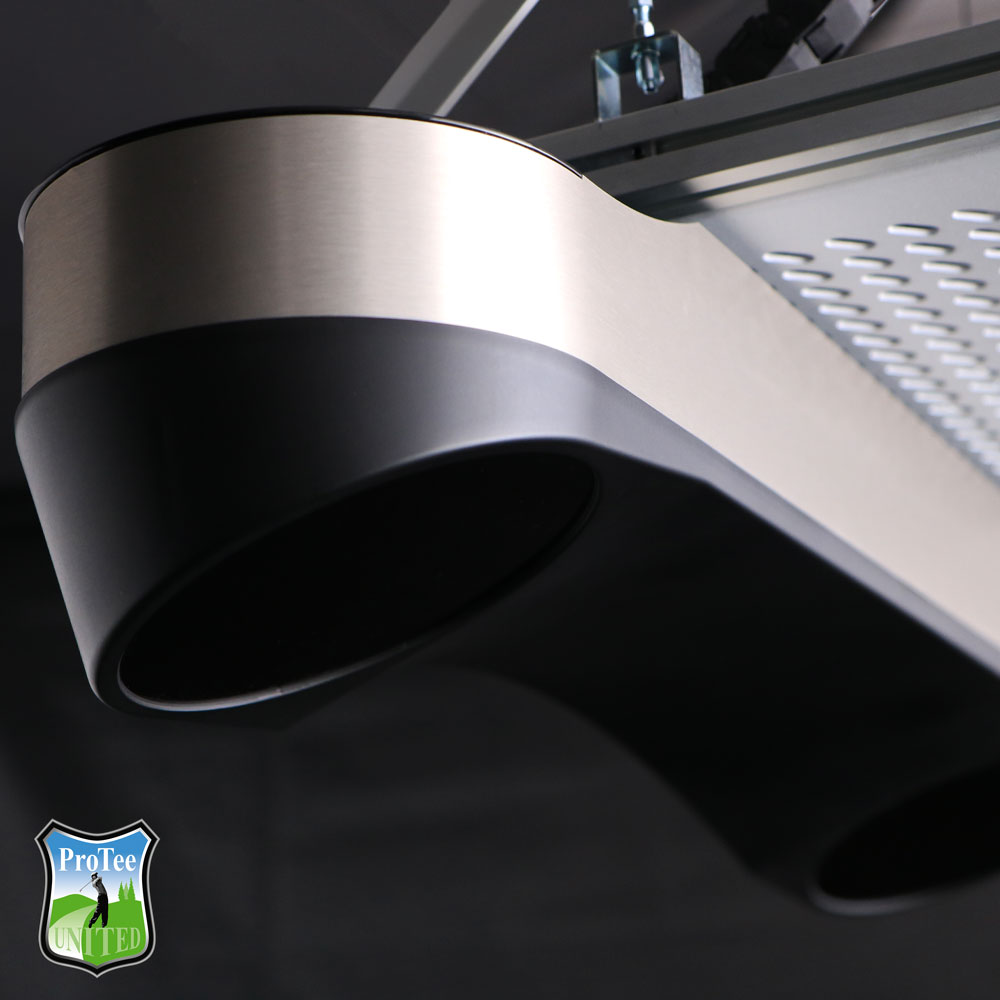
At the other end, the Foresight GC3 with LINK states plainly that a gaming PC is required for simulator software, and the ProTee VX is built as the brain of a permanent room where a PC is simply assumed. The Trackman iO is a ceiling-mounted indoor unit fusing radar, infrared and high-speed imaging, aimed at teaching bays and no-compromise studios, and nobody spending that kind of money is running it off a spare laptop. None of that is a criticism. It is a line item, and it belongs in the spreadsheet on day one rather than arriving as a surprise in week three.
Software is a second purchase, and it is the one with a renewal date
Here is the part that catches people out. The sensor and the software are separate decisions with separate commercial models, and the compatibility between a given sensor and a given platform is the real constraint — not the marketing on either box.
The models genuinely differ. GSPro, the platform the enthusiast community has largely standardised on, is sold as an annual licence, currently around $250 a year. E6 by TruGolf runs subscription tiers as well, with its play-focused tier landing near $300 a year at the time of writing, alongside a one-time licence route. Trackman includes the first year of its software subscription with the hardware and then charges annually from year two, with the tier deciding how many courses and how much club data you keep. And then there are the units that took the opposite position entirely: the GC3 with LINK includes all features with no recurring fee, and the ProTee VX is explicit that there is no subscription and no marked balls, so the price you pay is the price forever.
Check the pairing before you buy either half. A sensor is only worth what it can talk to, and every year somebody buys a unit and discovers the platform they wanted is either unsupported or supported at a tier they had not costed.
What the PC actually has to do
It is not doing maths. The sensor does the measuring; the PC is rendering a golf course at a frame rate and a latency that either sustain the illusion or destroy it. That is a graphics job, which is why the recommendations you see are gaming recommendations. For GSPro in 2026 the tiers people actually build to start around an RTX 4060-class discrete card on Windows 10 or 11 with 16GB of RAM as the floor, with 32GB the comfortable standard once you are running launch monitor software alongside the sim. Push to 4K ultra settings and the ask goes up again.
The second half of the chain is the one nobody costs at all: display latency. The difference between a sim that feels like golf and one that feels like a video game with lag is largely the delay between impact and the ball starting to move on screen. The commonly cited target for simulator use is projector input lag under about 30 milliseconds, which is why sim-focused buyers care about a projector's gaming mode in a way home-cinema buyers do not. Get this wrong and you will hear the strike before you see it, every single shot, and the room will quietly stop being fun.
The five-year sum that flips the ranking
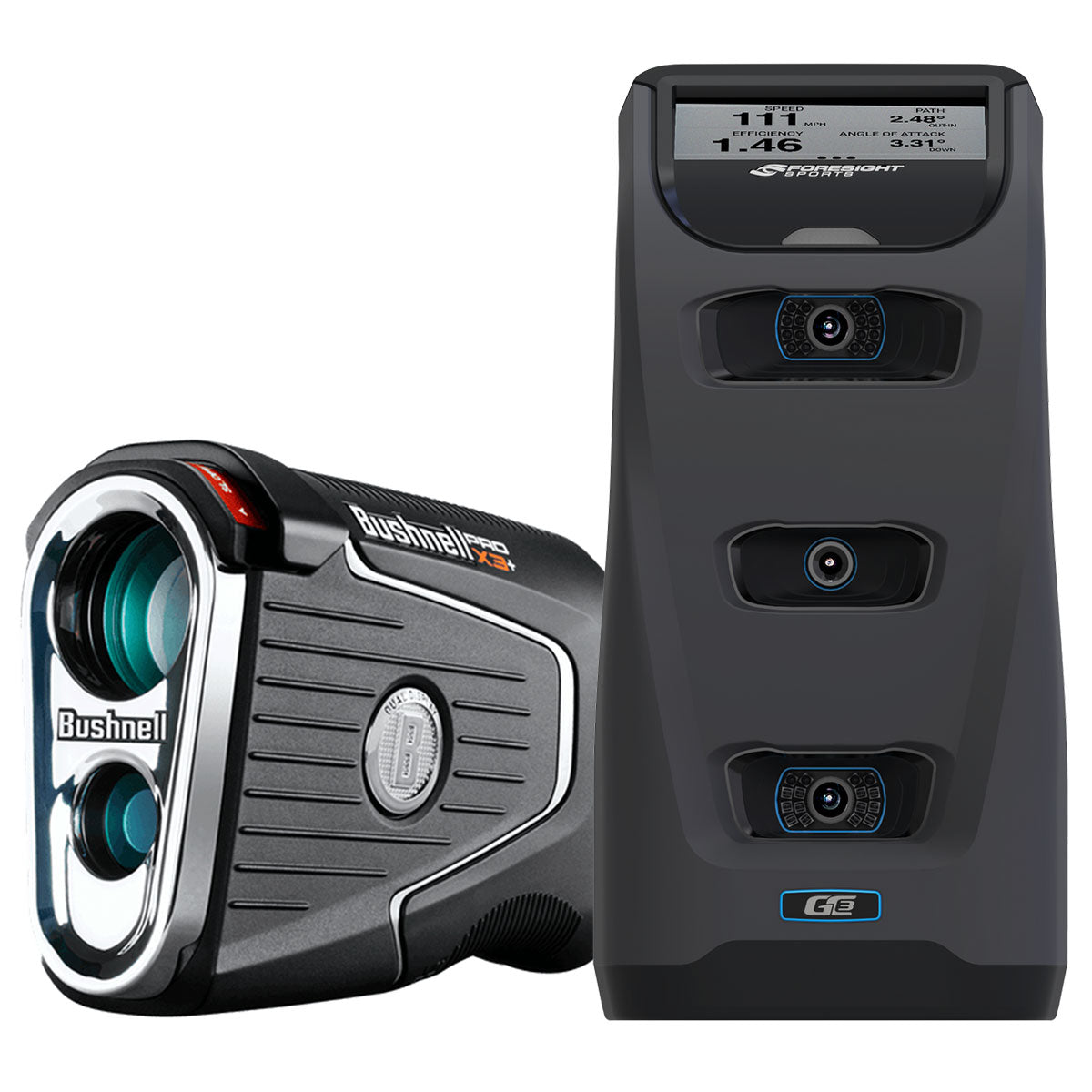
Now put it together, because the ordering changes. Sketch two builds over five years. Build A takes a cheaper sensor at around $1,000, adds a capable PC — realistically $1,150 to $1,800 once you are at RTX 4060-class with 32GB — and then pays an annual software fee for five years. Build B takes the Foresight GC3 with LINK at around $7,000, which includes every feature with no subscription, and still needs the same PC.
Build A starts thousands cheaper and closes a meaningful chunk of that gap by year five, purely on renewals. Whether it fully closes depends on which tiers you pick, so do the arithmetic with your own numbers rather than ours — but do the arithmetic. That is precisely the argument the GC3 makes for itself, and the ProTee VX makes the same case from the overhead direction with its one-time price, no subscription and no ball markings, though it wants roughly nine to ten feet of ceiling and a permanent mount before it will do it.
The Trackman iO sits at the other extreme of the same logic: the highest entry price on this page, first-year software included, then an annual decision from year two about how much of the platform you keep. For a teaching professional or a commercial bay that is straightforward. For a garage, it is a subscription you will be renewing for a decade.
Budget it like this
Six rows, in this order. One, the sensor. Two, the PC or tablet — decided by the sensor, not by preference, so settle row one first. Three, year-one software, including any tier you need to unlock club data. Four, years two to five of software, written down as a single number so you actually see it. Five, the display chain: projector with a real gaming mode, screen, enclosure. Six, the mat, which is the row people overspend on and the only one you can genuinely defer.
If your total sits within about fifteen per cent of your ceiling once rows three and four are in, you have not got a budget, you have got an aspiration. Our launch monitor price ladder sorts the sensors by what each tier genuinely buys you, the sim upgrades people do in the wrong order covers what to fix first when the room already exists, and the sim build planner will tell you in a few questions whether your room clears the physical bar before you spend anything at all.
Who can skip the PC entirely
Plenty of people, and they should. If you want course play and honest practice numbers rather than a fitting bay, if you are happy inside one ecosystem, and if you own a compatible Mac or iPad already, the SkyTrak route removes the largest hidden cost in the whole project and removes the maintenance with it. Nobody has ever enjoyed troubleshooting a graphics driver in a cold garage in February.
You should not skip the PC if you want GSPro specifically, if you need full club data at high fidelity, if you are building something semi-commercial, or if multiple people will use the room and you want it to behave like a fixture rather than a gadget. And you should not skip it quietly — deciding not to buy a PC is a legitimate choice, but discovering you needed one after the screen is already hung is not. Worked examples at every price point are in home golf simulator builds by budget.
Products mentioned in this article
Bushnell
Bushnell LPi Circle B
The cheapest route to Foresight-grade indoor data, but the software you will actually want is recurring.
SkyTrak
SkyTrak ST MAX
Runs on a compatible Mac or iPad, which takes the whole PC line item out of the budget.
Foresight Sports
Foresight GC3 with LINK
Every feature included and no subscription — the strongest five-year argument on this list.
ProTee
ProTee VX Overhead Launch Monitor
Overhead, no marked balls, no subscription, but it wants ceiling height and a PC underneath it.
Trackman
Trackman iO
The no-compromise indoor unit, with the software cost arriving in year two rather than year one.
ifrothgolf earns a commission on purchases made through these links, at no extra cost to you. It never changes what I recommend. Full disclosure.
Frequently asked
- Do you need a gaming PC for a home golf simulator?
- It depends entirely on the sensor. Some units, including the SkyTrak ST MAX, run their course play on a compatible Mac or iPad, which removes the PC from the budget altogether. Others state plainly that a gaming PC is required for simulator software, including the Foresight GC3 with LINK. Settle the sensor first, because it decides this question for you.
- Is golf simulator software a one-off purchase or a subscription?
- Both models exist, which is why it needs checking before you buy. GSPro is sold as an annual licence, E6 by TruGolf offers subscription tiers alongside a one-time licence, and Trackman includes the first year with the hardware then charges annually from year two. Some hardware takes the opposite approach: the Foresight GC3 with LINK includes all features with no recurring fee, and the ProTee VX has no subscription at all.
- What PC specification does GSPro need?
- The builds people actually recommend for 2026 start around an RTX 4060-class discrete graphics card on Windows 10 or 11, with 16GB of RAM as the floor and 32GB the comfortable standard once launch monitor software is running alongside the simulator. Running at 4K on high settings raises the requirement further.
- Why does my simulator feel laggy even though the numbers are accurate?
- Almost always the display chain rather than the sensor. If there is a visible delay between the strike and the ball moving on screen, the illusion breaks. Simulator buyers generally look for projector input lag under about 30 milliseconds and use the projector's gaming or low-latency mode, which is a different priority from home cinema image processing.
Read next
Opinion
The smartest time to buy a golf simulator is the middle of summer
Nobody is thinking about indoor golf in July — which is exactly why the golfer who builds now plays all winter while everyone else is fighting over stock in November.
Explained
You're upgrading your golf sim in the wrong order
The most common home-sim regret isn't a launch monitor's accuracy. It's a room you flinch in and a picture you can't see in daylight — and both get budgeted last.
Versus
Carl's Place Curved vs Pro enclosure: the curve buys peripheral vision and spends it on projector geometry
Carl's curved kit wraps the impact screen around the hitting area so the image carries into peripheral vision. That changes the surface your projector has to focus on, which makes this a screen decision and a projector decision at the same time.