
Uneekor EYE XR vs EYE XO2: the cheaper overhead keeps the sticker-free club tracking and gives up the hitting zone
Same brand, same ceiling mount, and one of them costs a little over 1.8 times the other. Before either is a decision, measure the room — then the gap comes down to a third camera and how much ball-position drift it forgives.
By Marcus Bell · Simulator & Indoor Golf Writer
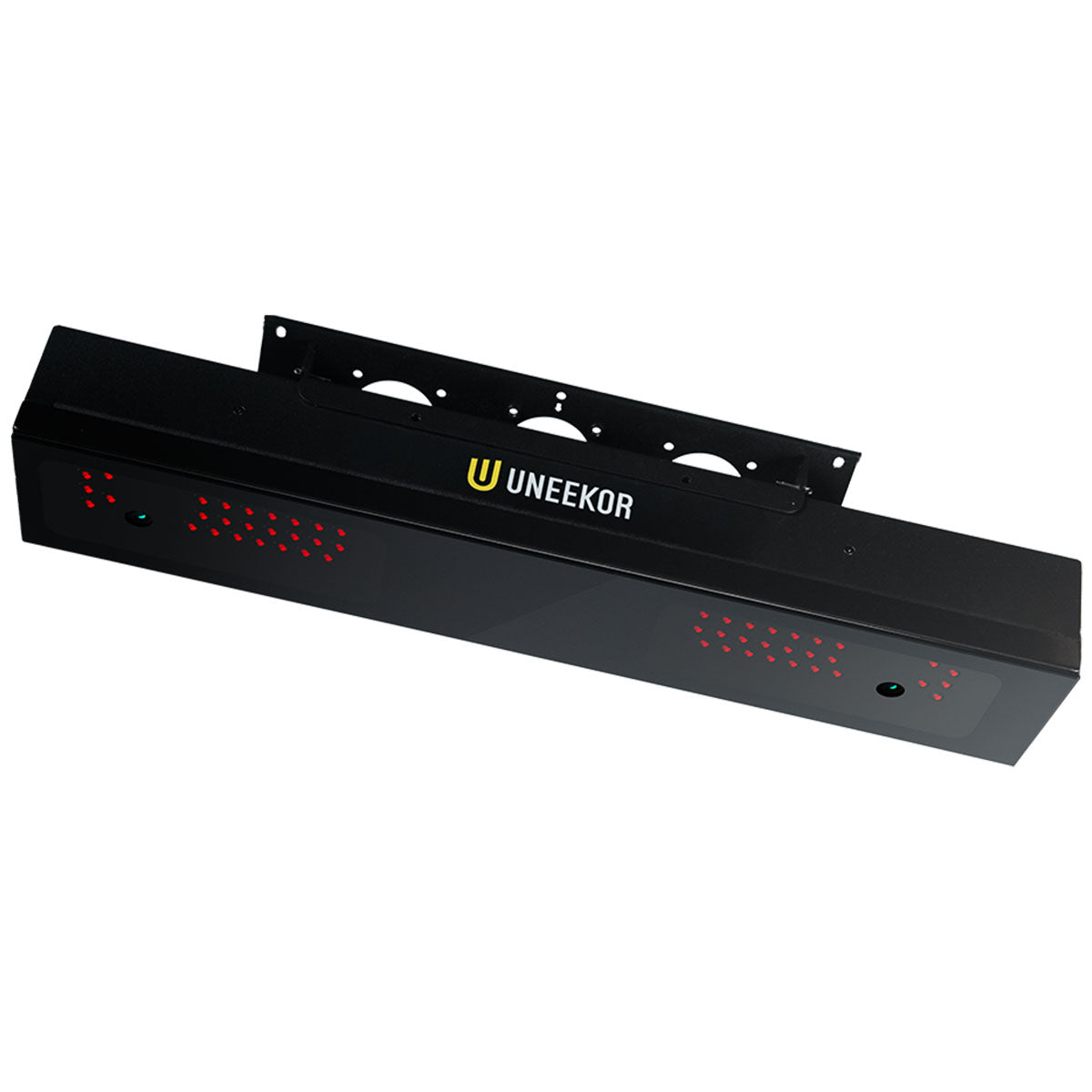
Uneekor
Uneekor EYE XR Launch Monitor
Pick if the room clears nine feet and you would rather spend the difference on the screen, the mat and the PC.
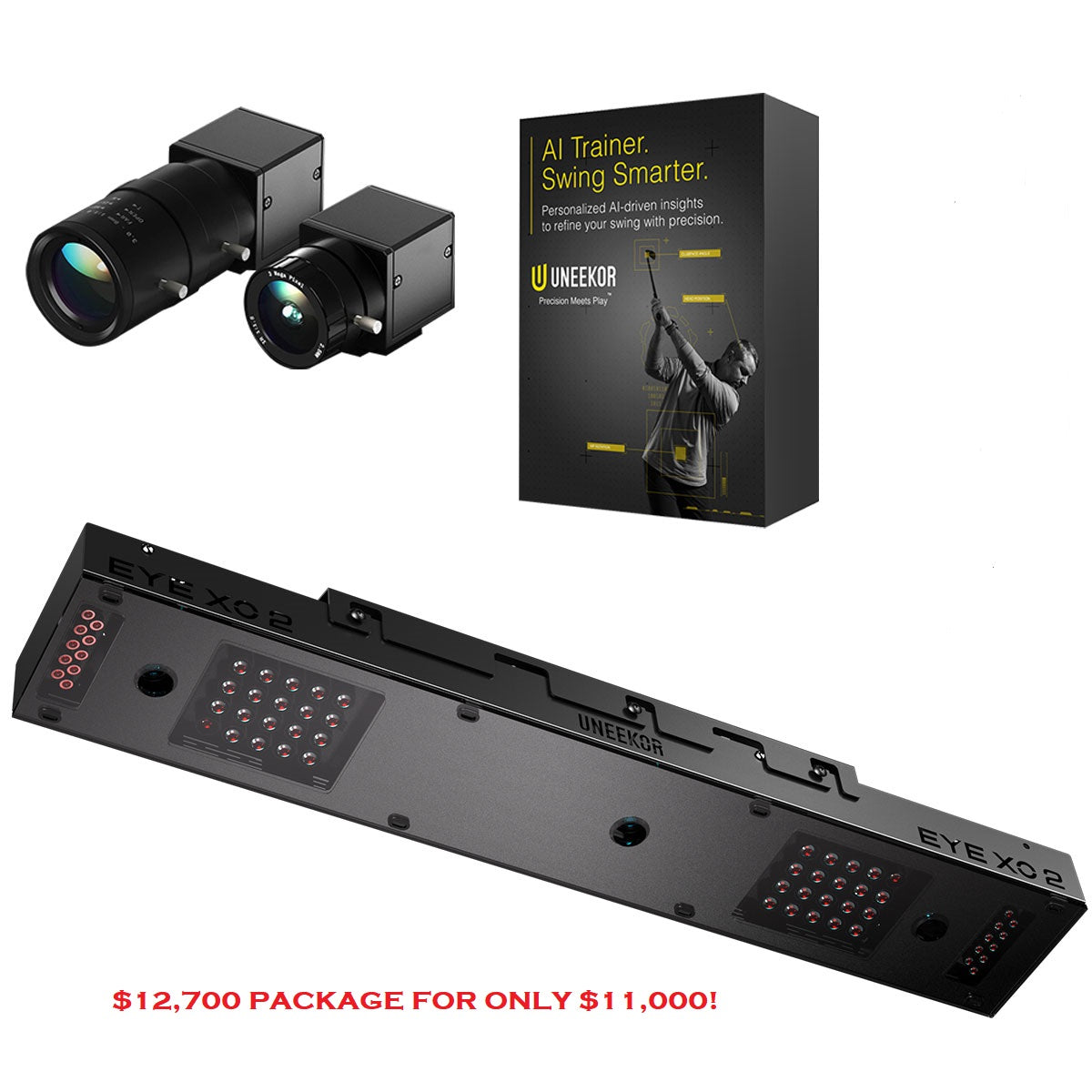
Uneekor
Uneekor EYE XO2
Pick if the bay is permanent, shared and busy enough that ball-position drift is a real cost.
ifrothgolf earns a commission on purchases made through these links, at no extra cost to you. It never changes what I recommend. Full disclosure.
Part of our guide toBest Premium Launch Monitors 2026Before you read a spec sheet, go and stand where the ball will be and put a tape measure on the ceiling. That is not a throat-clearing preamble, it is the whole first half of this decision. The Uneekor EYE XR lists at $6,000 and the Uneekor EYE XO2 at $11,000, and if the number on that tape measure comes back under nine feet, the correct answer is neither of them and the money is better spent elsewhere.
The ceiling is a gate, not a preference
The XR mounts overhead and slightly behind the hitting area, and Uneekor is specific about what that needs: a nine to ten foot ceiling, and a mount roughly three and a half feet behind the tee line. The ready zone — the patch of floor where it will reliably pick the ball up — is about 13.7 inches by 11.8. Those three figures are the real product. Everything else on the spec sheet is negotiable in the sense that you could live with a different answer; a ceiling is not.
Eight-foot garages are extremely common, and the honest advice for one is to stop shopping overhead entirely. A floor-standing camera unit like the Bushnell Launch Pro at $3,000 or the SkyTrak ST MAX at $2,000 reads a ball beautifully in a room that cannot take a ceiling mount, packs away when the car needs the space, and goes outside in July. We have made the full case for choosing the architecture before the unit in overhead or beside the ball, and there is no point re-running it here. This piece assumes you have already had that argument with yourself and won it in favour of the ceiling. The question is which Uneekor.
What the cheaper Uneekor does not give up
Start here, because it is the part people get backwards. The assumption in most sim-room threads is that markerless club tracking is what you pay the premium for — that the cheaper overhead reads the ball properly and then asks you to stick dots on your driver face and play marked balls to get club data. The XR does not. Two high-speed cameras read 19 ball and club data points, and Uneekor's Club AI handles the club side with no stickers and no marked balls.
That matters more in practice than it reads on paper. Face stickers are a consumable and a chore: they wear off, they come off mid-session, and the day you forget to reapply them is the day your club path data quietly stops existing. Marked balls are worse, because they turn every bucket of range balls into a sorting job and every guest into an explanation. A unit that reads club delivery from a bare ball and a bare face removes a recurring tax on actually using the thing, and the XR charges nothing extra for it.
The install is similarly unglamorous and similarly good. Power over Ethernet means one cable to the ceiling instead of two, which is the difference between a tidy conduit run and a visible mains lead. And at this price the XR ships with Swing Optix cameras — so the synchronised swing video that turns a measurement device into a coaching one is in the box, not a line item.
What it does give up: a camera and a bigger margin for error
Now the honest half. The XO2 runs three overhead high-speed cameras against the XR's two, and the thing that third camera buys is not a longer list of metrics — it is an enlarged hitting zone. Set against the XR's 13.7 by 11.8 inch ready zone, that is the single meaningful difference between these two units, and it is worth understanding before you decide it does not apply to you.
Ball position drifts. Not dramatically, and not in the first twenty minutes, but across a two-hour session the ball creeps — forward as you get loose, back as you start chasing a low one, and sideways every time you drag the mat a fraction re-setting your alignment. A generous hitting zone absorbs that and keeps reading. A tighter one starts dropping shots, and the failure mode is annoying rather than obvious: you do not get an error, you get a session with holes in it and a suspicion that the unit is being temperamental. Add a second player with a different stance and the drift roughly doubles.
The XO2's other quoted requirements are worth reading as costs rather than footnotes. Mounting position and alignment are critical and unforgiving — get them wrong and accuracy degrades rather than erroring out — and it wants a gaming PC. Neither of those is a reason to buy the XR instead, because the XR hangs from the same ceiling and needs the same care. But they are a reason to budget for a proper install on either unit.
The bill that neither sticker mentions
Uneekor gates third-party simulator software behind a paid membership tier, which means the course play most people are buying one of these for — GSPro, E6 Connect — is a recurring cost on top of the hardware. Our launch monitor compatibility matrix records that gate against the XO2 row, sourced from Uneekor's own software pages; the XR is new enough that it is not in the matrix yet. Budget for the subscription either way, and check the tier before you commit, because the difference between the entry membership and the one that unlocks everything is not small.
This is also the reason the raw price gap understates the decision. The XO2 costs a little over 1.8 times the XR, but the software bill after that is the same shape for both, so as a proportion of what the bay costs you over three years the hardware gap narrows. If you were going to stretch anyway, stretch knowing that.
Which one I would buy
The XR, in almost every home room. The reason is not that it is cheaper, it is that the thing it gives up — margin for ball-position drift — is the one variable a disciplined single-player setup can control for free. Put an alignment stick down, mark your mat, and the ready zone stops being a constraint. Spend the difference on the enclosure, the mat and the PC, which are the three things that decide whether the bay is pleasant to stand in.
The XO2 earns its money in a specific room and I would not talk anyone out of it there: a permanent bay with several regular players, a household that includes a left-hander and a right-hander who both use it properly, or anything that gets booked by other people. In those rooms the drift is not yours to manage and the bigger hitting zone is the whole point. If the bay is going to earn money, buy the bigger margin.
Skip both if the ceiling is eight feet, if the room is also a garage that has to keep working as a garage, or if you might move inside two years. And if you are shopping right at the top of the overhead market instead, the argument between the two five-figure units is a different one, handled in Foresight Falcon vs Trackman iO.
Frequently asked
- What ceiling height does the Uneekor EYE XR need?
- Nine to ten feet above the hitting surface, with the unit mounted roughly three and a half feet behind the tee line. Its ready zone, the area where it reliably picks up the ball, is about 13.7 inches by 11.8. If your ceiling is eight feet, no overhead launch monitor is a realistic option and a floor-standing camera unit is the better purchase.
- Does the Uneekor EYE XR need marked balls or stickers on the clubface?
- No. The EYE XR uses two high-speed cameras and Uneekor's Club AI tracking, which reads 19 ball and club data points from a bare ball and an unmarked clubface. Earlier generations of markerless-adjacent systems needed face stickers or dotted balls for club data; the XR does not, and that is the feature buyers most often assume belongs to the more expensive tier.
- What is the difference between the Uneekor EYE XR and the EYE XO2?
- The XO2 runs three overhead high-speed cameras to the XR's two, and what that buys is an enlarged hitting zone that tolerates ball-position drift across a long session or between players. Both mount overhead and both ship with Swing Optix cameras. The XR reads club data with no stickers through Uneekor's Club AI, while Uneekor recommends stickers on the XO2's clubfaces for accurate club data. The XO2 costs a little over 1.8 times the XR and also specifies a gaming PC.
- Do Uneekor launch monitors need a software subscription?
- Yes, if you want to play courses on third-party software. Uneekor gates packages such as GSPro and E6 Connect behind a paid membership tier on top of the hardware price, so the sticker is not the whole cost. Check which tier unlocks the software you intend to use before buying, because the entry membership and the full one are a long way apart.
Read next
Review
7.9/10Full Swing KIT review: the tape measure decides this, not Tiger
Tour pedigree, TGL on ESPN, and radar good enough to be checked against a Trackman outdoors. It also wants eighteen to twenty feet of room, which rules out most of the garages people buy it for.
Versus
Trackman iO vs Uneekor EYE XO2: the year-one trap
Both mount overhead, both want ten feet of ceiling, and about $3,000 separates them on the shelf. Then Trackman's included first year runs out, and the gap starts growing by $1,100 a year.
Versus
Uneekor EYE XO2 vs Foresight GC3: ceiling or floor?
About $4,000 separates them, but they're not really rivals — one lives in your ceiling forever, the other sits on the floor and travels. The cheaper one is also the one with no subscription.